
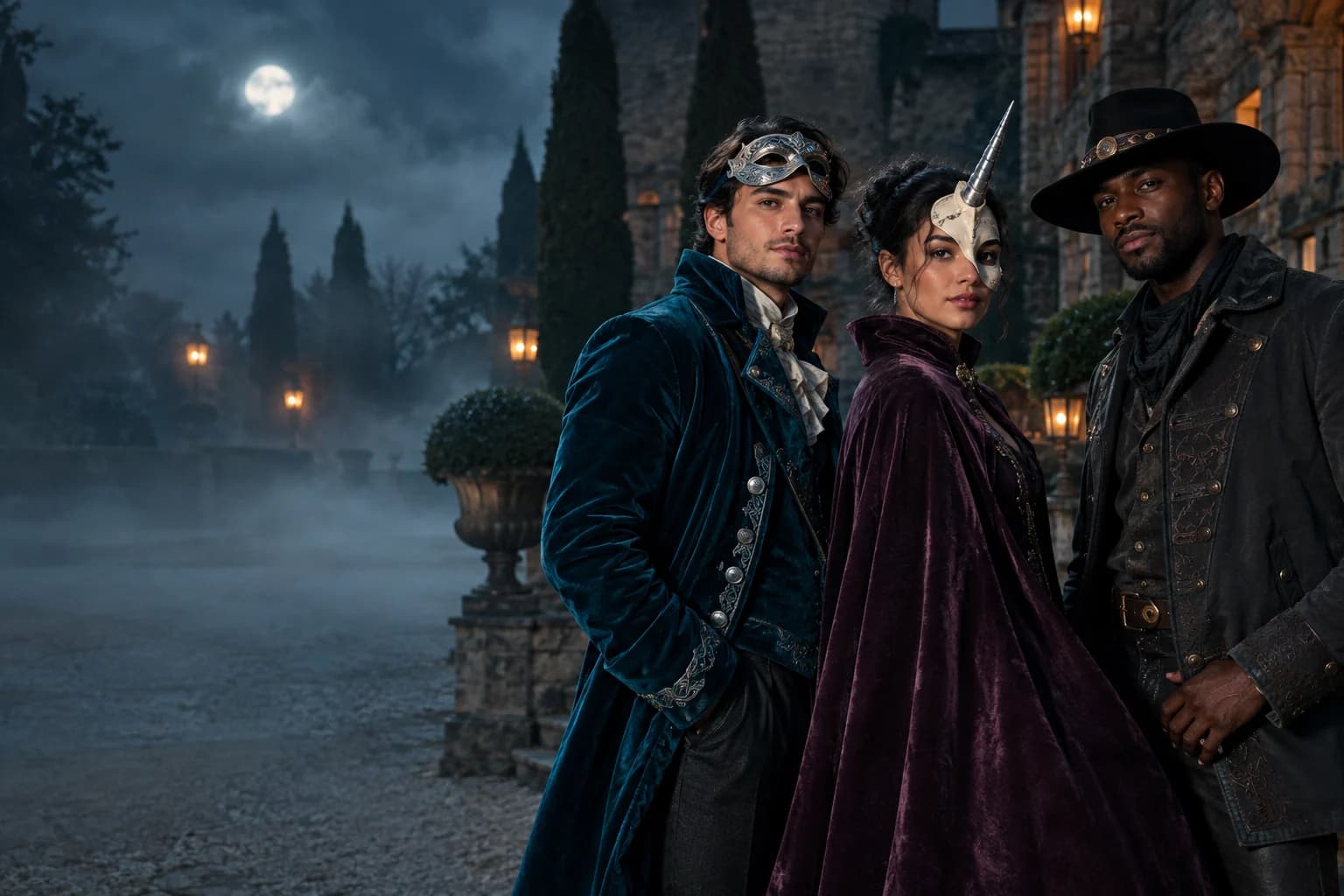
One selfie. Seven original Halloween looks.
Start with a costume portrait, a pet edit, a paired-couple scene, or a five-second horror clip. Every look below opens a real generator with the prompt already loaded, so the useful comparison happens before you spend credits.
Halloween 2026 guide, checked October 20, 2026
- Image edit
- Selfie in, portrait out
- Keep the face and change the styling, clothing and scene.
- Video
- Five to ten seconds
- Animate a still with subtle motion, fog, light and camera movement.
- Prompts
- Copy-ready recipes
- See what is preserved, what changes and what to avoid.
Choose a Halloween look
How the campaign is built
Pick the output you need first, then choose a look. The generator keeps your source photo separate from the result, so a failed direction never replaces the original.
- 1
Choose image, video or prompt
Use a costume tool when you want a changed photo, a video tool when motion matters, or the prompt library when you want to test in another assistant.
- 2
Start from a real photo
A clear, front-facing photo with even light gives the edit more identity cues and leaves less for the model to invent.
- 3
Review before scaling up
Test one look and one short clip first. Check hands, hair edges, jewellery and background text before making a longer or pricier run.
Prompt recipe
Original haunted-unicorn mascot
AI-generated campaign artwork created for this guide.
Use the uploaded photo as the primary reference. Preserve the person's recognizable face, skin tone, age, pose and natural anatomy. Create an original haunted-unicorn mascot costume portrait with a sculpted pale mask, one silver horn, a deep plum velvet cape and tiny moon-shaped charms. Keep the person's eyes visible through the mask. Place the scene in a foggy moonlit garden with dark topiary and distant lanterns. Use photorealistic editorial photography, realistic fabric texture and controlled cinematic lighting. Do not copy an existing film character, logo or costume. Keep the same number of people as the uploaded photo. Avoid changed identity, extra limbs, duplicated fingers, text and watermarks.Choose a Halloween look
Every card opens a page with a tested prompt, an editable photo, and a named starting model. Swap the model in the workspace without losing your upload or prompt.
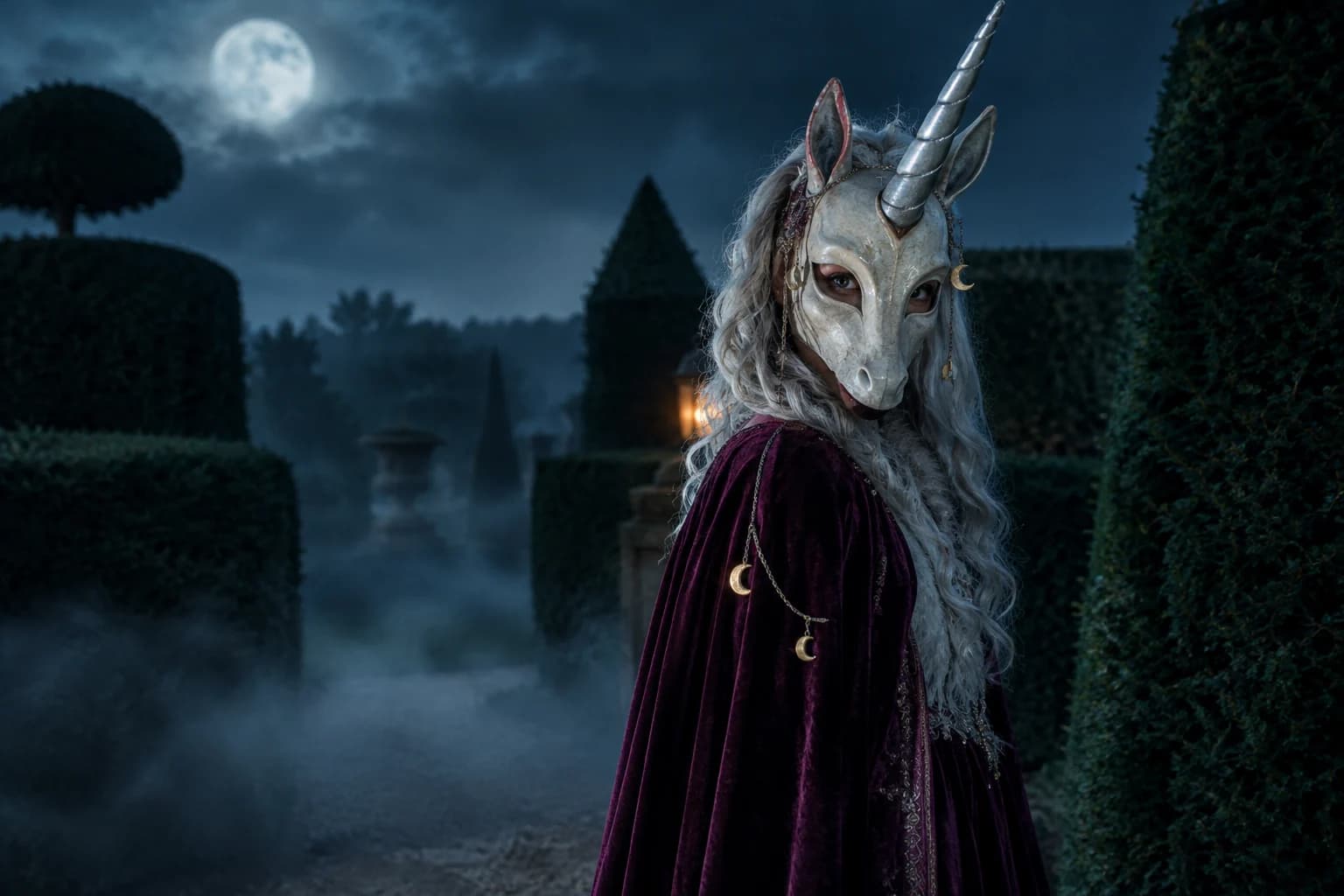
Haunted unicorn
A mascot silhouette, one silver horn and a moonlit garden.
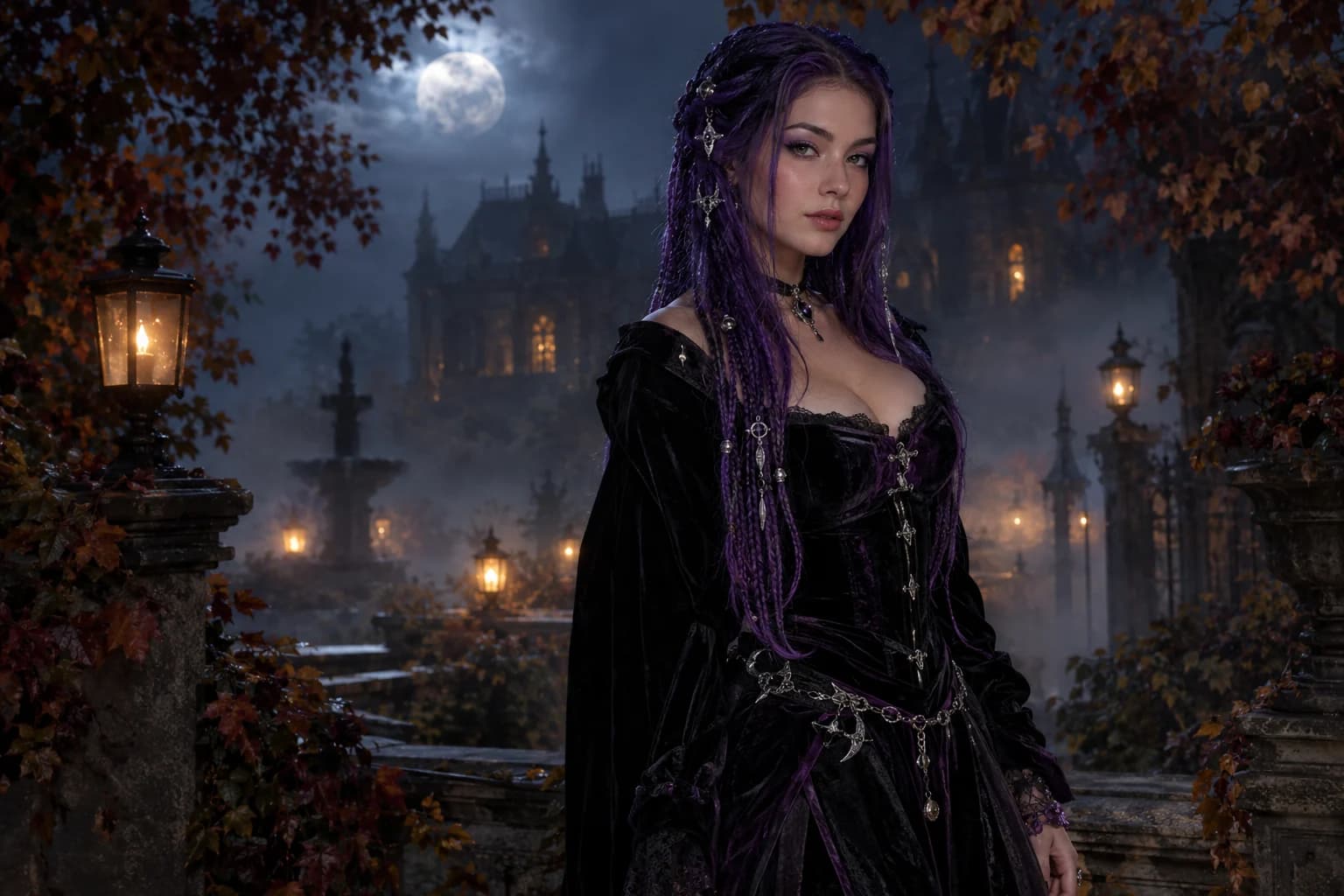
Midnight braids
Violet braids, silver details and a Victorian garden at night.
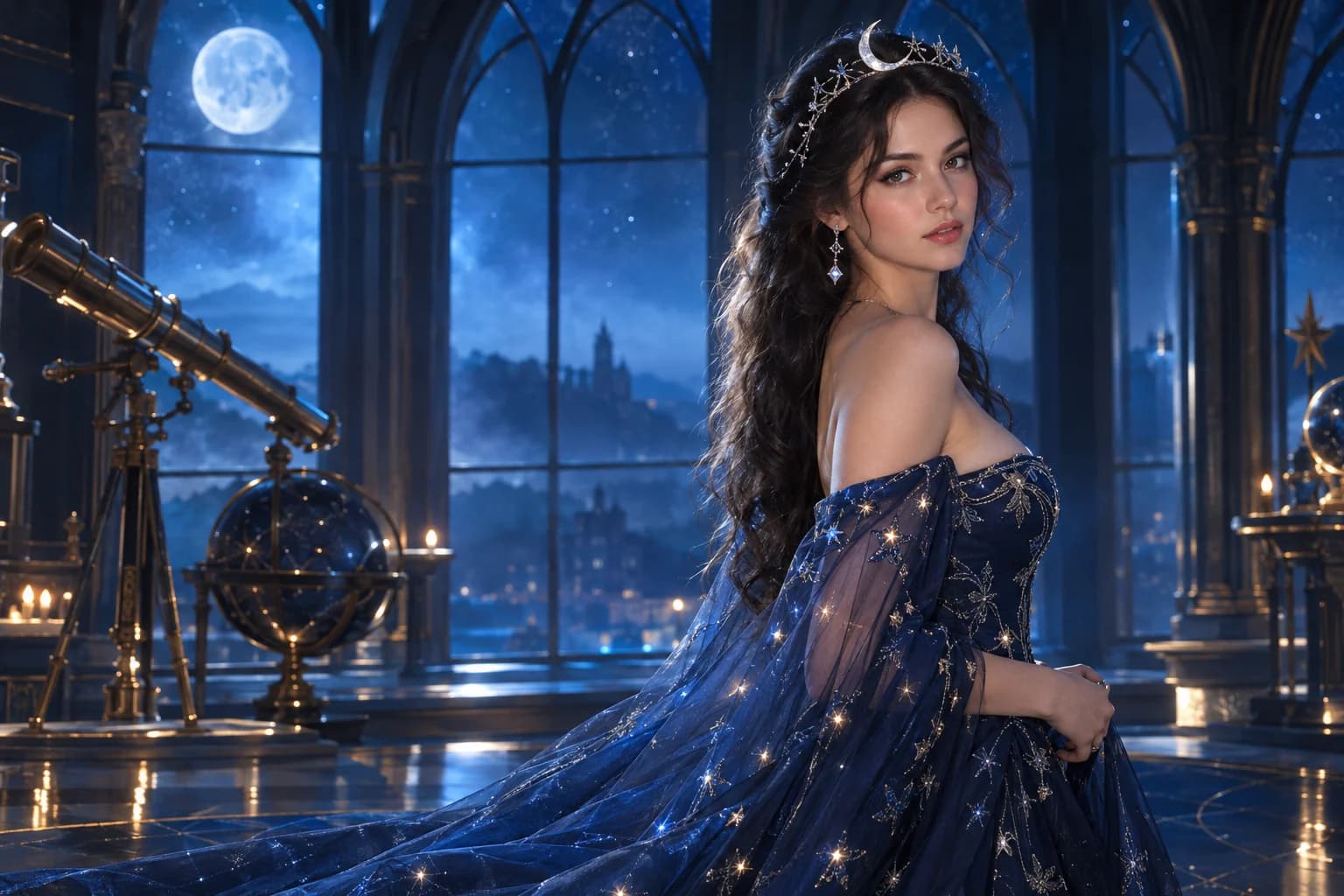
Cosmic princess
Midnight fabric, silver stars and a moonlit observatory.
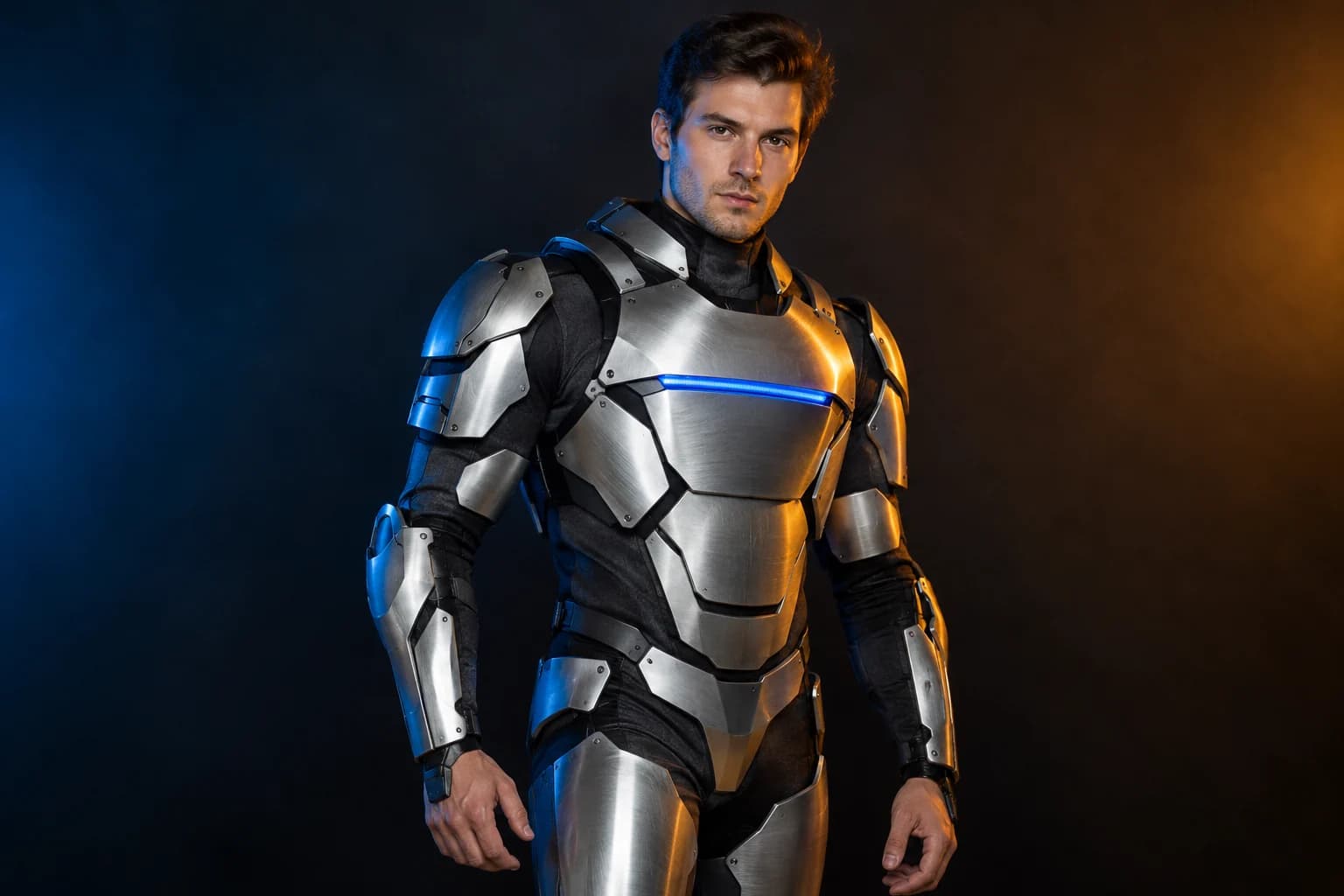
Robot costume
A real face inside a wearable armour costume, not a mechanical replacement.
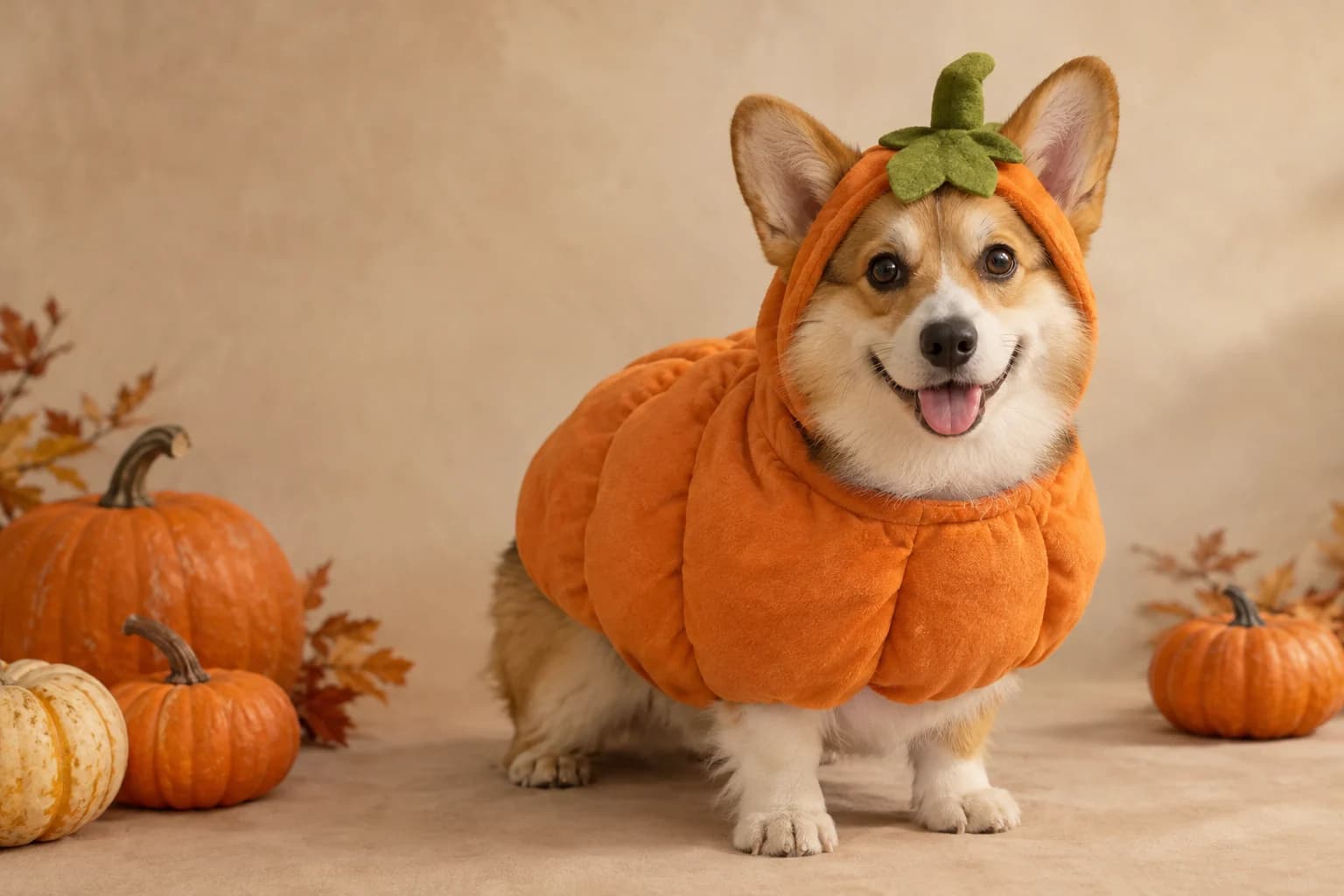
Pumpkin pet
Warm autumn light, soft costume fabric and the same pet underneath.
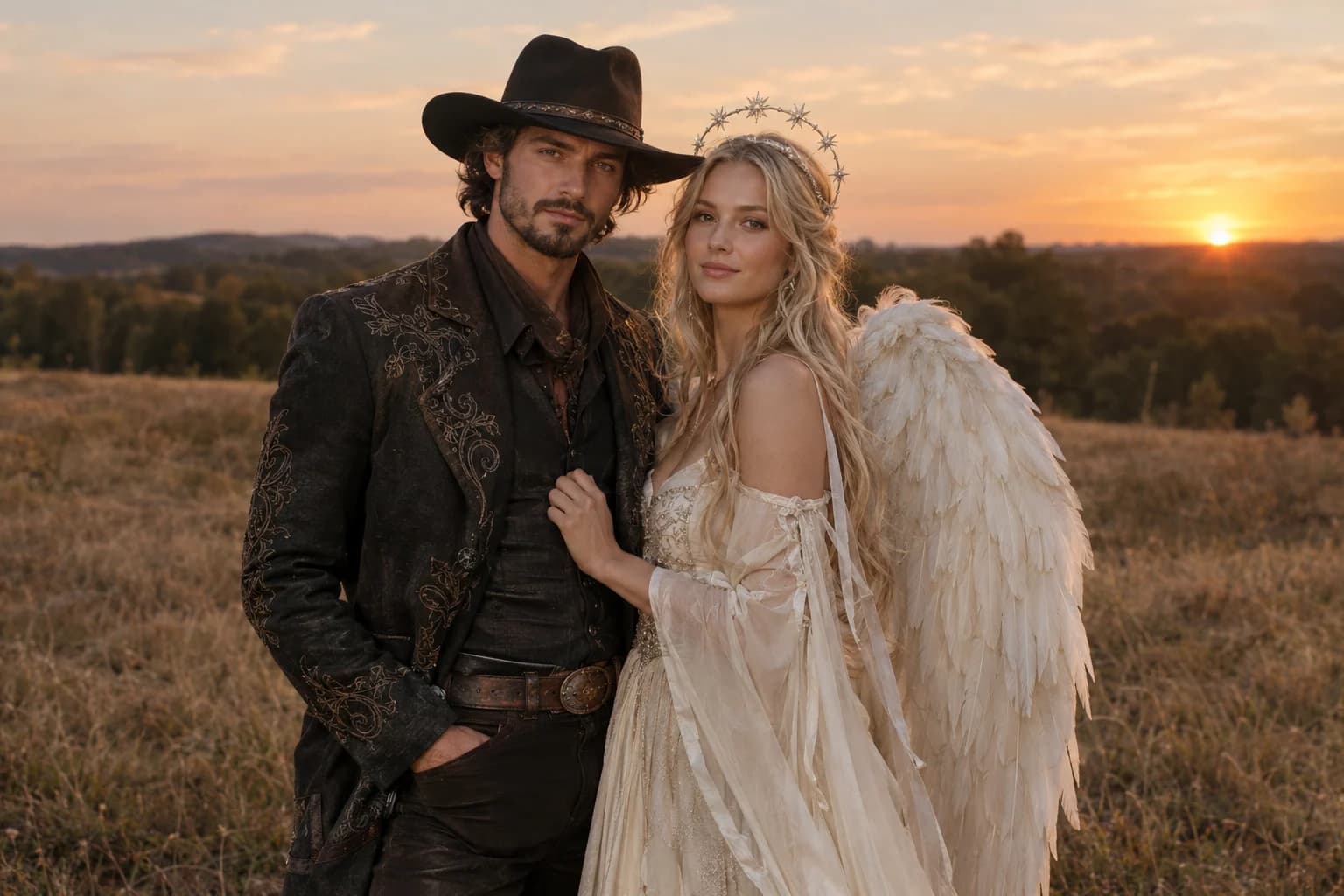
Cowboy and angel
Two coordinated costumes, two identities, one dusk scene.
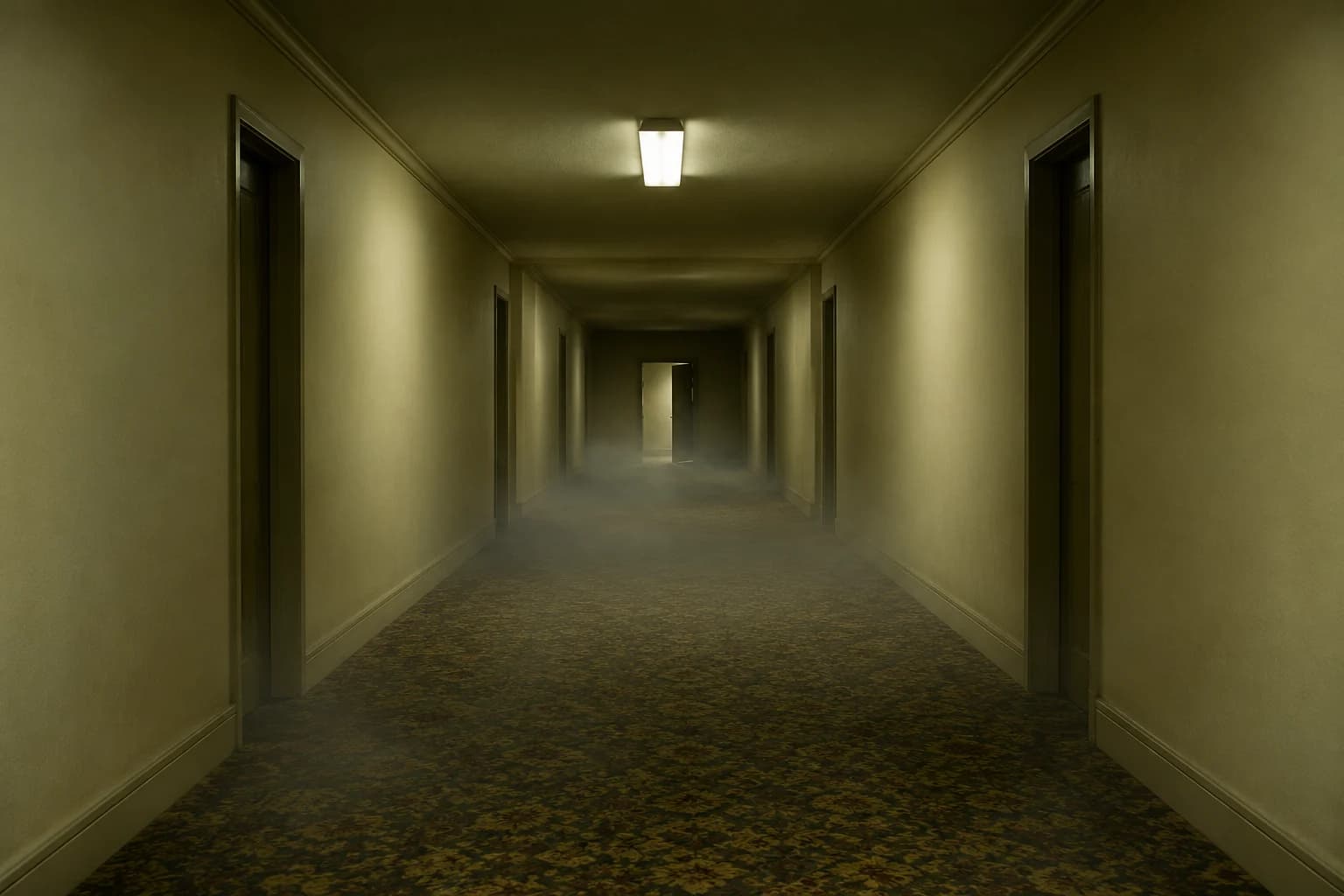
Backrooms video
A slow push through an empty corridor, with fog and a failing light.
A trend page should still be a useful page
- Choose one clear visual direction instead of mixing seven costumes in one prompt.
- Describe what must stay recognizable before describing the new styling.
- Use image-to-image for identity-led edits and image-to-video only after you have a still you like.
Halloween searches move quickly, so this hub is organized by the result a visitor wants rather than by a long keyword dump. A costume edit, a pet portrait and a horror clip need different prompts, upload rules and model behaviour.
The styles are original interpretations. Trademarked character names may explain why a costume trend is rising, but the generators stay focused on silhouettes, materials, colour and atmosphere that a user can safely customize for themselves.
Halloween AI questions
What can I make from one selfie?
You can create a costume portrait, an editorial beauty look, a paired-couple composition or a pet edit if the photo contains the right subject. Start with the identity-preserving image editor, then animate a finished still only when you need motion.
Which model should I try first?
The image pages open with a low-cost editable model so you can test the prompt. The selector also exposes stronger KIE, WaveSpeed and Replicate routes; switch after the composition works and pay more only when the extra detail matters.
Can I use the prompts outside this site?
Yes. The prompt recipes are written in plain language and can be copied into another image editor or video generator. Output quality and identity preservation will differ with each model.
Are the images on this page customer results?
No. They are campaign illustrations generated for the guide. They show the intended direction, not a guarantee that every uploaded photo will produce the same face, detail or composition.
Keep exploring
Costume generator
Preserve a real face while changing clothing, make-up and atmosphere.
Halloween photo editor
Relight, restyle and clean up a costume photo without replacing the person.
Halloween video generator
Short atmospheric clips built from one action, one camera move and controlled light.
Halloween prompt library
Five copy-ready directions for images, pets, couples and video.
Haunted unicorn
A mascot silhouette, one silver horn and a moonlit garden.
Midnight braids
Violet braids, silver details and a Victorian garden at night.
Cosmic princess
Midnight fabric, silver stars and a moonlit observatory.
Robot costume
A real face inside a wearable armour costume, not a mechanical replacement.
Pumpkin pet
Warm autumn light, soft costume fabric and the same pet underneath.
Cowboy and angel
Two coordinated costumes, two identities, one dusk scene.
Backrooms video
A slow push through an empty corridor, with fog and a failing light.