
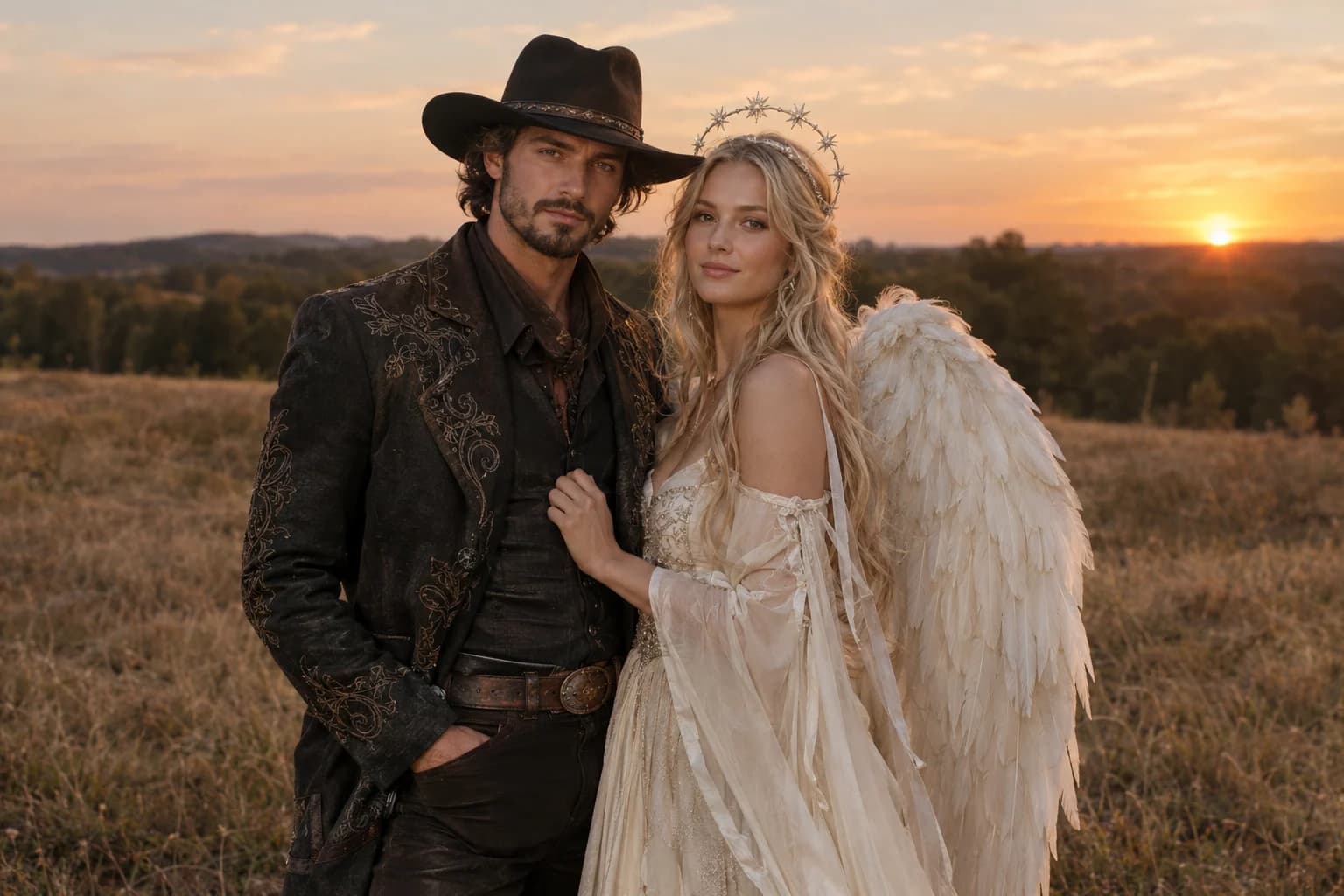
A cowboy and angel couple portrait without swapping faces
Upload both people and give each costume its own paragraph. The prompt keeps exactly two people, protects both identities and places them in a single warm dusk scene. That is more reliable than asking for a generic couple in Halloween costumes.
Halloween 2026 guide, checked October 20, 2026
- Uploads
- Two clear portraits
- Use photos with similar lighting and one person in each.
- Identity
- No face swap
- Name both people and explicitly say not to exchange their faces.
- Composition
- Side by side
- Keep the pose simple and the background behind both people.
Live generator
Cowboy and angel
The prompt is preloaded. Add your own photo, adjust the wording, and check the credit price before you run it.
The selector lists only models backed by a live route. KIE, WaveSpeed and Replicate models share the same workspace; the credit quote shown there is authoritative.
Choose a Halloween look
Coordinate the costumes, not the faces
A good couple edit reads as two people in one scene. The model needs to preserve both identities and avoid adding a third character.
- 1
Upload two clean portraits
Use one person per image with a visible face and similar camera height.
- 2
Describe each person separately
Cowboy on one side, angel on the other, with a clear garment and one accessory each.
- 3
Check the edges
Look at hands, wings, hats and overlapping shoulders. Face swaps and extra hands are common failure points.
Prompt recipe
Cowboy and angel couple
An original paired-costume study generated for this page.
Use both uploaded photos as identity references. Preserve both people's recognizable faces, skin tones, body proportions and relative identities. Keep exactly two people. Dress the first person in a refined western Halloween costume with a dark felt hat, embroidered charcoal jacket and worn leather boots. Dress the second person in an ethereal ivory costume with soft layered fabric, a subtle silver halo and feathered wings. Place them side by side in a warm dusk field with dry grass, distant trees and a low amber horizon. Use elegant editorial photography, realistic fabric and natural skin detail. Do not exchange their faces or mix their identities. Avoid a third person, duplicated hands, distorted wings, extra limbs, text, logos and watermarks.Choose a Halloween look
Every card opens a page with a tested prompt, an editable photo, and a named starting model. Swap the model in the workspace without losing your upload or prompt.
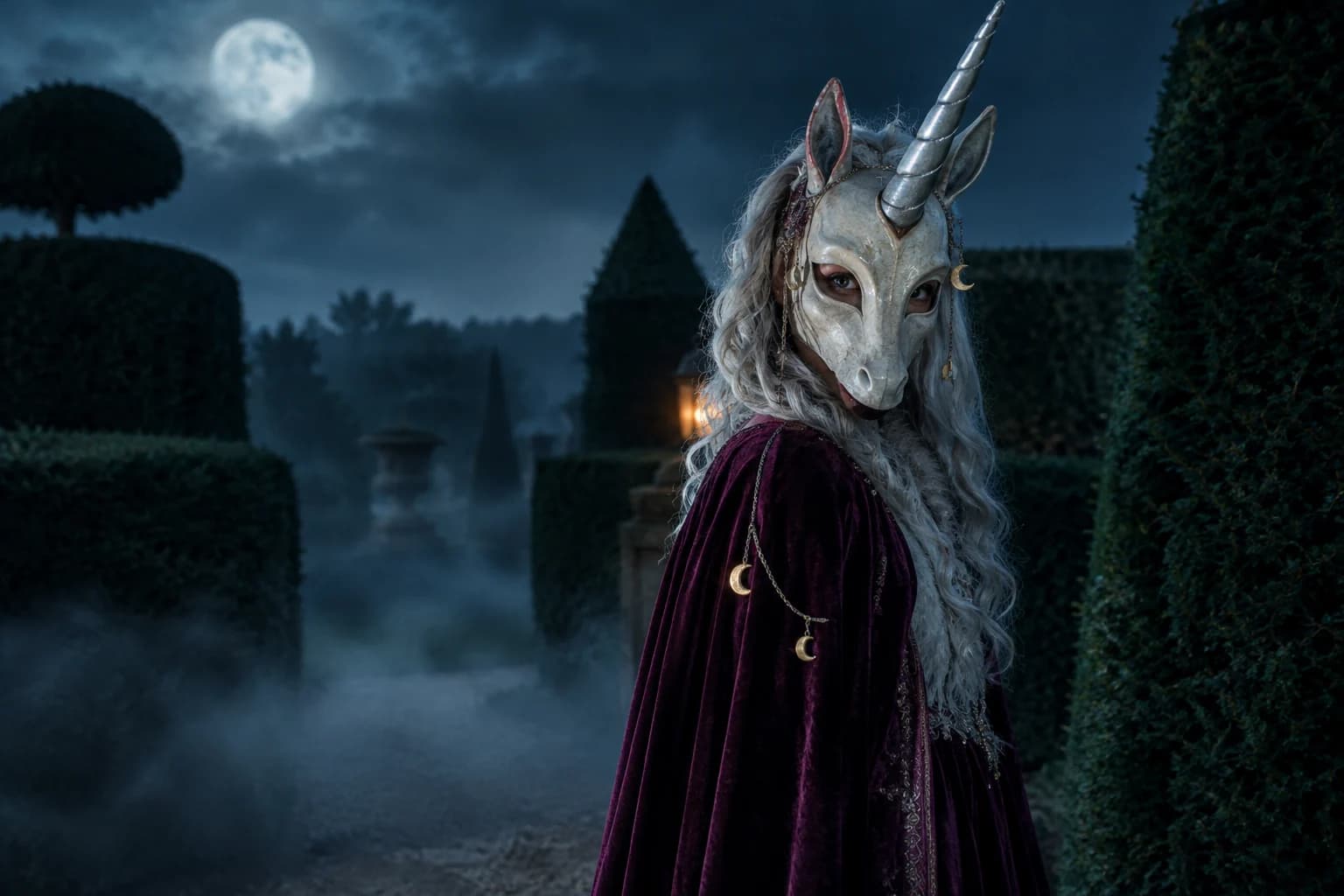
Haunted unicorn
A mascot silhouette, one silver horn and a moonlit garden.
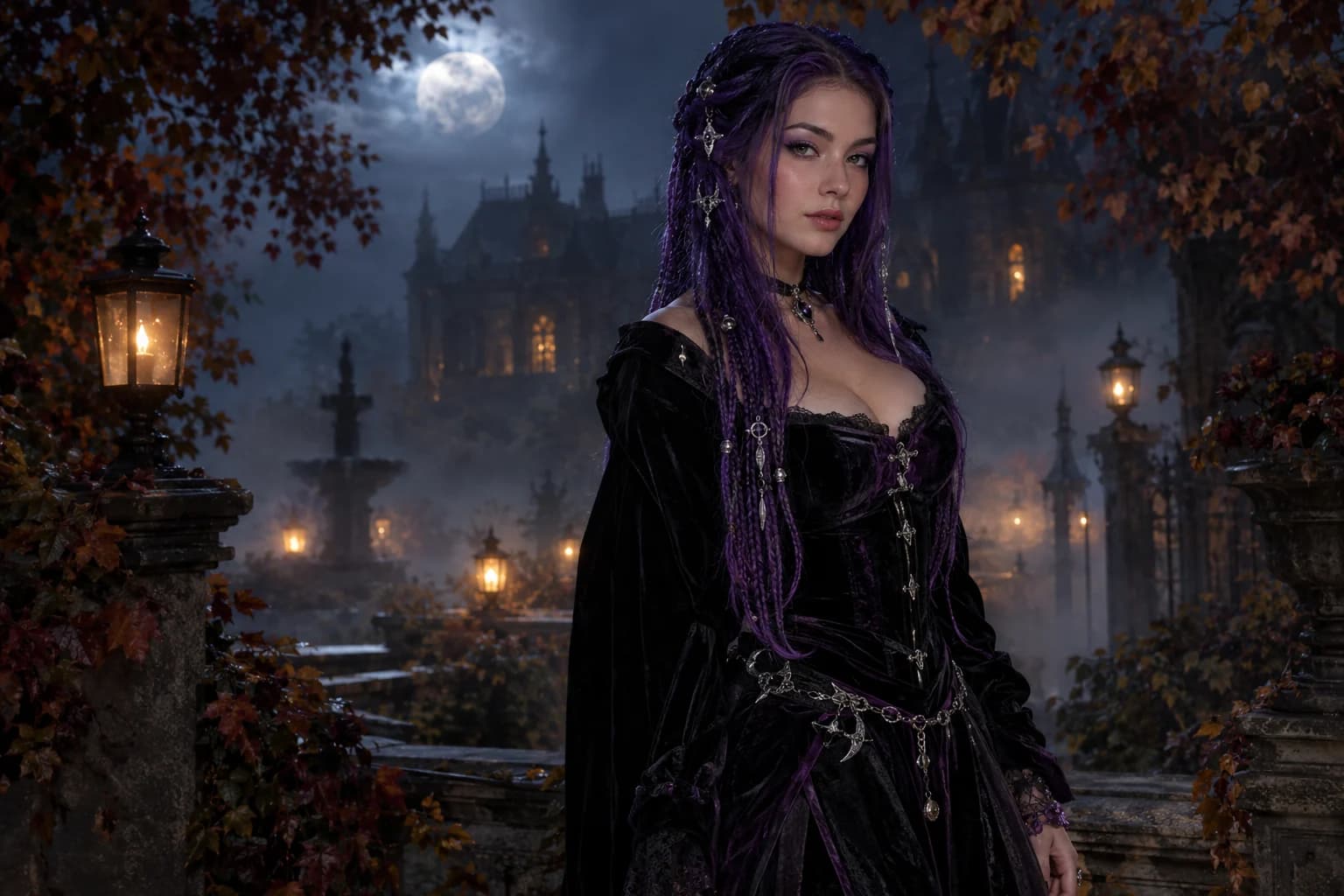
Midnight braids
Violet braids, silver details and a Victorian garden at night.
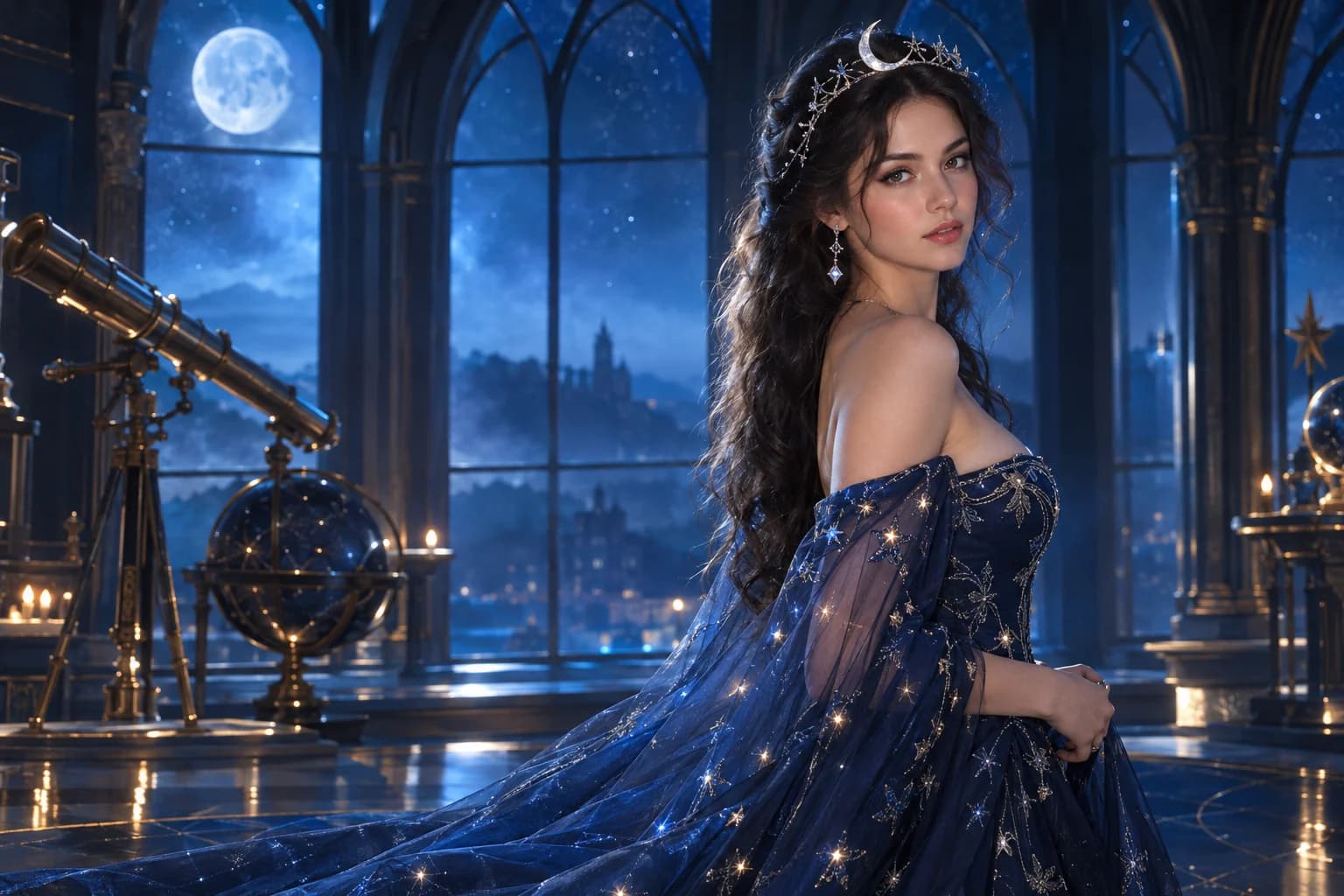
Cosmic princess
Midnight fabric, silver stars and a moonlit observatory.
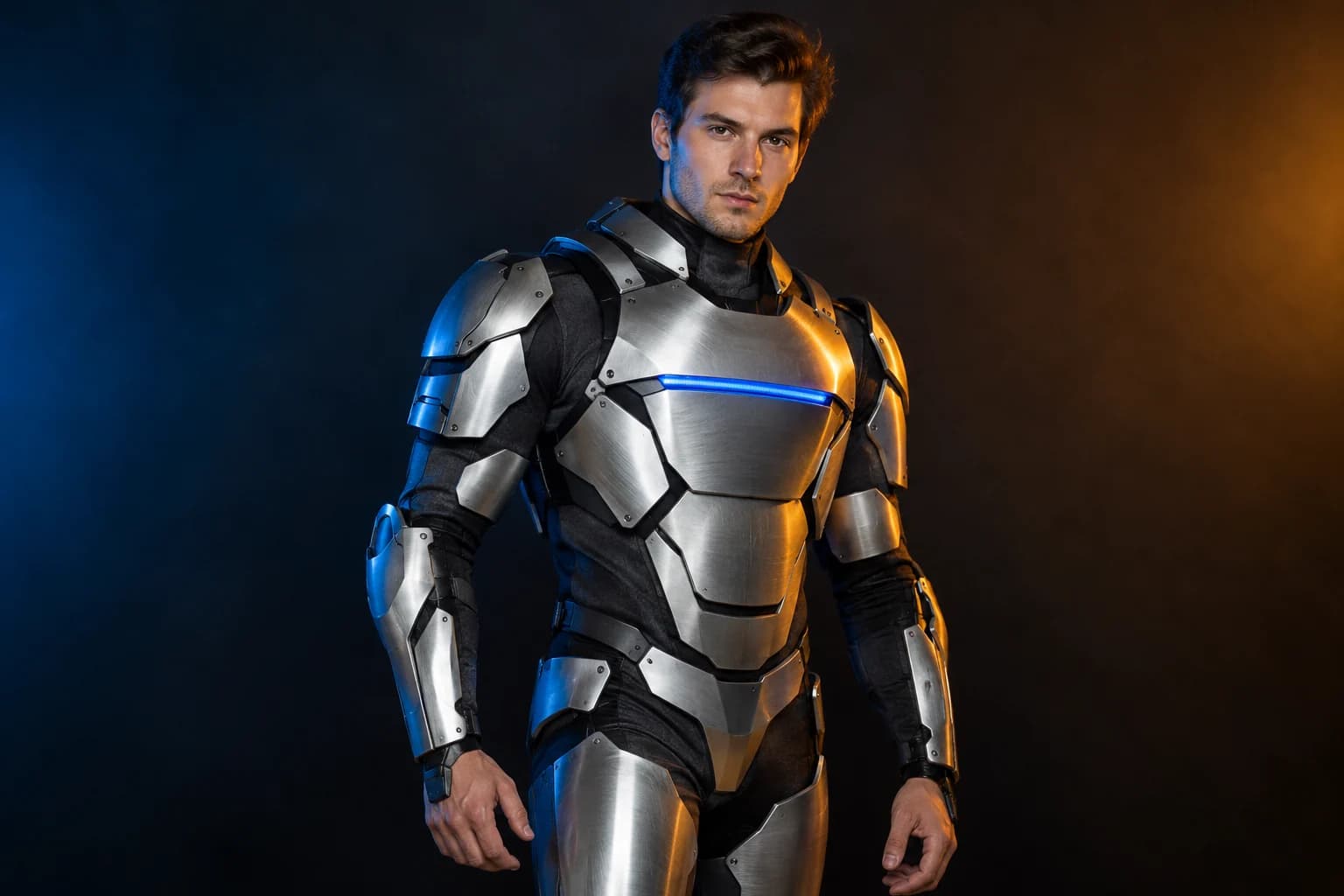
Robot costume
A real face inside a wearable armour costume, not a mechanical replacement.
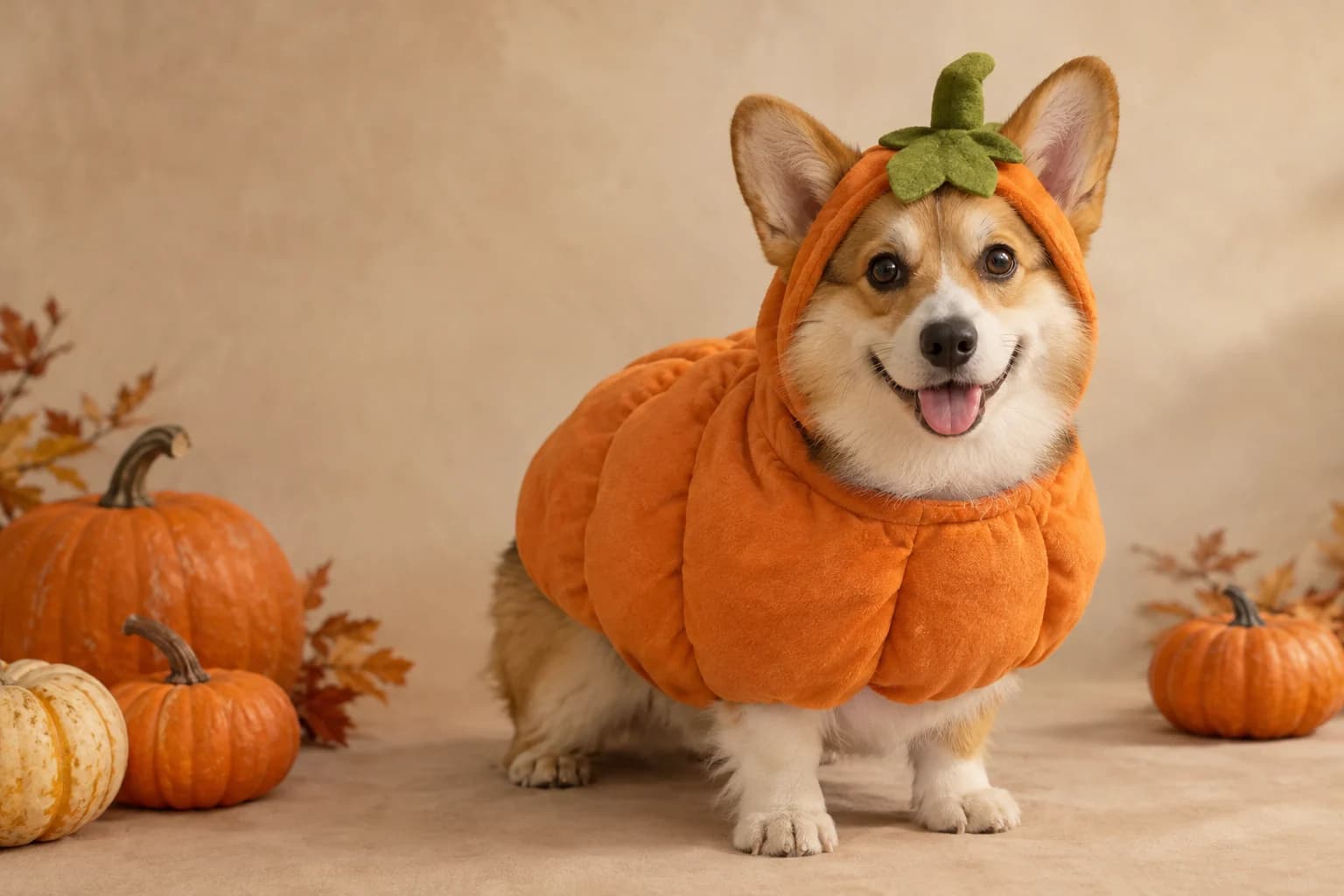
Pumpkin pet
Warm autumn light, soft costume fabric and the same pet underneath.
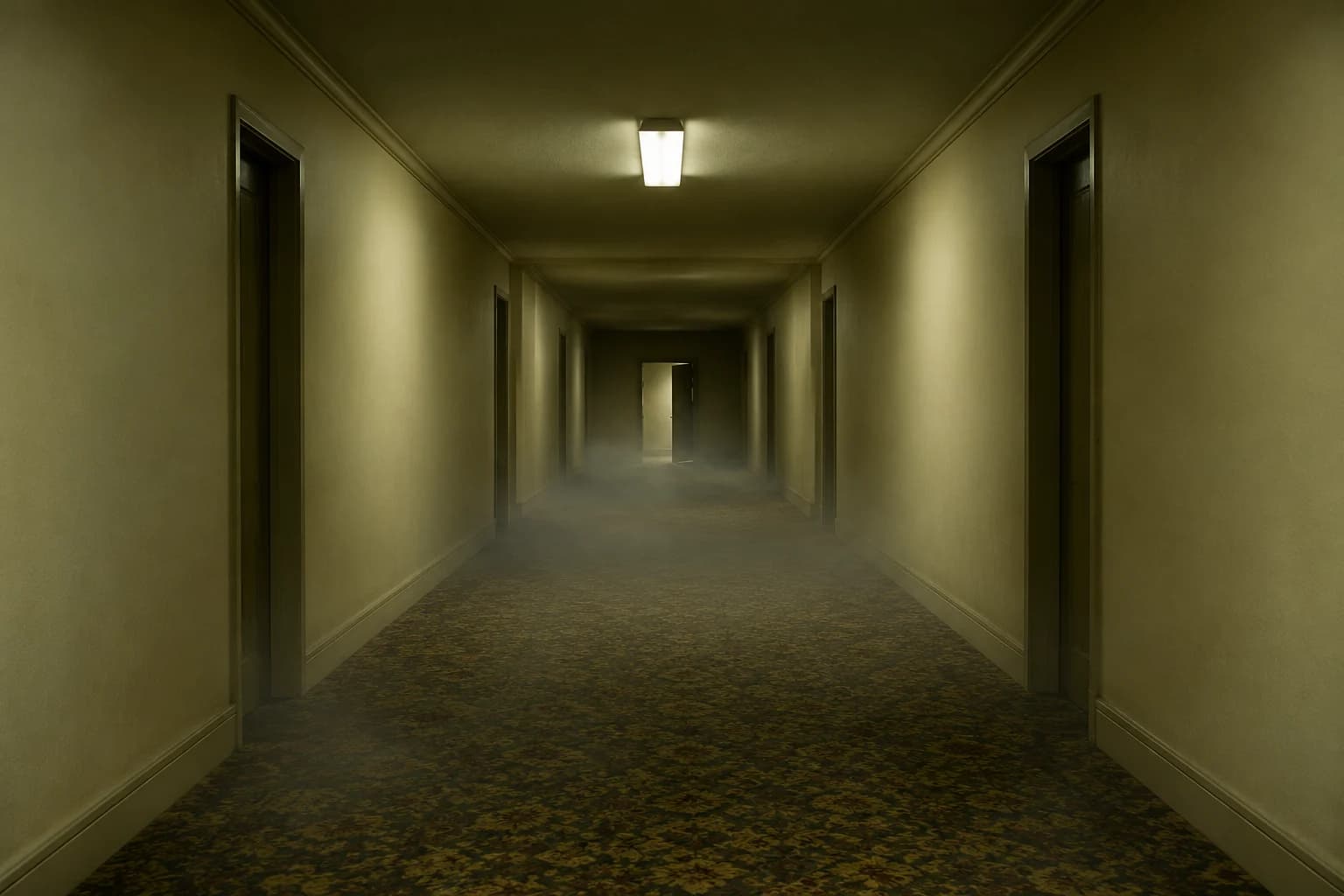
Backrooms video
A slow push through an empty corridor, with fog and a failing light.
Two-photo edits need fewer variables
- Use one source photo per person when possible.
- Repeat the no-face-swap instruction.
- Keep wings and hats clear of the other person's face.
Every extra person and costume adds another chance for identity drift. Keep the pose simple, use a single location and describe each outfit separately. If the model supports multiple reference images, upload one clean portrait per person.
The pairing works because the costumes contrast without fighting. Warm western leather against soft ivory wings is enough. Adding more props, animals or background characters makes the identities harder to preserve.
Cowboy and angel FAQ
Can I upload two photos of the same person?
Yes, if you want two costumes for one identity, but the prompt should say that clearly. The model may treat the images as two separate people unless you name the relationship.
Why does the prompt mention wings and hats?
They are large shapes that can cover a face or collide with the other person. Naming their position and asking for realistic fabric makes the composition easier to inspect.
Can we stand in a different scene?
Yes. Replace the dusk field with a porch, a studio or a warm barn, but keep one scene behind both people. Two unrelated backgrounds look like a collage.
What if one face changes?
Simplify the pose and remove overlapping accessories. If the selected model still swaps identities, try a model with stronger multi-reference editing and keep the same prompt.
Keep exploring
Cosmic princess
Midnight fabric, silver stars and a moonlit observatory.
Midnight braids
Violet braids, silver details and a Victorian garden at night.
Halloween prompt library
Five copy-ready directions for images, pets, couples and video.
Costume generator
Preserve a real face while changing clothing, make-up and atmosphere.