
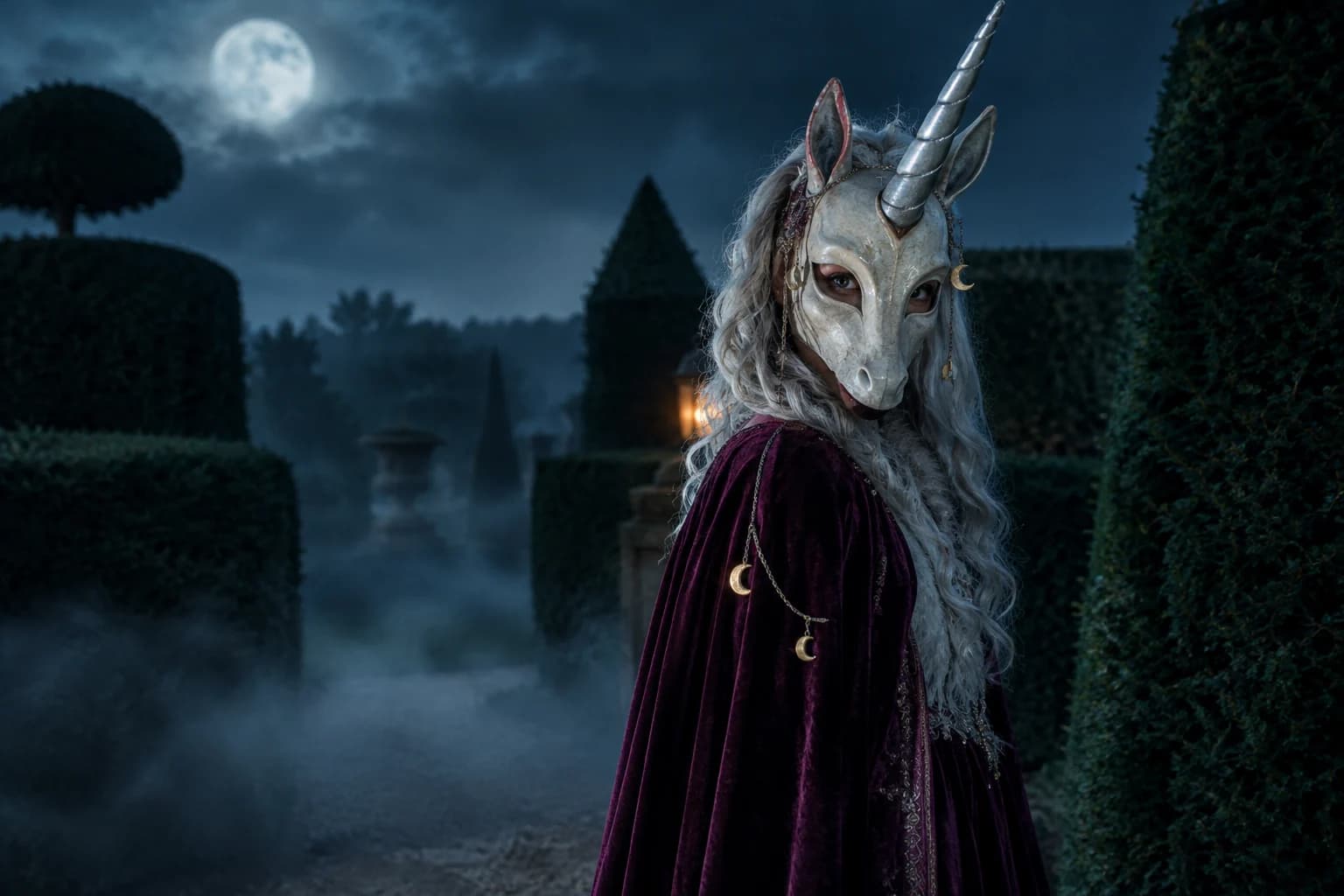
Make a haunted unicorn portrait from your photo
The trend is playful, strange and immediately readable: a pale horn, an oversized mascot silhouette and a garden that feels one step too quiet. This page turns that mood into an original costume prompt without copying a film character.
Halloween 2026 guide, checked October 20, 2026
- Look
- Storybook gone wrong
- Soft shapes, pale materials and a controlled horror edge.
- Keep
- The person inside
- Eyes and face structure remain visible through the costume.
- Best source
- Head-and-shoulders portrait
- Leave a little space around the hair for the mask and horn.
Live generator
Haunted unicorn
The prompt is preloaded. Add your own photo, adjust the wording, and check the credit price before you run it.
The selector lists only models backed by a live route. KIE, WaveSpeed and Replicate models share the same workspace; the credit quote shown there is authoritative.
Choose a Halloween look
Build the mascot without losing the person
The contrast makes the idea work: a friendly silhouette, slightly unsettling materials, and a human face the viewer can still recognize.
- 1
Frame the head clearly
Use a front-facing photo with enough room above the hair for the horn and mask.
- 2
Choose soft materials
Velvet, felt, pearl beads and brushed metal read better than generic metallic armour.
- 3
Lower the brightness
A moonlit garden and dim rim light create unease without hiding the face.
Prompt recipe
Haunted unicorn mascot
Original haunted-unicorn direction, not a film still.
Use the uploaded photo as the primary reference. Preserve the subject's recognizable face, facial proportions, skin tone, approximate age and natural anatomy. Transform the subject into an original haunted-unicorn mascot costume portrait. Create a sculpted ivory half-mask with dark eye openings, one long brushed-silver horn and a deep plum velvet cape with tiny moon-shaped charms. Keep both eyes visible and the face recognizable. Place the subject in a moonlit topiary garden with low fog, dark hedges and a faint lantern glow behind the shoulders. Use photorealistic editorial photography, realistic fabric and wood textures, cinematic soft lighting and a restrained teal-and-plum palette. Do not imitate an existing mascot, film character or costume design. Keep the same number of people as the uploaded photo. Avoid altered identity, extra limbs, duplicated fingers, text, logos and watermarks.Choose a Halloween look
Every card opens a page with a tested prompt, an editable photo, and a named starting model. Swap the model in the workspace without losing your upload or prompt.
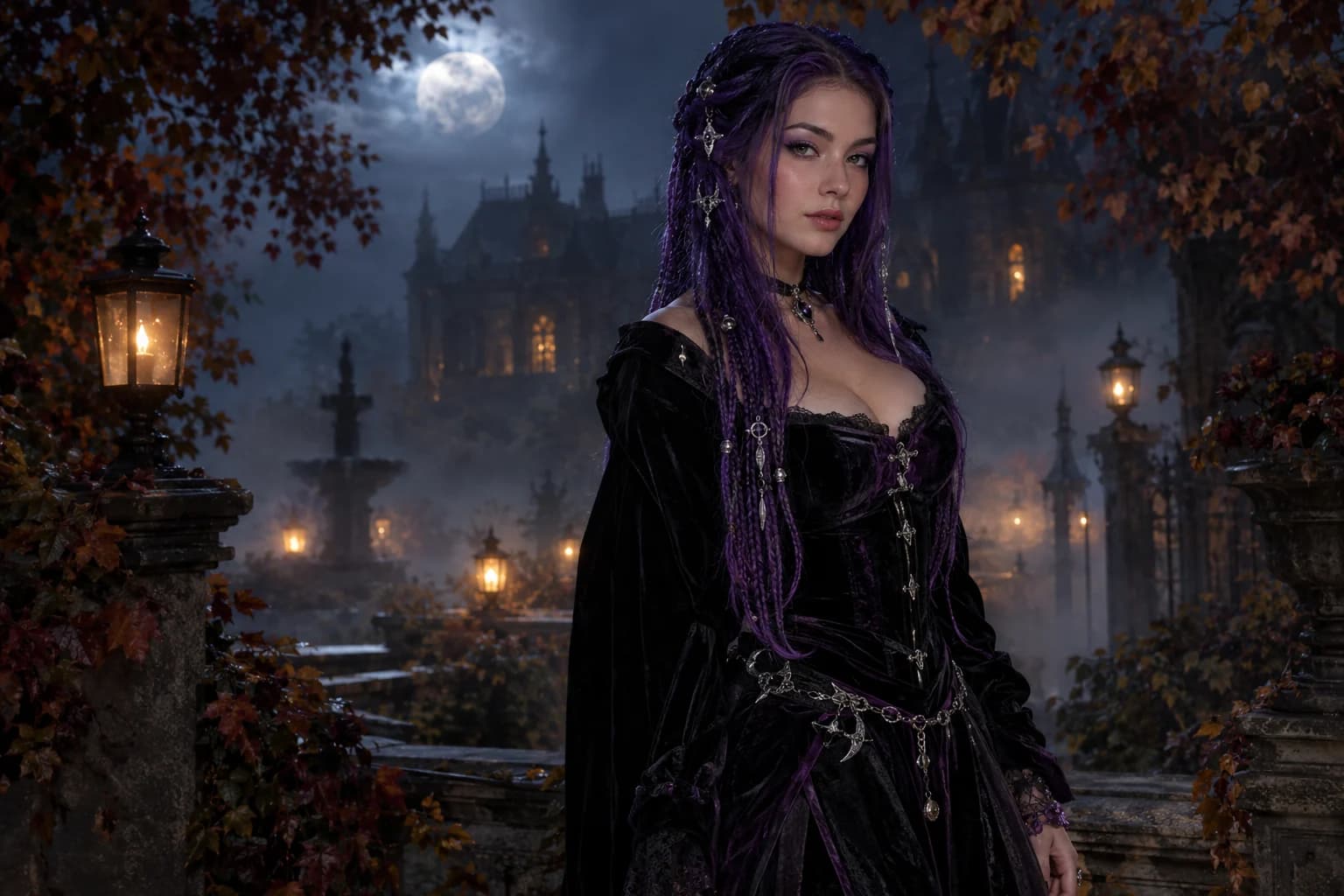
Midnight braids
Violet braids, silver details and a Victorian garden at night.
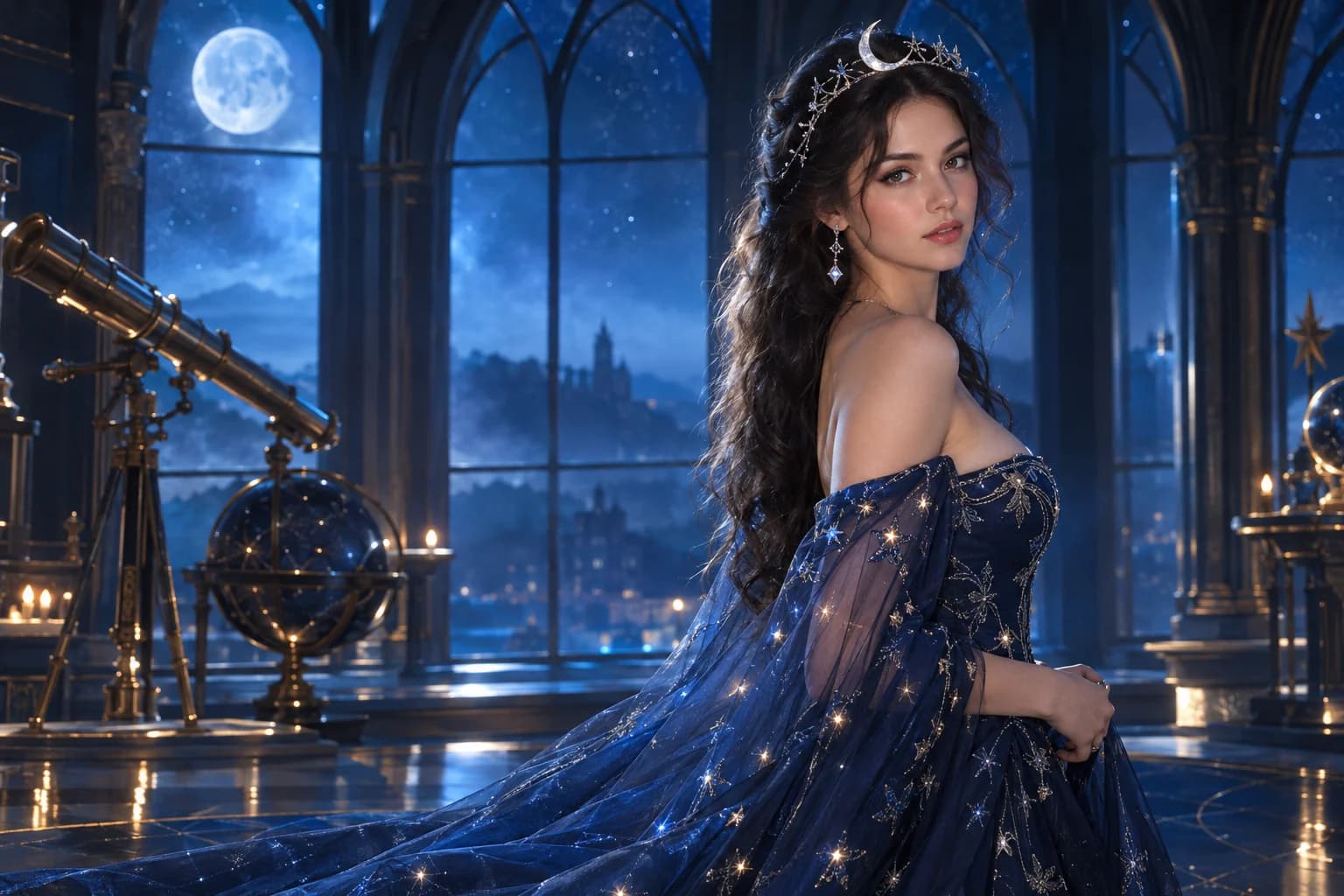
Cosmic princess
Midnight fabric, silver stars and a moonlit observatory.
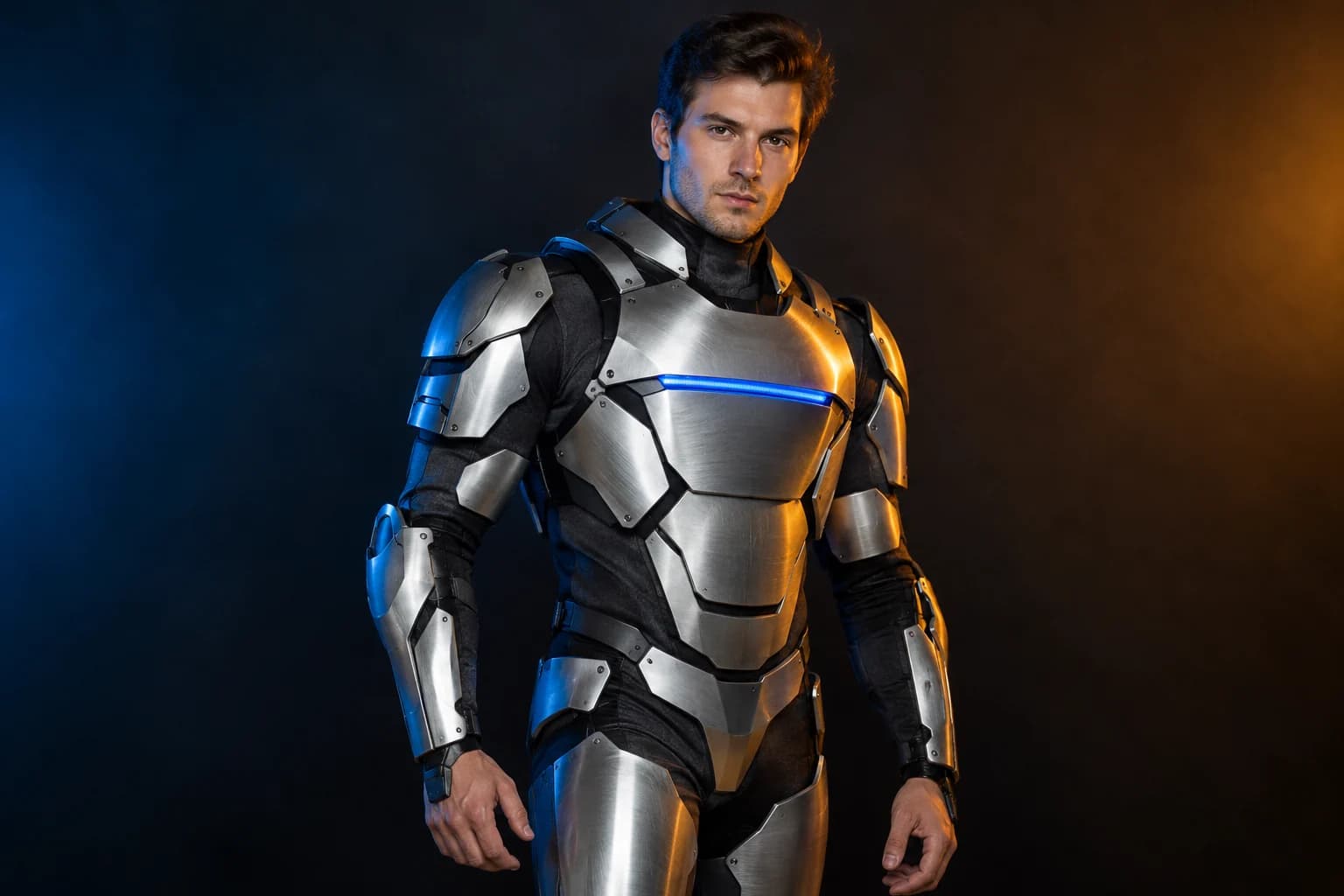
Robot costume
A real face inside a wearable armour costume, not a mechanical replacement.
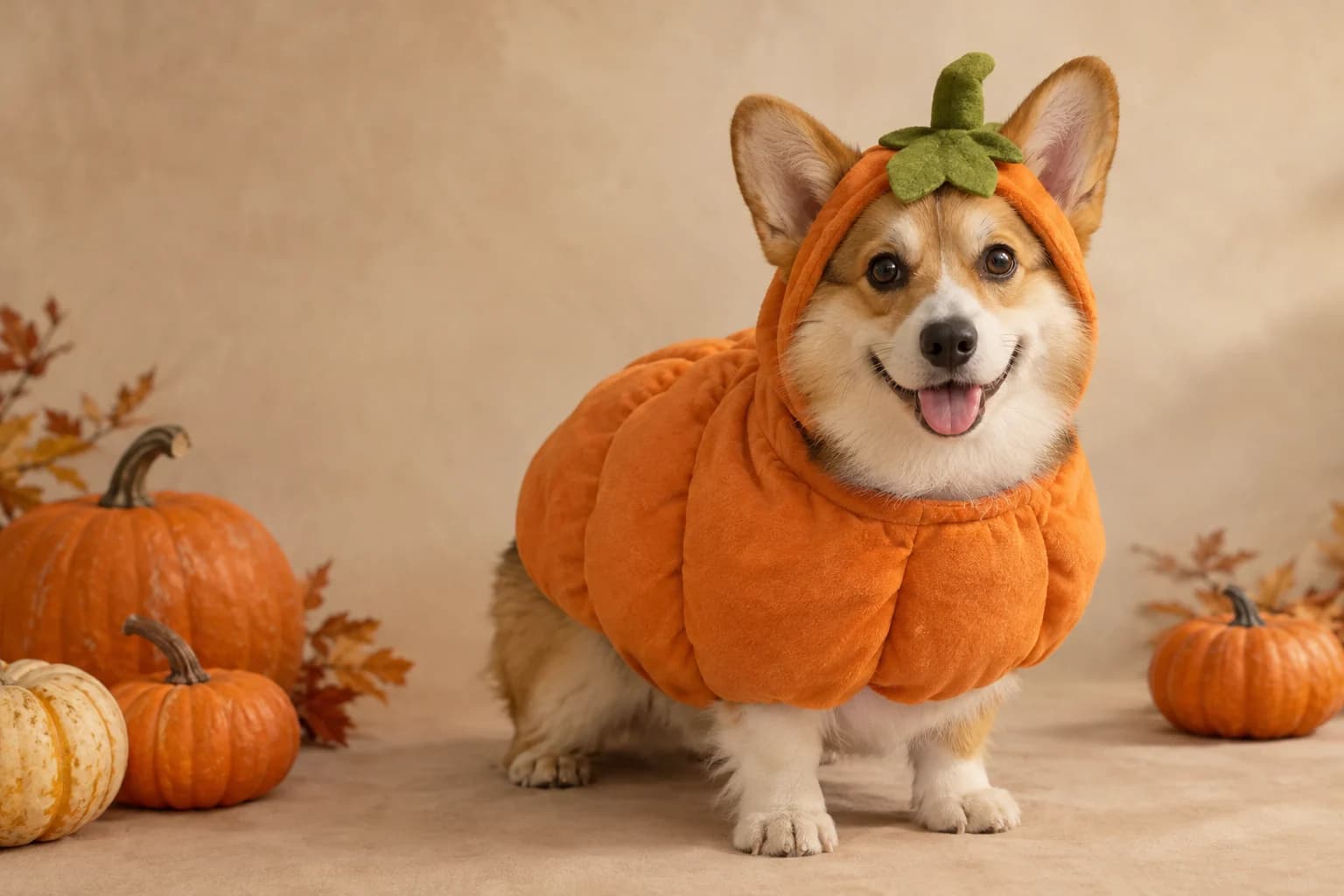
Pumpkin pet
Warm autumn light, soft costume fabric and the same pet underneath.
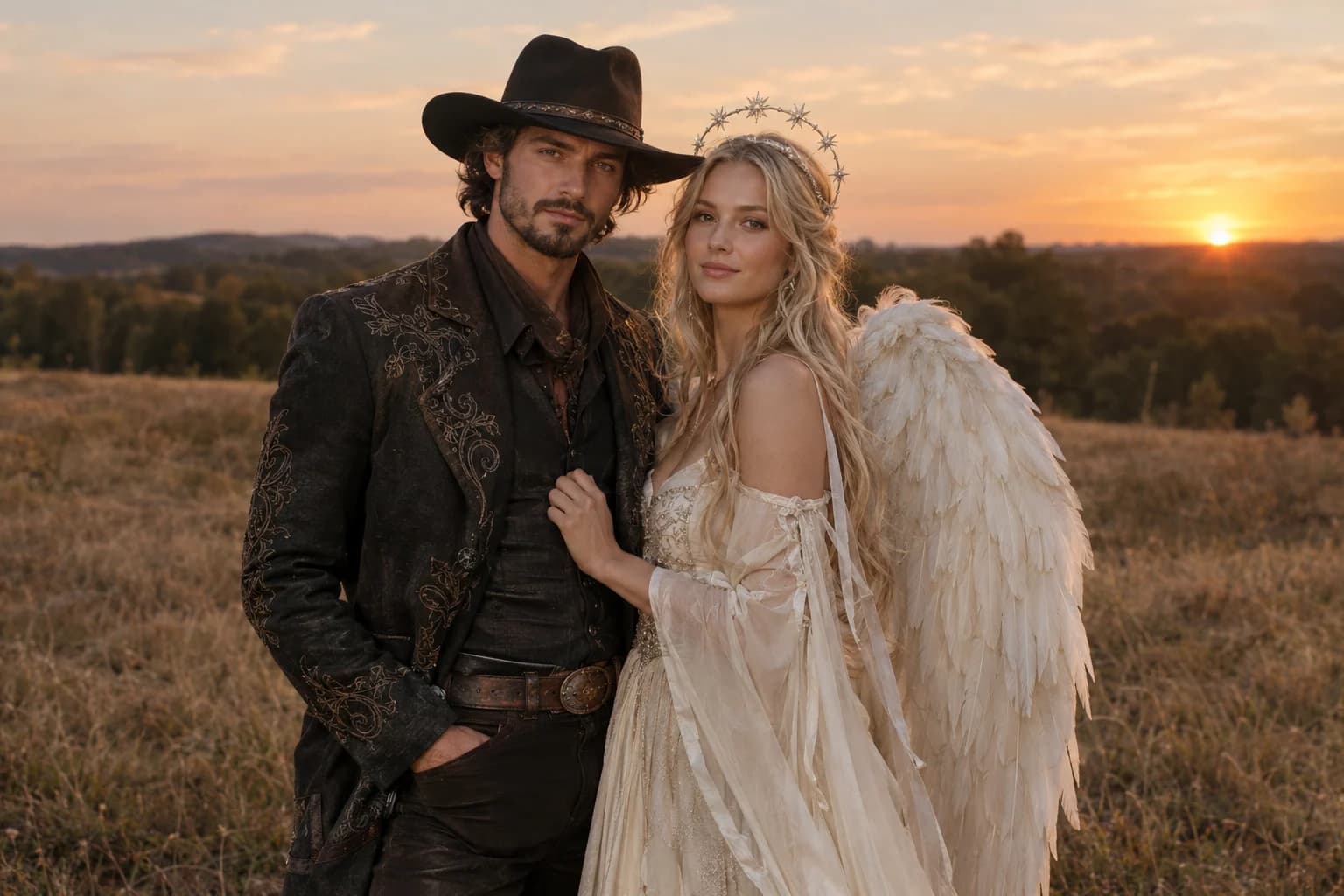
Cowboy and angel
Two coordinated costumes, two identities, one dusk scene.
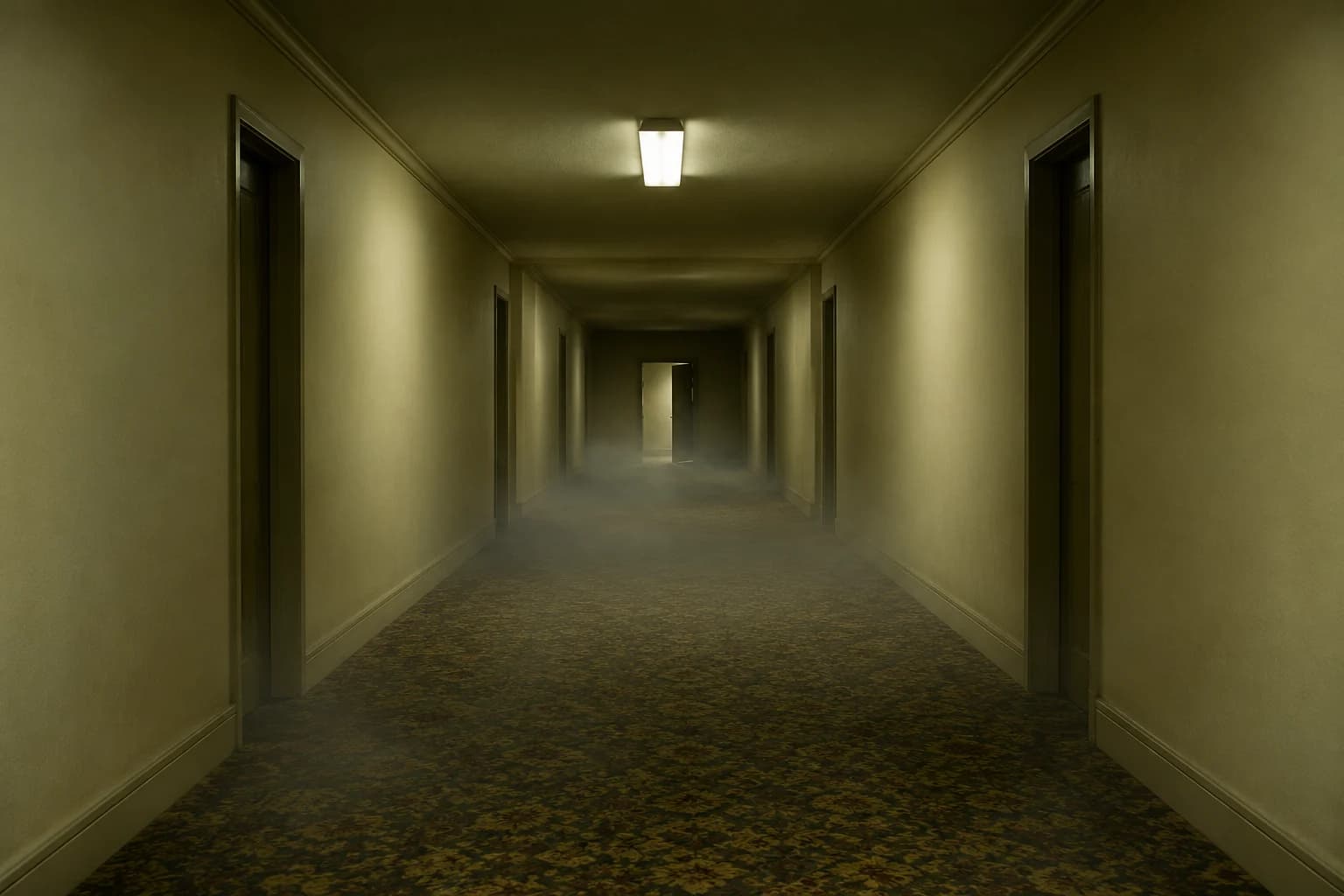
Backrooms video
A slow push through an empty corridor, with fog and a failing light.
Why the page does not name a film character
- Keep the eyes and face visible through the mask.
- Use one horn and one dominant costume material.
- Let the fog and lighting carry the horror rather than extra gore.
Trend searches often point at a specific production. A useful AI page can explain the visual hook while keeping the generated design original. That reduces the chance of producing a confusing copy and makes the prompt easier to customize.
The recognizable parts are the silhouette, the pastel material, the single horn and the contrast between childhood and dread. Those are enough to communicate the idea without borrowing a protected character.
Haunted unicorn FAQ
Will the result look exactly like Buddy the Unicorn?
No, and the prompt deliberately avoids copying that character. It recreates a similar searchable mood through an original mascot mask, horn, material palette and setting.
Can I make the costume friendly instead of scary?
Yes. Replace the fog, dim garden and low key light with a bright autumn fair and soft daylight. Keep the mask and horn if you want the same silhouette.
What if the horn disappears?
Make the horn one of the first concrete details in the prompt and remove competing head accessories. A clean portrait crop usually helps.
Can I use this on a pet photo?
The current prompt assumes a person. Use the pumpkin pet page for an animal, where the preservation clause protects breed, fur and facial markings instead.
Keep exploring
Costume generator
Preserve a real face while changing clothing, make-up and atmosphere.
Halloween prompt library
Five copy-ready directions for images, pets, couples and video.
Midnight braids
Violet braids, silver details and a Victorian garden at night.
Cosmic princess
Midnight fabric, silver stars and a moonlit observatory.