
Turn a selfie into an original Halloween costume
Describe the outfit, keep the face and pose that make the photo yours, and generate a finished editorial portrait. The workspace starts with a low-cost image edit and lets you switch models when you want sharper fabric, lighting or scene detail.
Halloween 2026 guide, checked October 20, 2026
- Input
- One clear portrait
- PNG, JPG or WebP up to the upload limit shown in the workspace.
- Best edit
- One look at a time
- Separate costume, background and make-up changes when precision matters.
- Identity
- Recognizable, not duplicated
- The prompt protects face shape and pose, but the model still decides how exact the match will be.
Live generator
Costume generator
The prompt is preloaded. Add your own photo, adjust the wording, and check the credit price before you run it.
The selector lists only models backed by a live route. KIE, WaveSpeed and Replicate models share the same workspace; the credit quote shown there is authoritative.
Choose a Halloween look
A costume edit that stays close to the source
A good costume prompt changes a small number of visible variables. Keep the person and pose stable, then describe the outfit, setting and light in that order.
- 1
Upload and pick the source
Use a photo where the face is visible, the head is not cropped and the clothing does not hide the shoulders.
- 2
Edit the preloaded prompt
Replace the costume direction with your own theme, then add one material and one location detail.
- 3
Inspect the result at full size
Check eyes, hairline, hands and jewellery before sharing. If the face drifts, simplify the scene and retry.
Prompt recipe
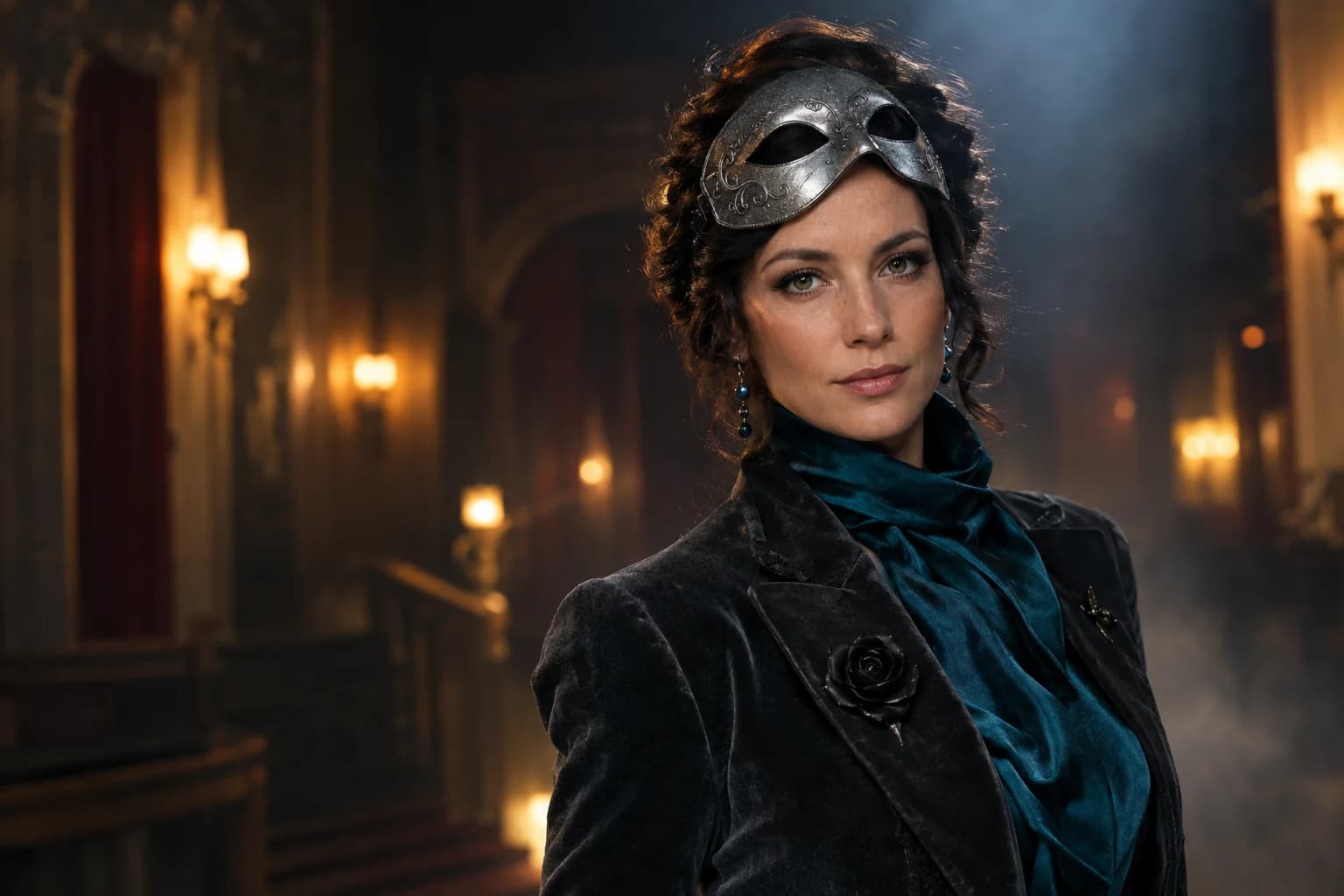
Midnight masquerade costume
Original costume study generated for this page.
Use the uploaded photo as the primary reference. Preserve the subject's recognizable facial identity, facial proportions, skin tone, approximate age, pose and natural anatomy. Transform the subject into an original midnight masquerade costume portrait. Replace the outfit with a fitted charcoal velvet jacket, deep teal satin scarf and brushed-silver mask pushed up above the eyes. Add small glass-bead earrings and a single black rose pin. Place the subject in a dim theatre lobby with warm wall lights and soft haze. Use photorealistic editorial photography, realistic fabric texture, natural skin detail and cinematic rim lighting. Keep the same number of people as the uploaded photo. Avoid altered identity, extra limbs, duplicated fingers, distorted hands, text, logos and watermarks.Choose a Halloween look
Every card opens a page with a tested prompt, an editable photo, and a named starting model. Swap the model in the workspace without losing your upload or prompt.
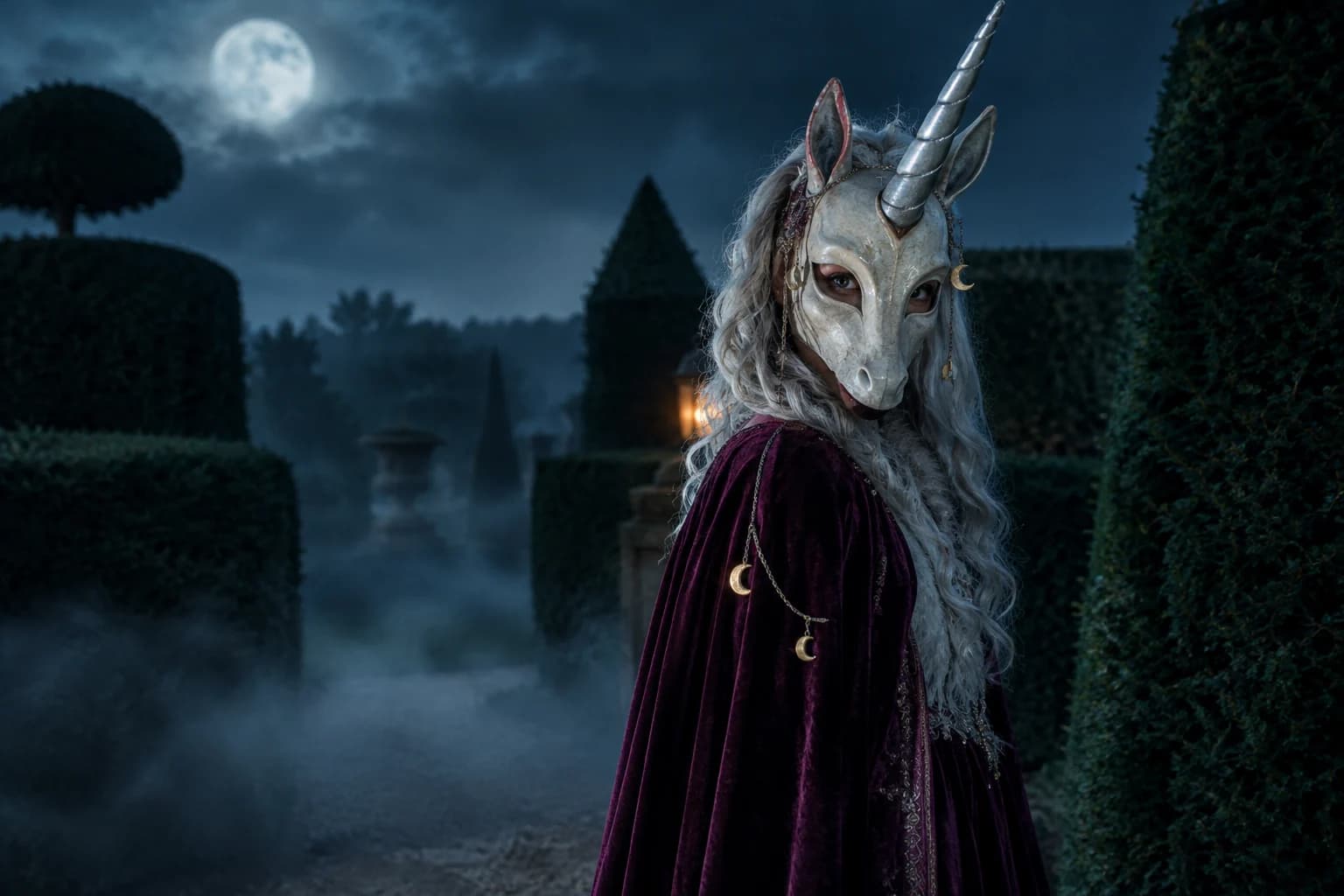
Haunted unicorn
A mascot silhouette, one silver horn and a moonlit garden.
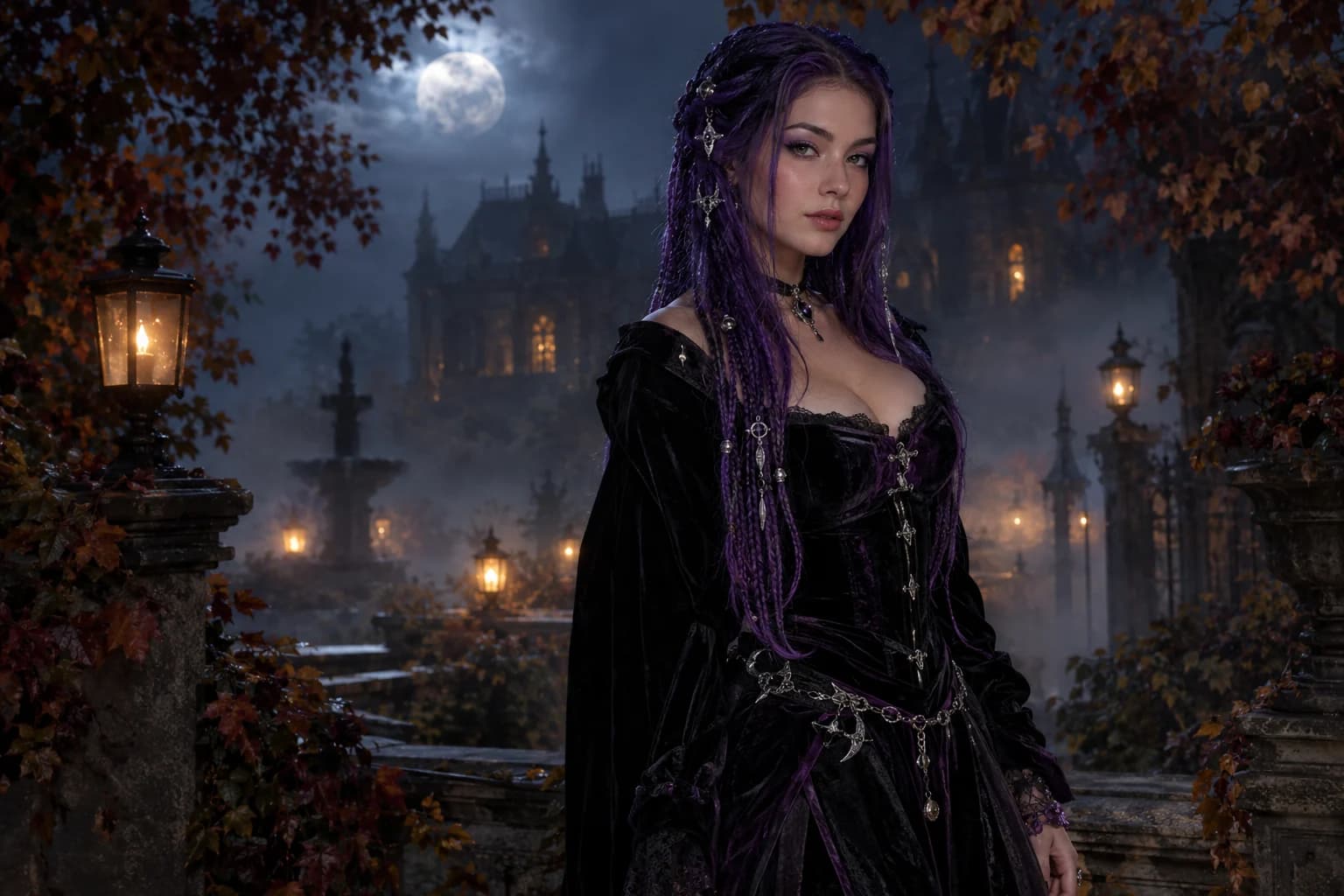
Midnight braids
Violet braids, silver details and a Victorian garden at night.
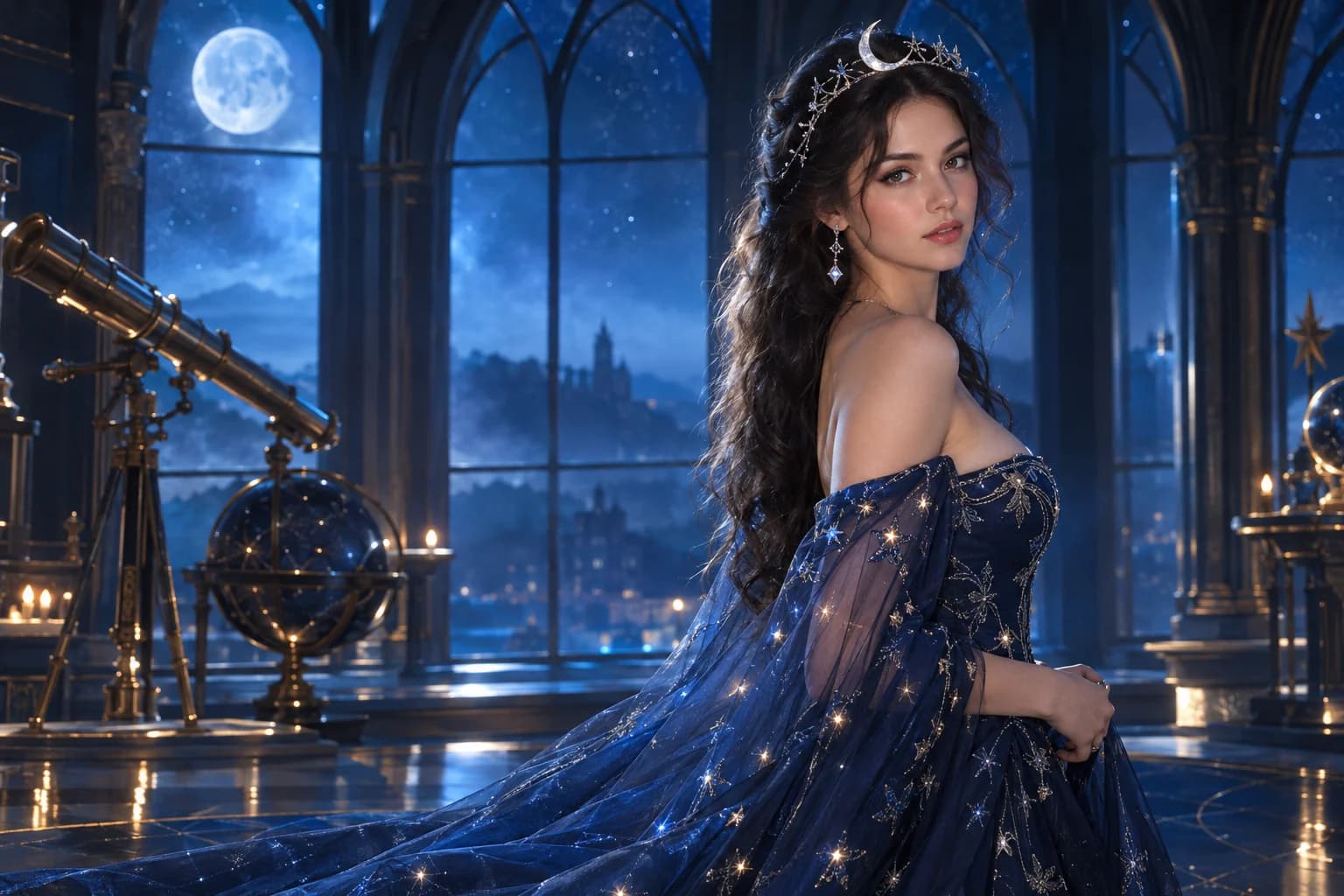
Cosmic princess
Midnight fabric, silver stars and a moonlit observatory.
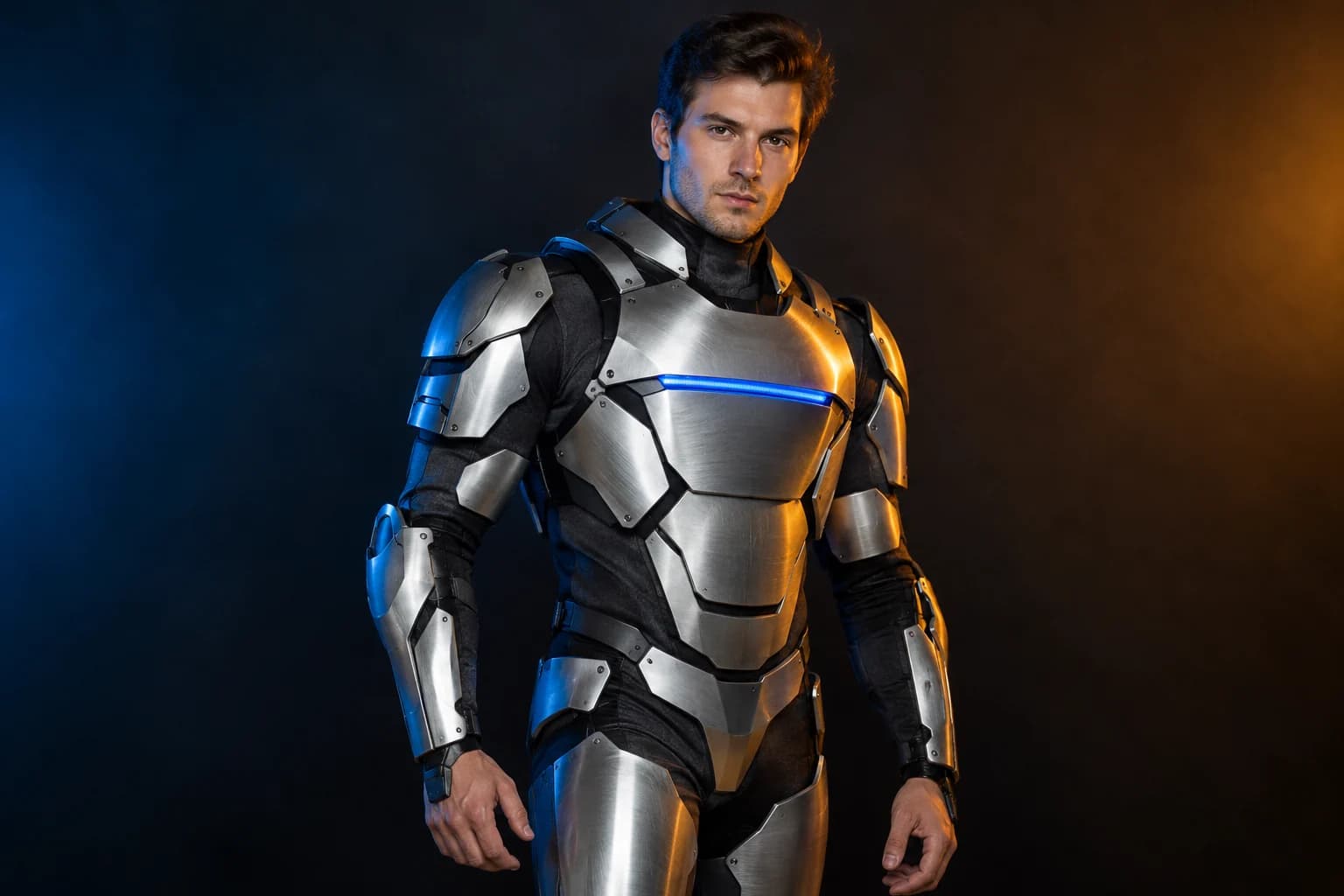
Robot costume
A real face inside a wearable armour costume, not a mechanical replacement.
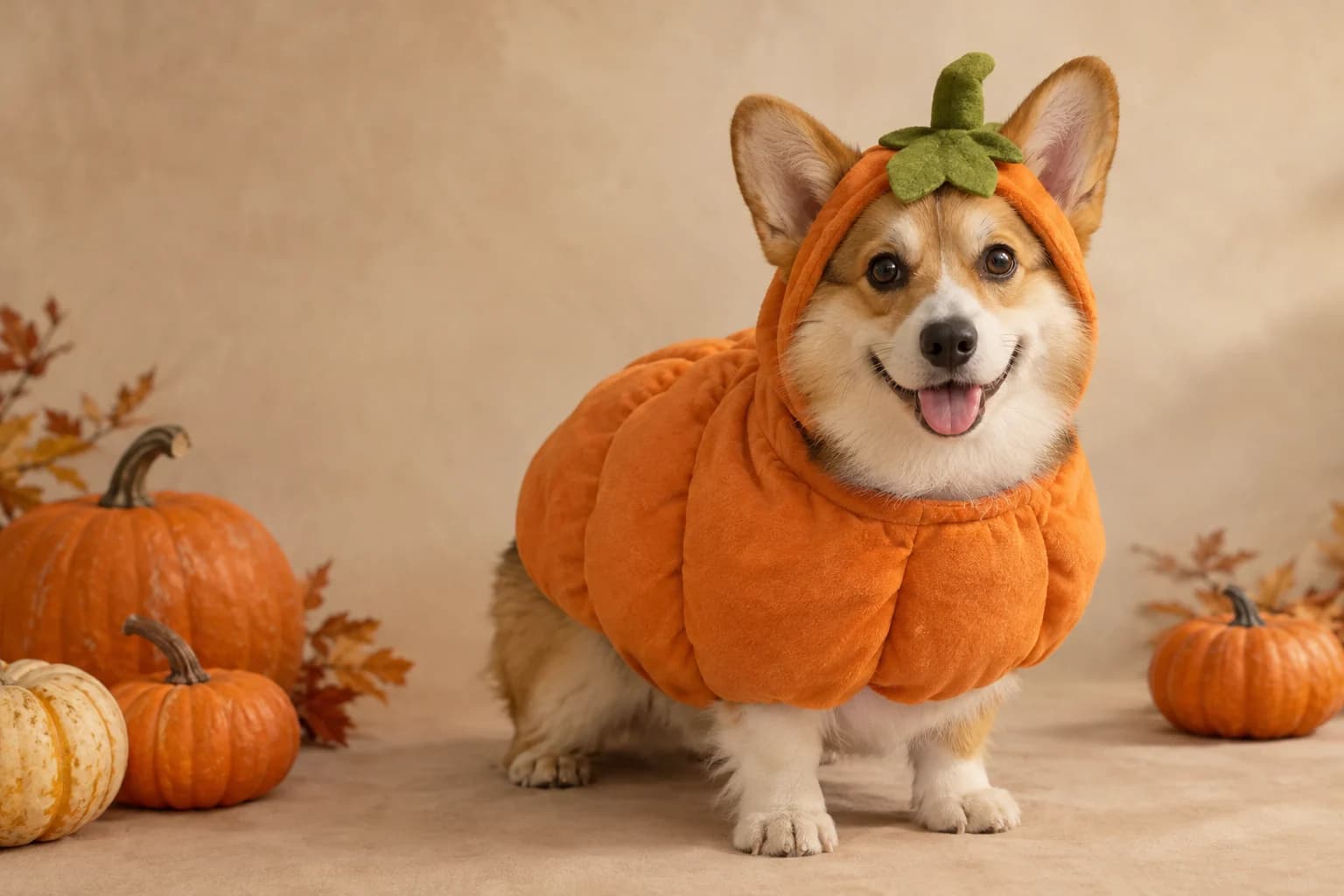
Pumpkin pet
Warm autumn light, soft costume fabric and the same pet underneath.
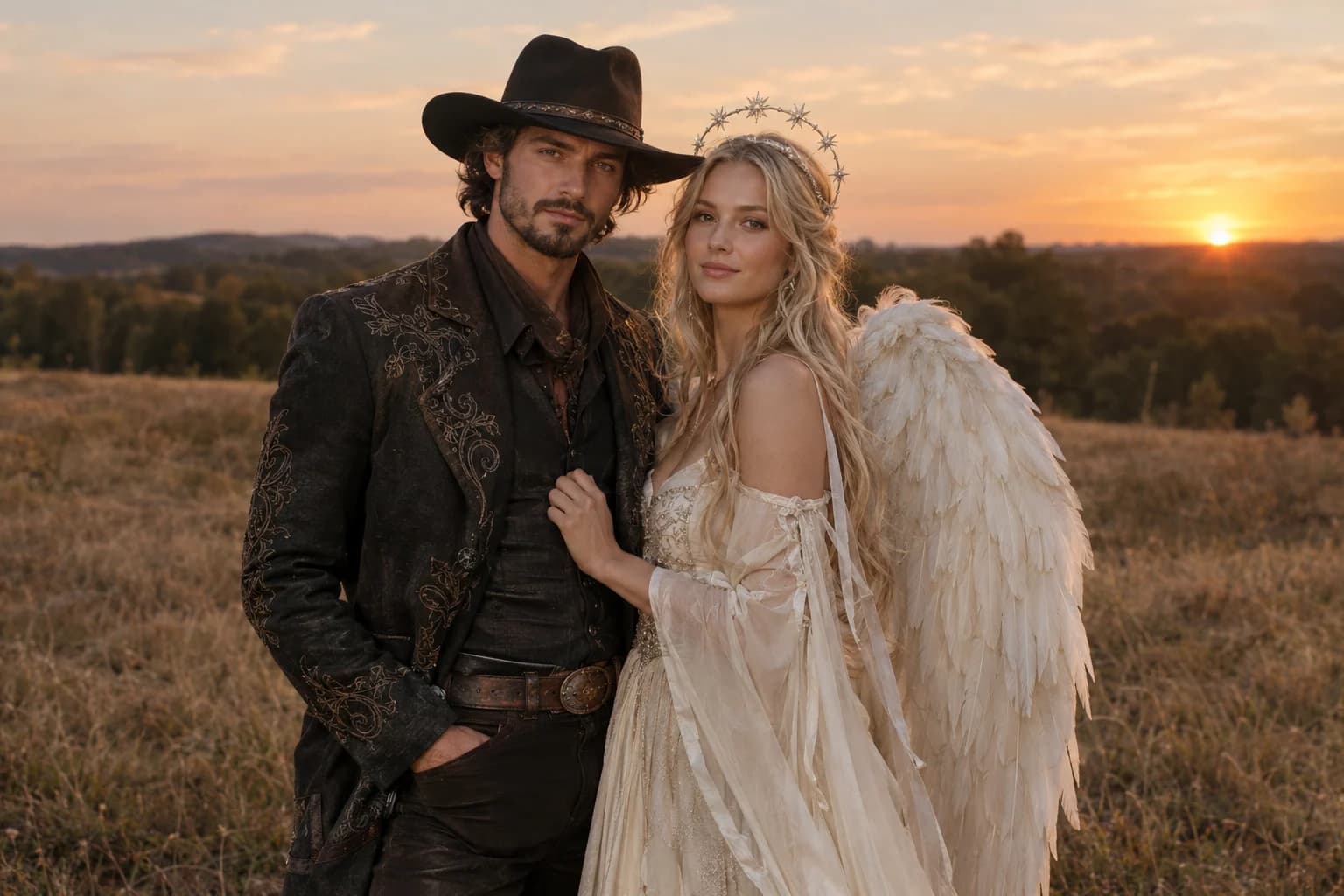
Cowboy and angel
Two coordinated costumes, two identities, one dusk scene.
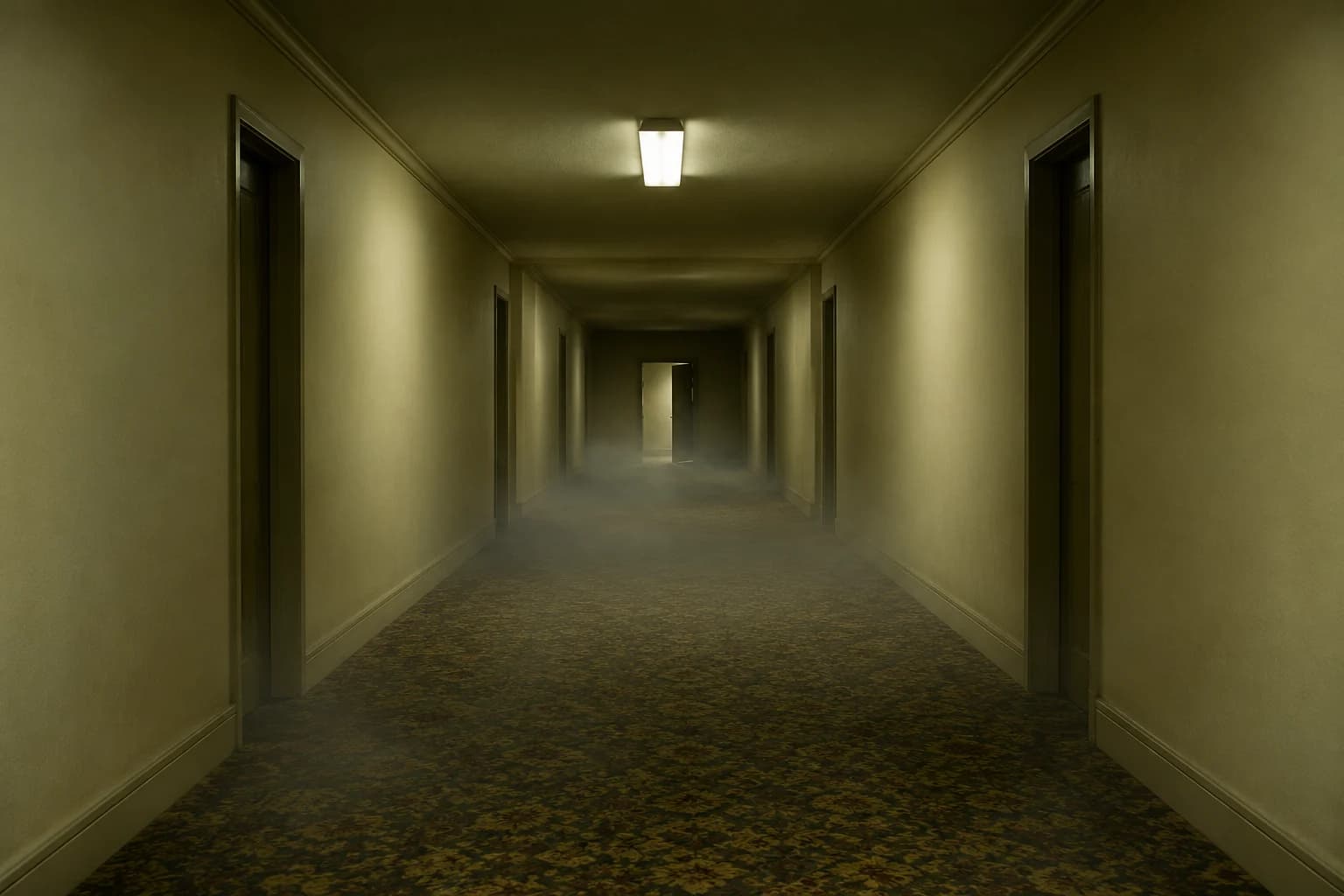
Backrooms video
A slow push through an empty corridor, with fog and a failing light.
What makes a costume edit believable
- Keep the face request explicit in the first sentence.
- Choose one costume theme and one location.
- Avoid asking for a perfect likeness; judge the result rather than assuming it.
The model needs room to show the costume. A tight selfie can work for make-up, but a waist-up photo gives clothing and accessories more space. Ask for one complete look rather than a collage.
Words such as 'wearing', 'replace the clothing' and 'keep the pose' are more useful than a paragraph of generic Halloween decoration. Name the material and silhouette, then let the lighting finish the scene.
Costume generator FAQ
Can I keep my own face in the costume photo?
The workspace uses image-to-image models that treat your upload as the reference. A strong source photo and an explicit identity-preservation instruction improve the chance of a recognizable result, but no model guarantees a pixel-exact face.
Which model is selected first?
The page starts with Nano Banana through KIE so you can test a low-cost edit. You can switch to Nano Banana Pro, Qwen, DreamOmni or a Replicate Flux 2 route in the same workspace without losing the prompt.
Can I generate more than one costume?
Yes, but change the costume between runs. Combining several themes in one prompt usually produces compromises: mixed silhouettes, unclear materials and extra accessories. Keep the source and generate one direction at a time.
Why does the prompt mention hands and jewellery?
Small accessories and hands are common failure points in image edits. Naming them in the avoid clause does not make them perfect, but it gives you a useful checklist when you inspect the result.
Keep exploring
Halloween photo editor
Relight, restyle and clean up a costume photo without replacing the person.
Halloween prompt library
Five copy-ready directions for images, pets, couples and video.
Midnight braids
Violet braids, silver details and a Victorian garden at night.
Cosmic princess
Midnight fabric, silver stars and a moonlit observatory.
Robot costume
A real face inside a wearable armour costume, not a mechanical replacement.