
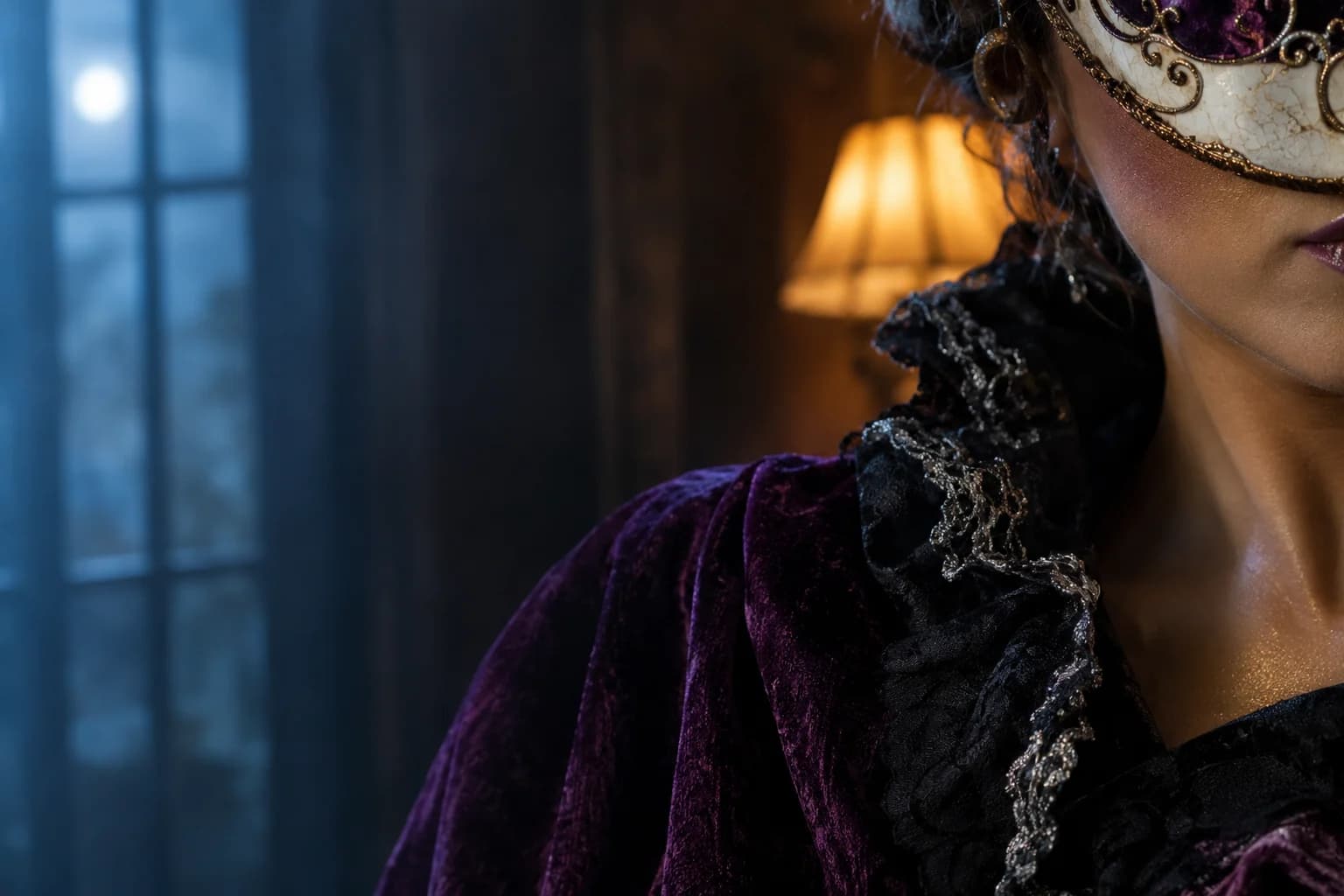
A Halloween photo editor that keeps the original intact
Use the source photo as the anchor and change only what you name: the background, the light, the make-up or one costume detail. Flux 2 is selected first because it is useful for controlled retouching, and the selector exposes other image routes when you need a different look.
Halloween 2026 guide, checked October 20, 2026
- Best for
- Finished-photo fixes
- Background swaps, colour grade, haze, costume texture and small prop changes.
- Starting model
- Flux 2 Pro
- A Replicate image route for controlled edits and product-style detail.
- Safer workflow
- One change per run
- Keep a version you like before trying a second edit.
Live generator
Halloween photo editor
The prompt is preloaded. Add your own photo, adjust the wording, and check the credit price before you run it.
The selector lists only models backed by a live route. KIE, WaveSpeed and Replicate models share the same workspace; the credit quote shown there is authoritative.
Choose a Halloween look
Retouch without losing the photograph
The photo is already the art direction. A precise edit names the area to change and leaves the rest of the frame alone.
- 1
Choose your strongest frame
Start with the sharpest, least compressed photo. A good expression is more useful than a perfect background.
- 2
Make one visible change
Ask for a new background, a warmer light or cleaner make-up detail. Do not change all three at once.
- 3
Download before another pass
Keep the approved edit, then use that copy as the new source for the next adjustment.
Prompt recipe
Moonlit courtyard relight
A texture and lighting study generated for this page.
Edit the uploaded Halloween photo without changing the person's identity, pose, costume design or body proportions. Keep the existing subject exactly as the reference. Replace only the background with a softly blurred moonlit stone courtyard, add cool moon fill from camera left and a warm lantern rim light from camera right, and introduce a thin layer of atmospheric mist behind the subject. Preserve realistic skin texture, fabric folds and jewellery. Keep the same framing and the same number of people. Use natural editorial photography, not a painted illustration. Avoid extra limbs, duplicated fingers, altered clothing, text, logos and watermarks.Choose a Halloween look
Every card opens a page with a tested prompt, an editable photo, and a named starting model. Swap the model in the workspace without losing your upload or prompt.
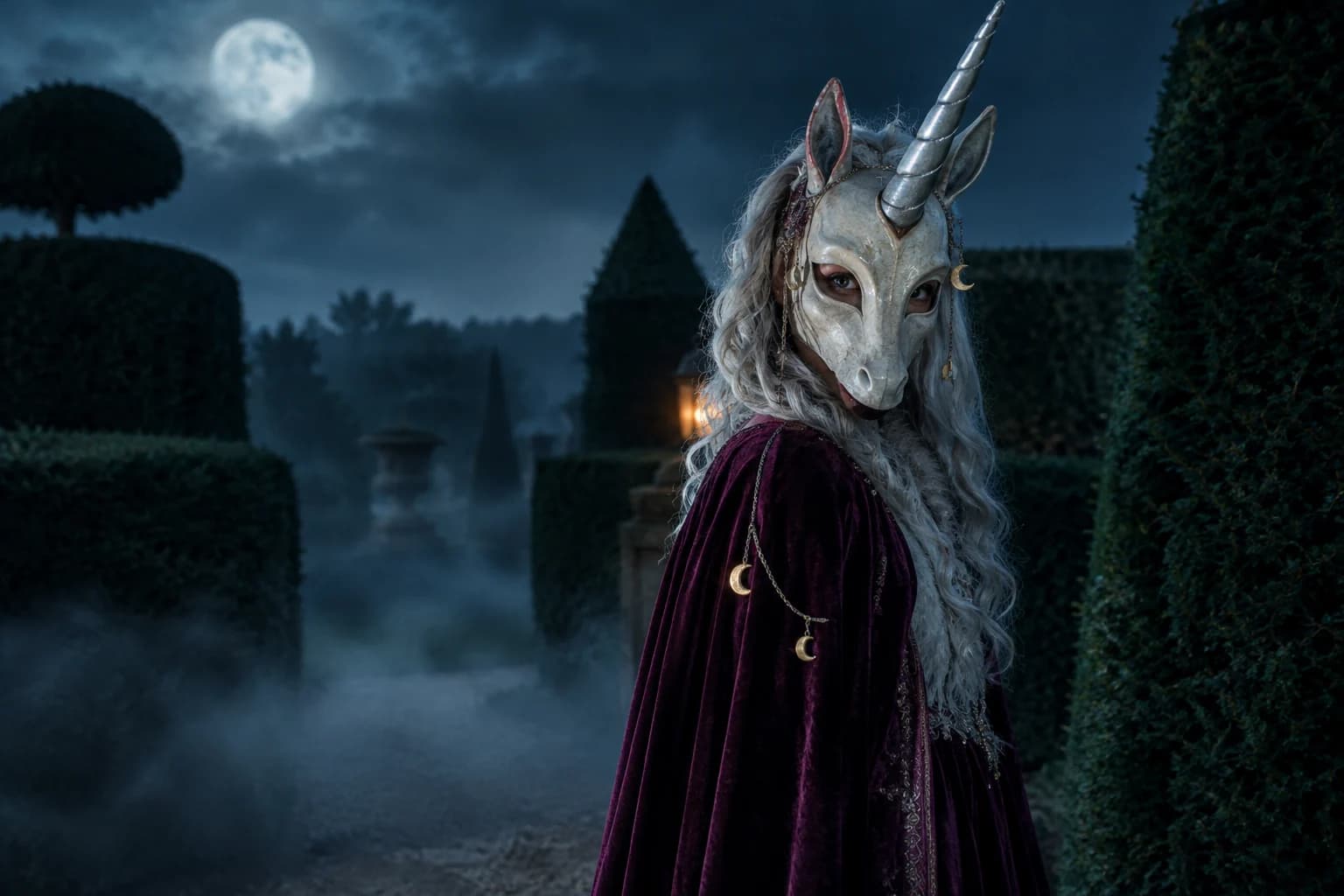
Haunted unicorn
A mascot silhouette, one silver horn and a moonlit garden.
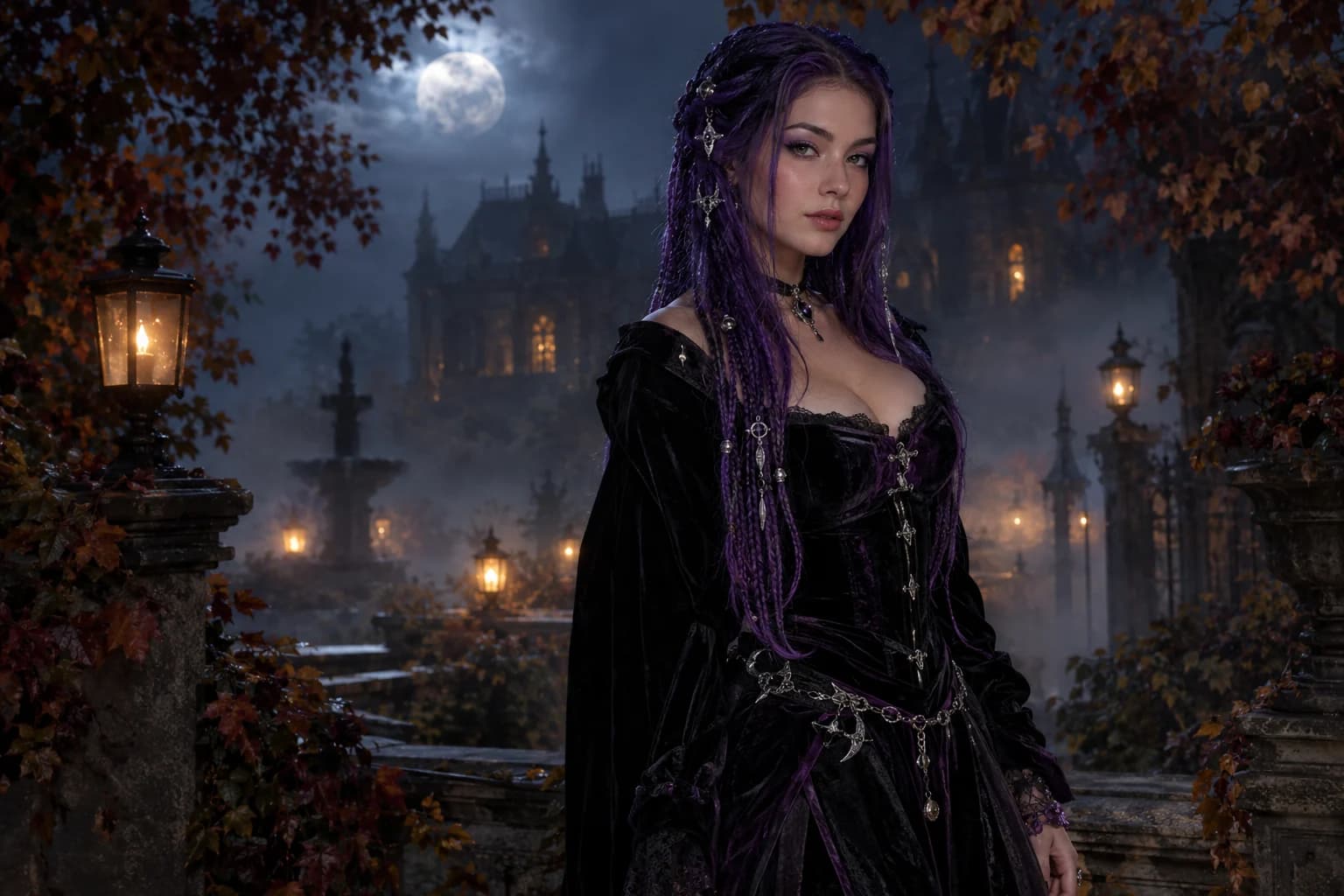
Midnight braids
Violet braids, silver details and a Victorian garden at night.
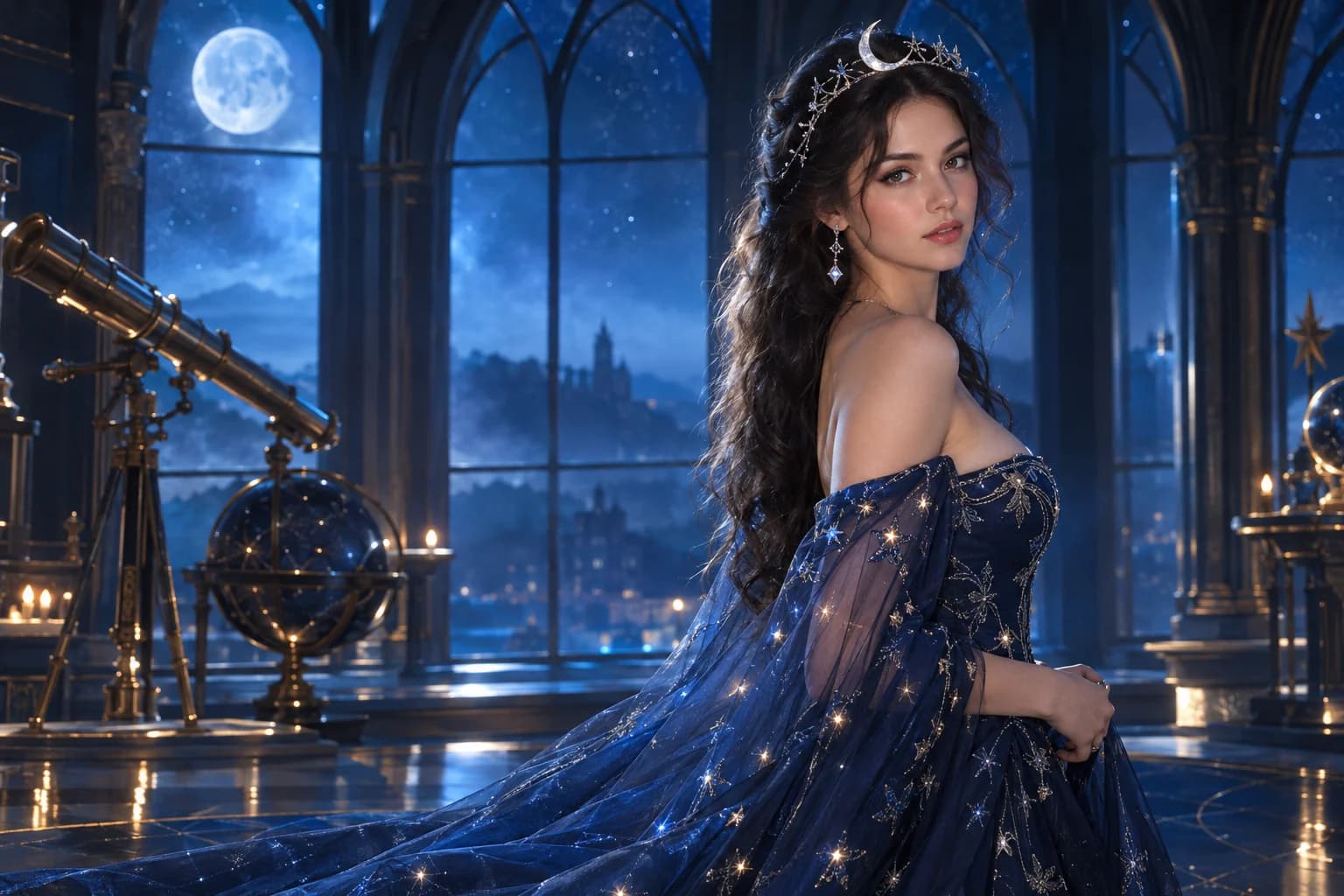
Cosmic princess
Midnight fabric, silver stars and a moonlit observatory.
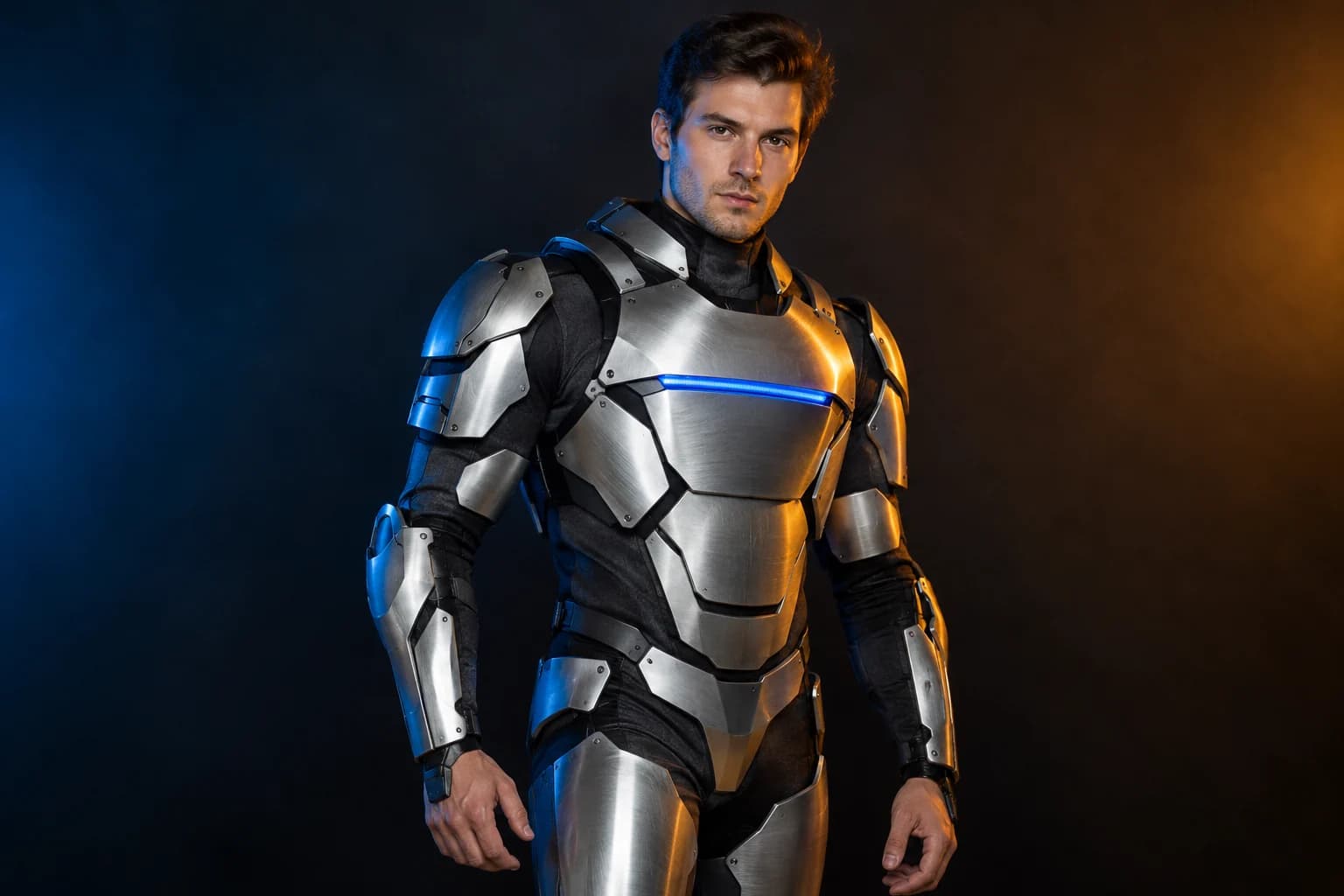
Robot costume
A real face inside a wearable armour costume, not a mechanical replacement.
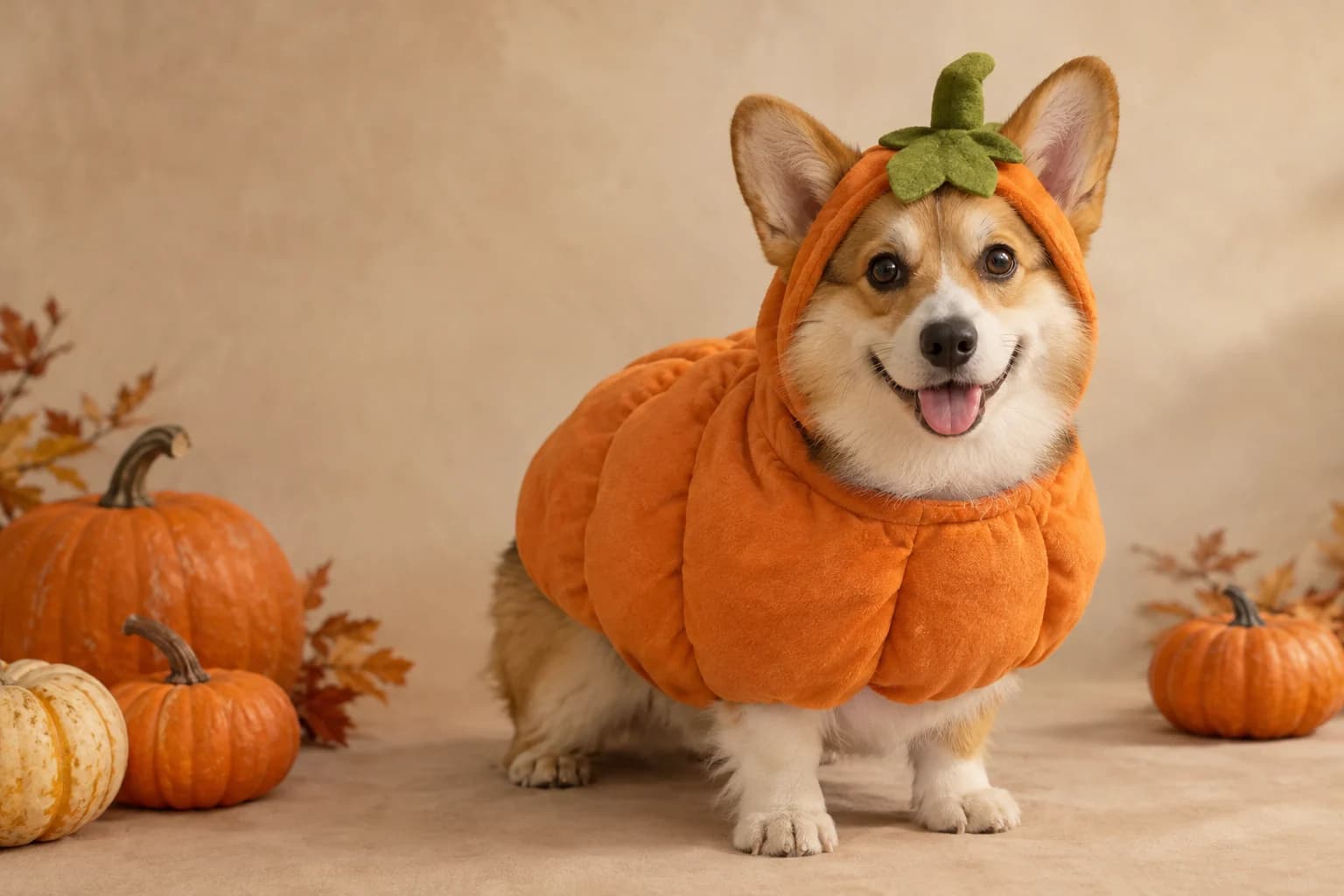
Pumpkin pet
Warm autumn light, soft costume fabric and the same pet underneath.
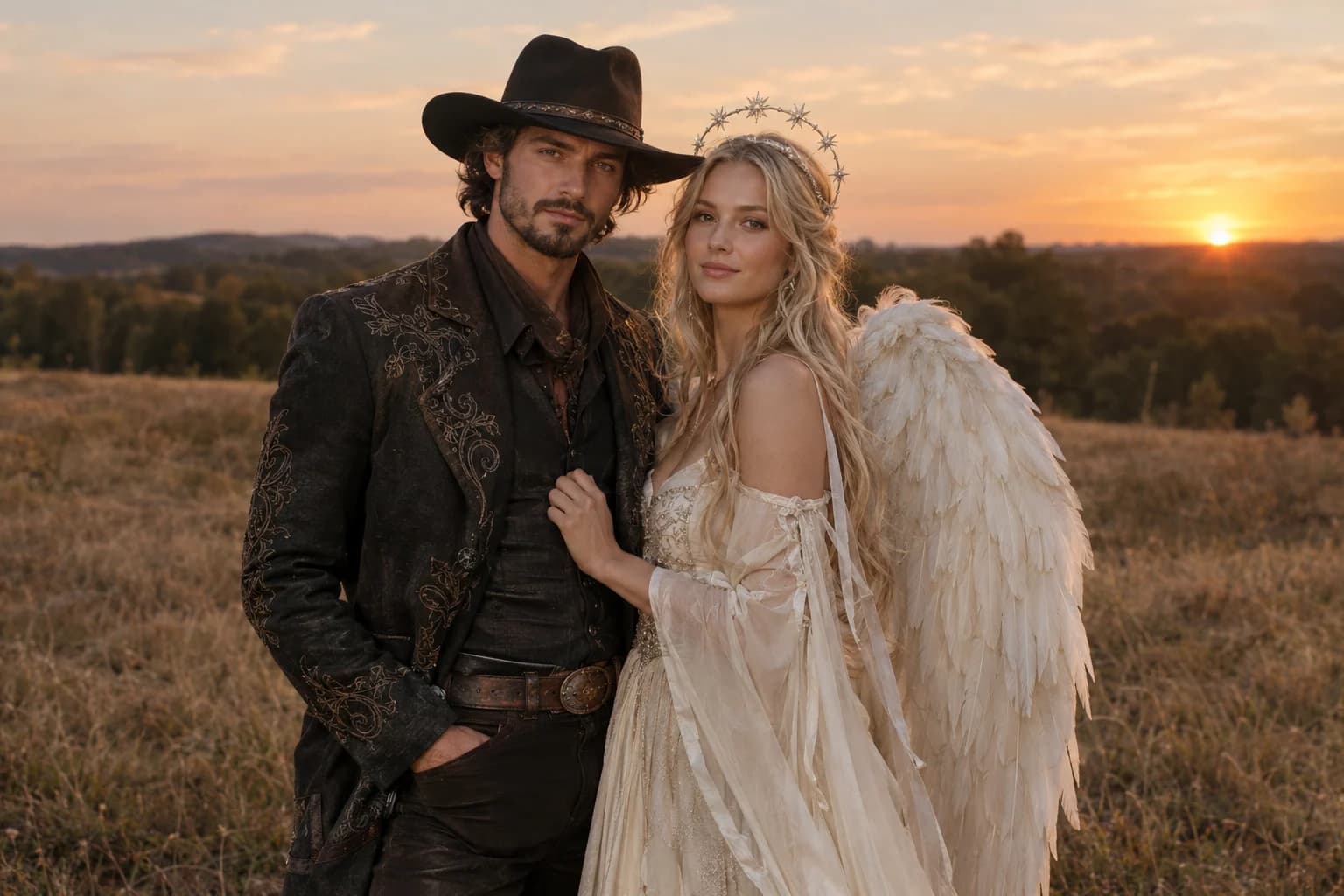
Cowboy and angel
Two coordinated costumes, two identities, one dusk scene.
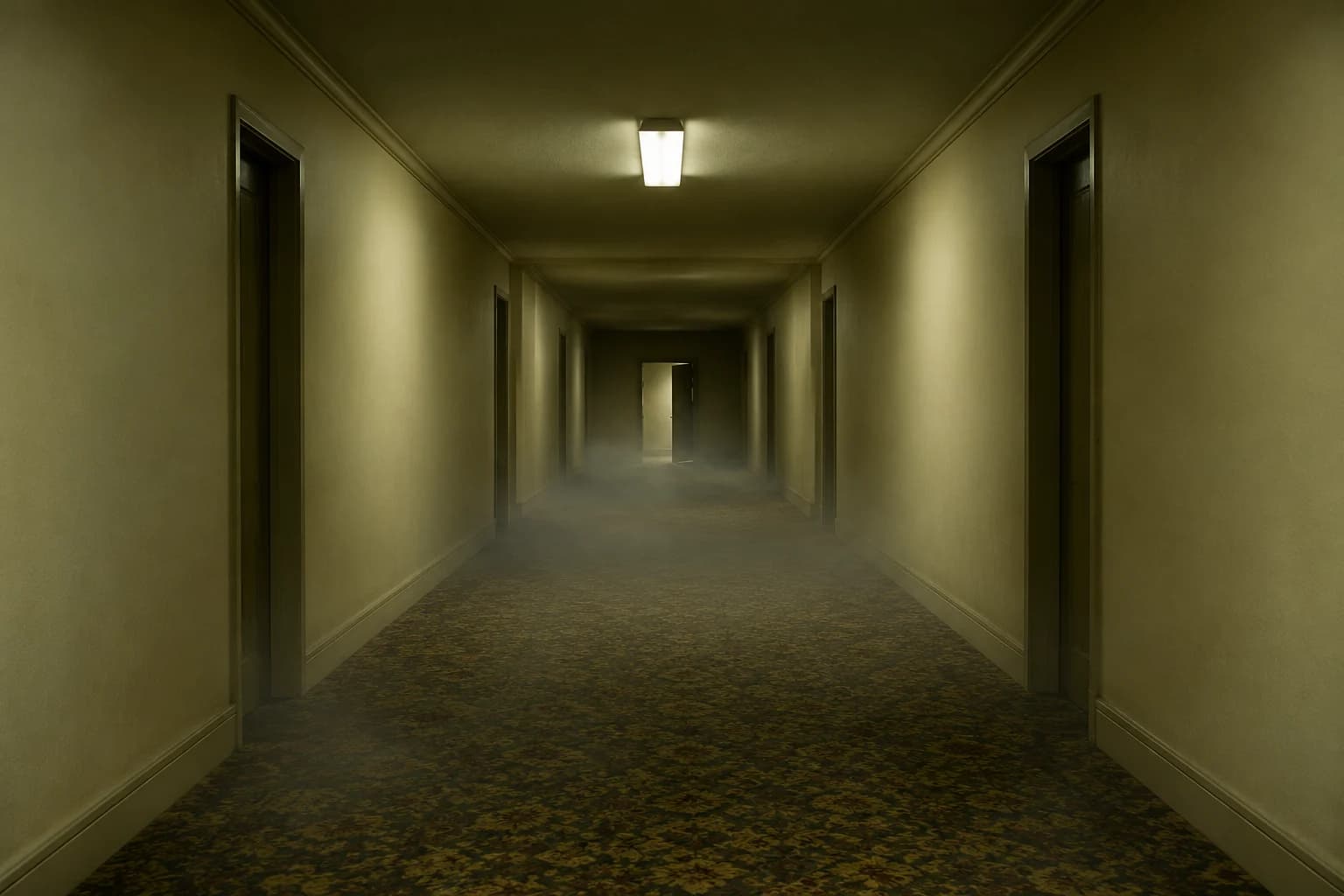
Backrooms video
A slow push through an empty corridor, with fog and a failing light.
The most useful edit is usually the smallest
- Name the area that may change and repeat what must stay.
- Avoid combining a background swap with a costume redesign.
- Judge skin texture and hair edges at 100 percent.
A finished photo often needs one decisive change: the subject is lost against a dark background, the costume detail is too soft, or the colour is flat. Isolating that issue makes it easier to judge whether the model improved the image.
Repeated full-scene rewrites can move the face and details in unintended ways. Download each keeper and treat it as a new source. That preserves a clear chain of approved edits and gives you something to fall back on.
Halloween photo editor FAQ
Can I change the background without changing the costume?
Yes. Say that the person, pose and costume must stay unchanged and name only the background, light and atmosphere. The result still depends on the selected model and source quality.
Why start with Flux 2 Pro?
It is a controlled image-edit route from Replicate that suits fabric, product and photographic detail. The selector also exposes KIE and other routes, so you can compare without starting a second project.
Does the editor replace my original file?
No. The uploaded source and the returned result are separate files. Keep both so you can compare, retry with different wording or switch models later.
Can I make a photo look more like a film still?
Yes. Ask for a specific lighting direction, lens character, colour palette and level of grain. Keep the request photographic and avoid naming real films, actors or branded characters.
Keep exploring
Costume generator
Preserve a real face while changing clothing, make-up and atmosphere.
Halloween prompt library
Five copy-ready directions for images, pets, couples and video.
Haunted unicorn
A mascot silhouette, one silver horn and a moonlit garden.
Pumpkin pet
Warm autumn light, soft costume fabric and the same pet underneath.