SeedVR2
  • Pricing
  • Compare
SeedVR2
Costume sketches, fabric swatches and a tablet on a dark work table
Home/Halloween AI/Halloween prompt library
Prompt library

Halloween AI prompts you can use and adapt

Each recipe separates the reference photo, the transformation, the scene and the failure checks. Copy one into another assistant or open the linked generator with the same starting prompt already loaded.

Open a costume editorBrowse all looks

Halloween 2026 guide, checked October 20, 2026

Structure
Keep, change, avoid
Identity first, transformation second, failure clauses last.
Reuse
Any capable model
The wording is plain enough to adapt outside SeedVR2.
Testing
One variable at a time
Change a costume, material or background between runs.

Choose a Halloween look

How to adapt a copied prompt

Do not add more Halloween adjectives. Add concrete decisions: what the person wears, what material it is, where they stand and how the scene is lit.

  1. 1

    Keep the preservation clause

    The first sentence should tell an image editor that the uploaded person, face, pose and proportions are the reference.

  2. 2

    Replace one visual block

    Swap the costume paragraph, the location paragraph or the lighting paragraph separately.

  3. 3

    Keep the failure checklist

    Extra fingers, duplicated people, changed identity, text and watermarks are practical review points.

Copy-ready Halloween prompts

These are original directions rather than named film or game characters. Adapt materials, colours and settings freely.

Haunted unicorn selfie

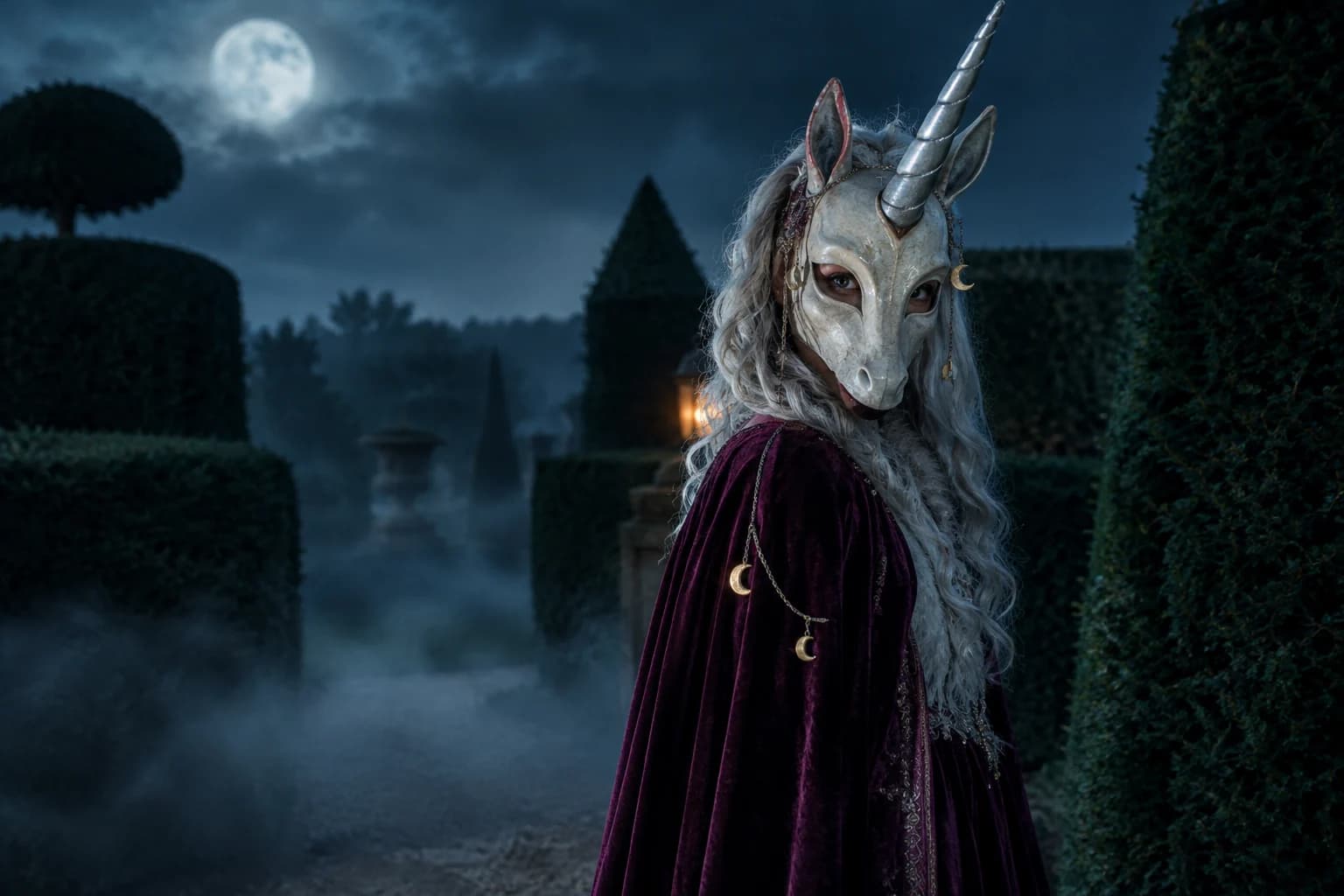
Use the uploaded photo as the primary reference. Preserve the person's recognizable face, skin tone, age and pose. Create an original haunted-unicorn mascot portrait with a sculpted ivory mask, one silver horn, a plum velvet cape and tiny moon charms. Keep the eyes visible. Place the subject in a foggy moonlit garden. Photorealistic editorial photography, realistic fabric and cinematic light. Avoid an existing character design, extra limbs, changed identity, text and watermarks.
Open the generator

Midnight braids portrait

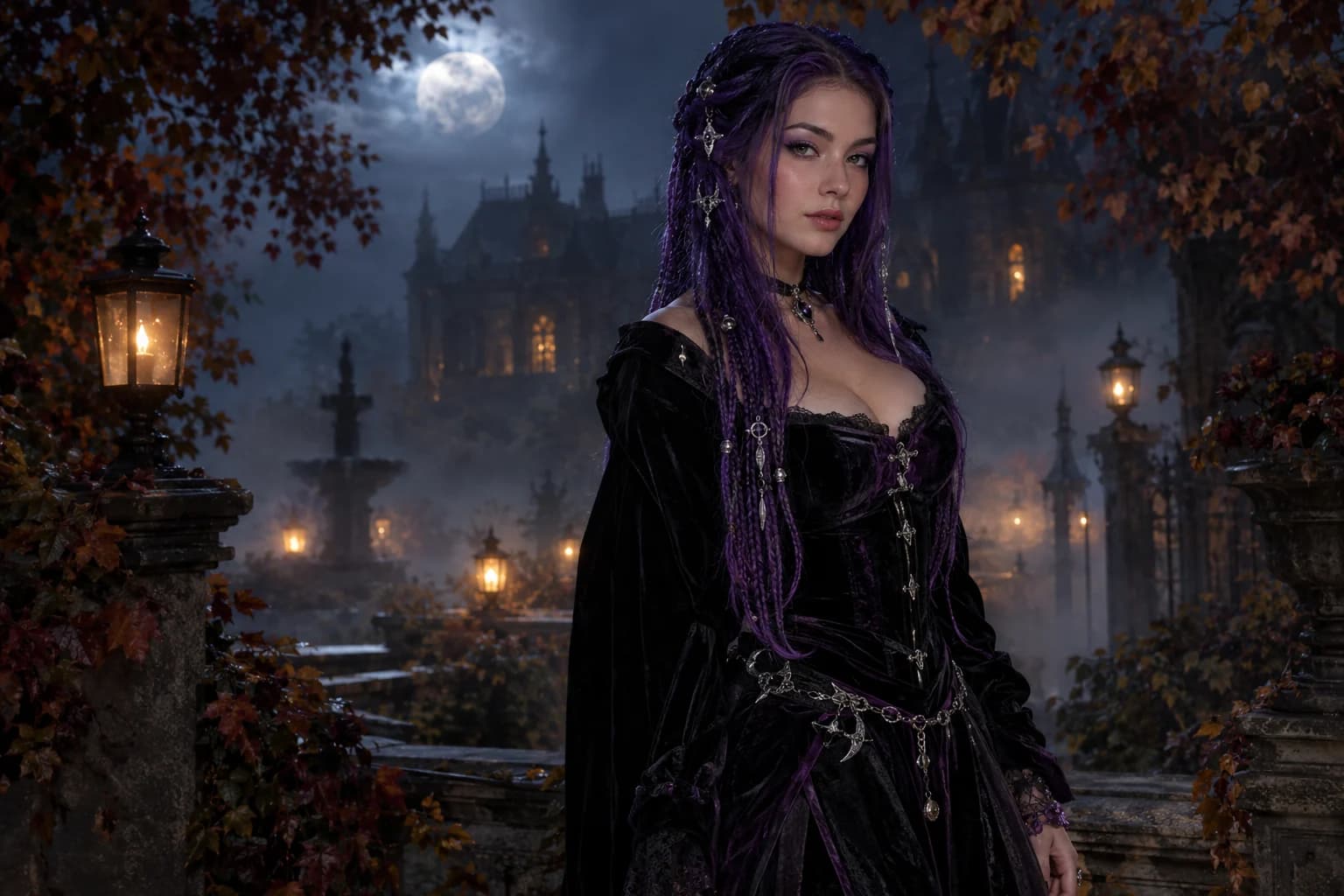
Edit the uploaded portrait into a gothic Halloween fashion image. Preserve the subject's identity, facial proportions, skin texture, pose and body. Change the hair into long violet braids with delicate silver ornaments. Replace the clothing with an elegant black-and-purple velvet outfit. Place the subject in a moonlit Victorian garden with soft fog and lanterns. Use photorealistic editorial photography. Keep one person. Avoid altered identity, extra fingers, distorted anatomy, text and logos.

Open the generator

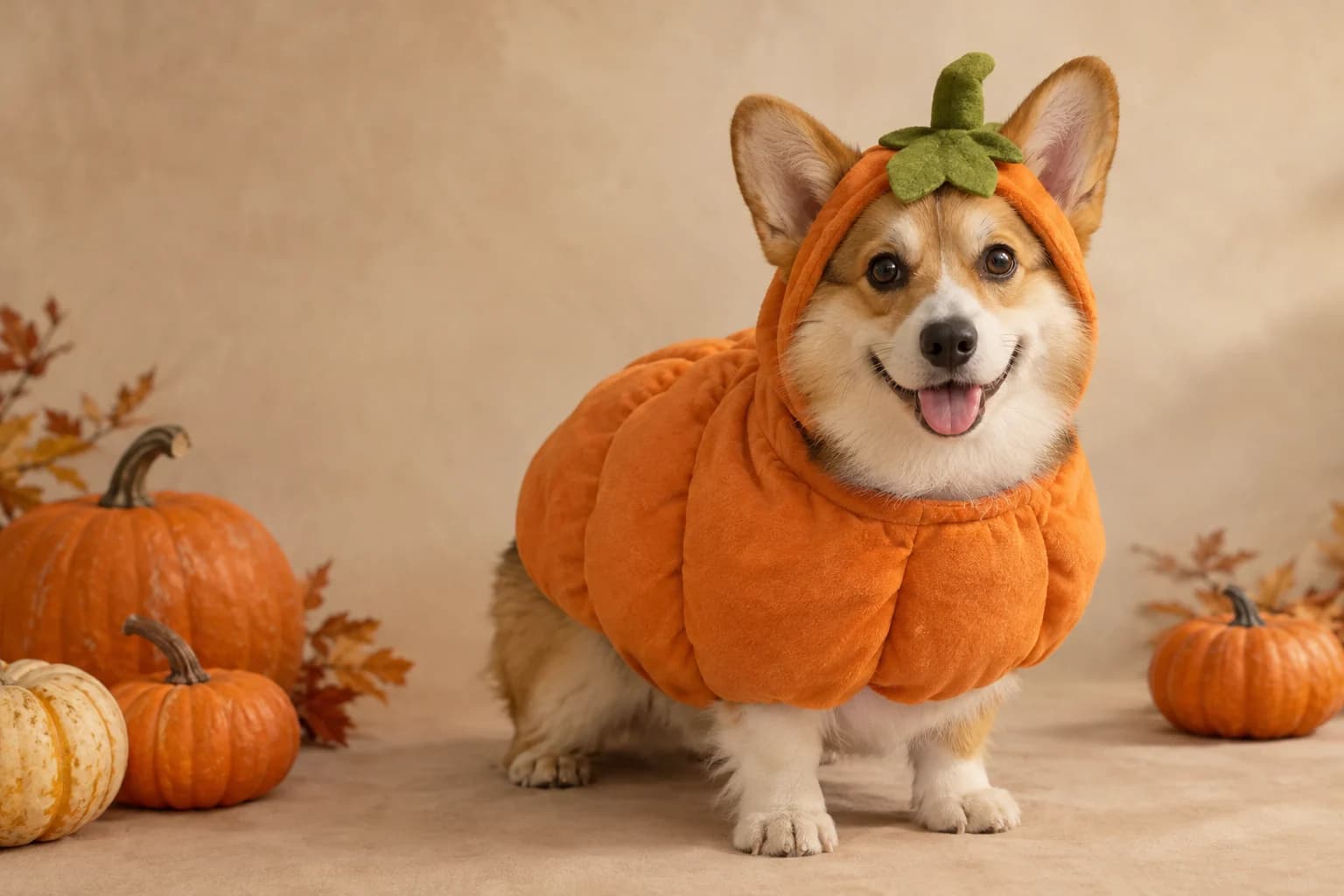
Pumpkin pet studio

Use the uploaded pet photo as the primary reference. Preserve the animal's breed, fur colour, markings, eye colour, face and natural anatomy. Dress the pet in a soft pumpkin costume with a small green leaf accessory that does not cover the eyes. Use a cozy autumn studio with warm light and miniature pumpkins. Create a photorealistic professional pet portrait with realistic fur. Avoid extra animals, duplicated paws, changed species, text and watermarks.

Open the generator

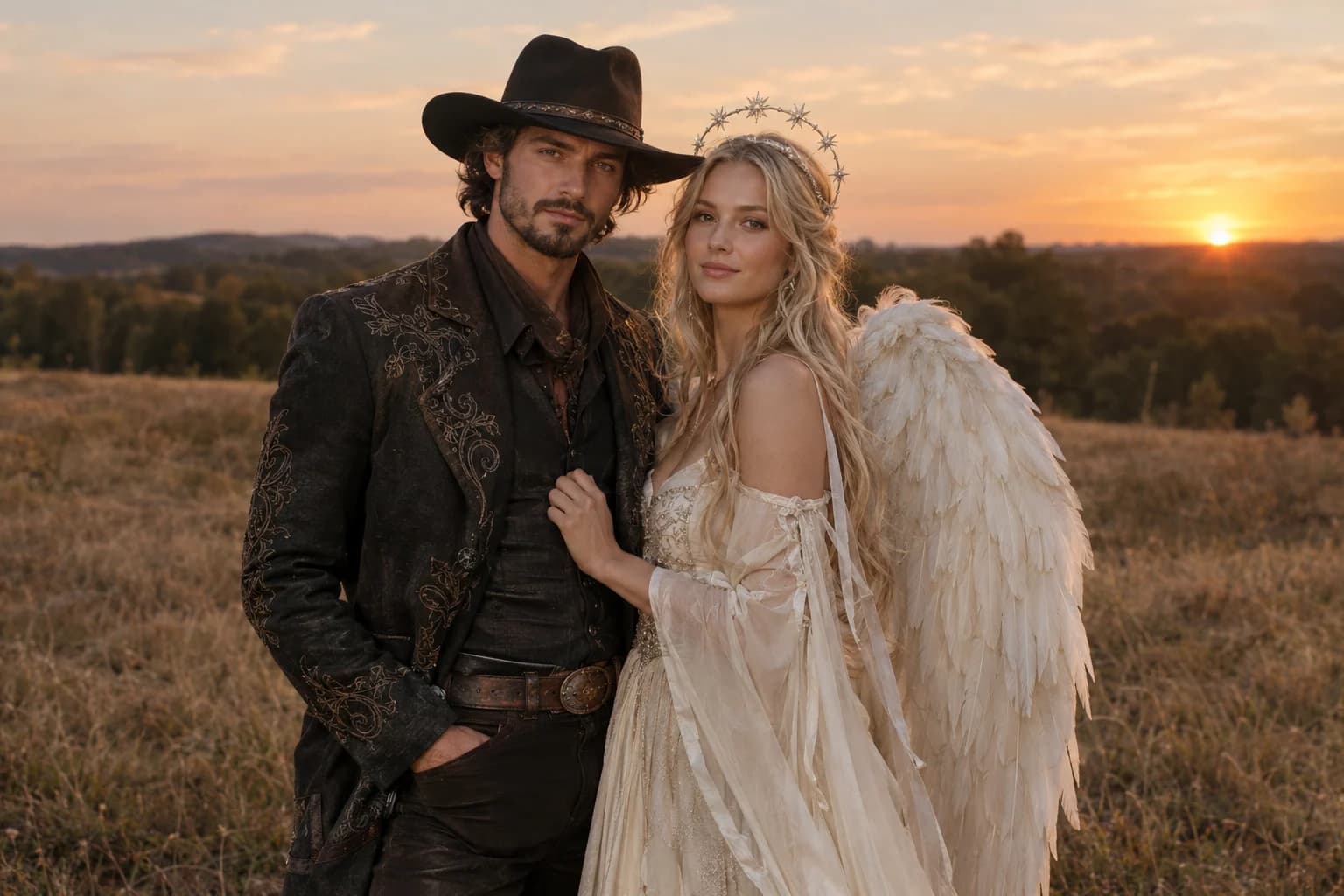
Cowboy and angel couple

Use both uploaded photos as identity references. Preserve both people's recognizable faces, skin tones, body proportions and relative identities. Dress one person in a refined western costume with a dark hat and embroidered jacket; dress the other in an ethereal ivory costume with soft feathered wings. Place them together in a warm dusk field. Keep exactly two people and do not exchange faces. Avoid a third person, duplicated hands, distorted anatomy, text and watermarks.

Open the generator

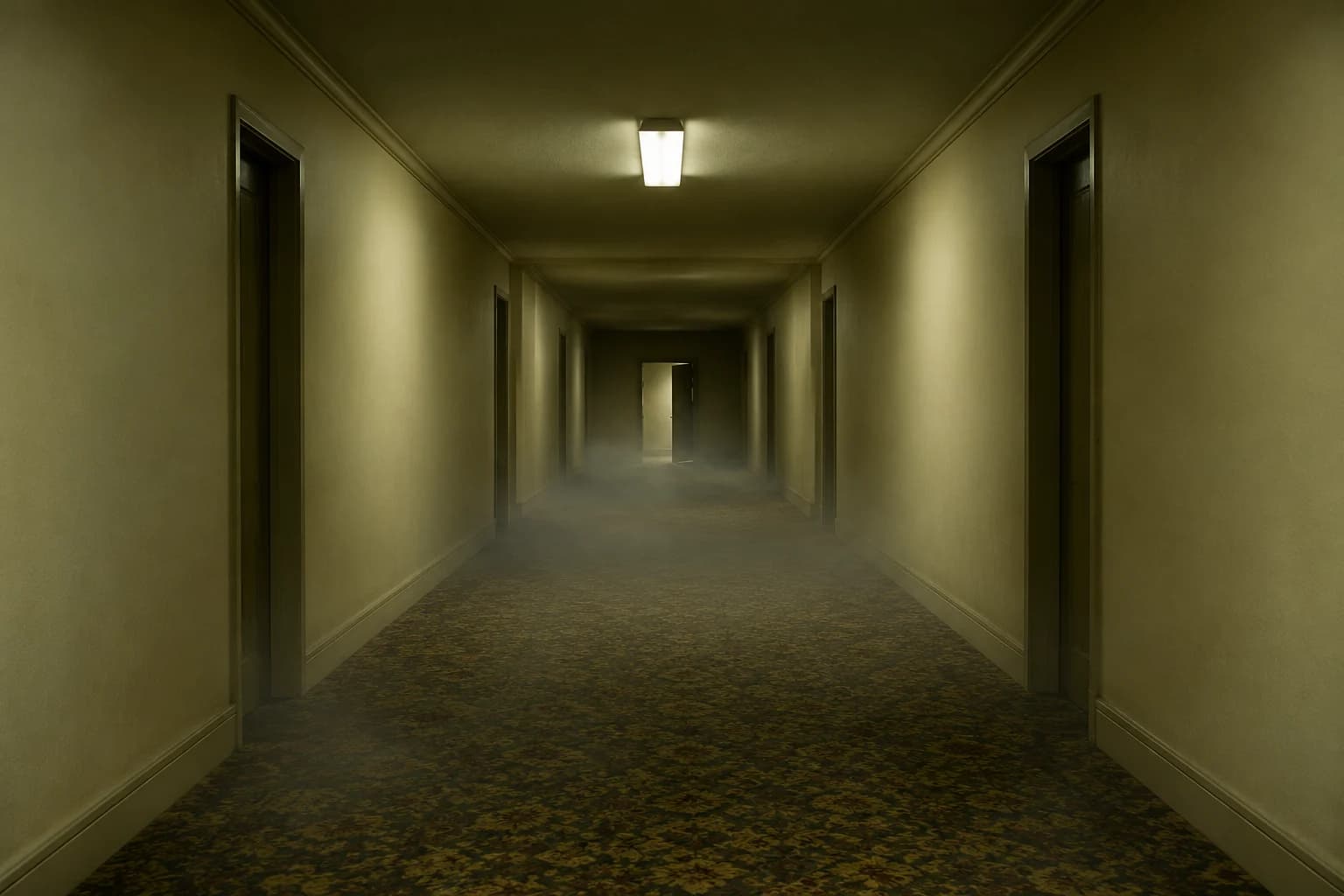
Five-second liminal hallway

Create a five-second cinematic shot inside an original empty liminal corridor with cream walls, worn carpet and one flickering ceiling light. The camera moves forward slowly and steadily. A faint fog crawls along the floor. Keep the architecture stable, the lighting consistent and the motion subtle. No people, no sudden cuts, no camera shake, no text, no logos and no watermarks.

Open the generator

Choose a Halloween look

Every card opens a page with a tested prompt, an editable photo, and a named starting model. Swap the model in the workspace without losing your upload or prompt.

Adult in an original haunted unicorn mascot costume in a moonlit garden

Haunted unicorn

A mascot silhouette, one silver horn and a moonlit garden.

Adult with long violet braids in a dark velvet costume in a moonlit garden

Midnight braids

Violet braids, silver details and a Victorian garden at night.

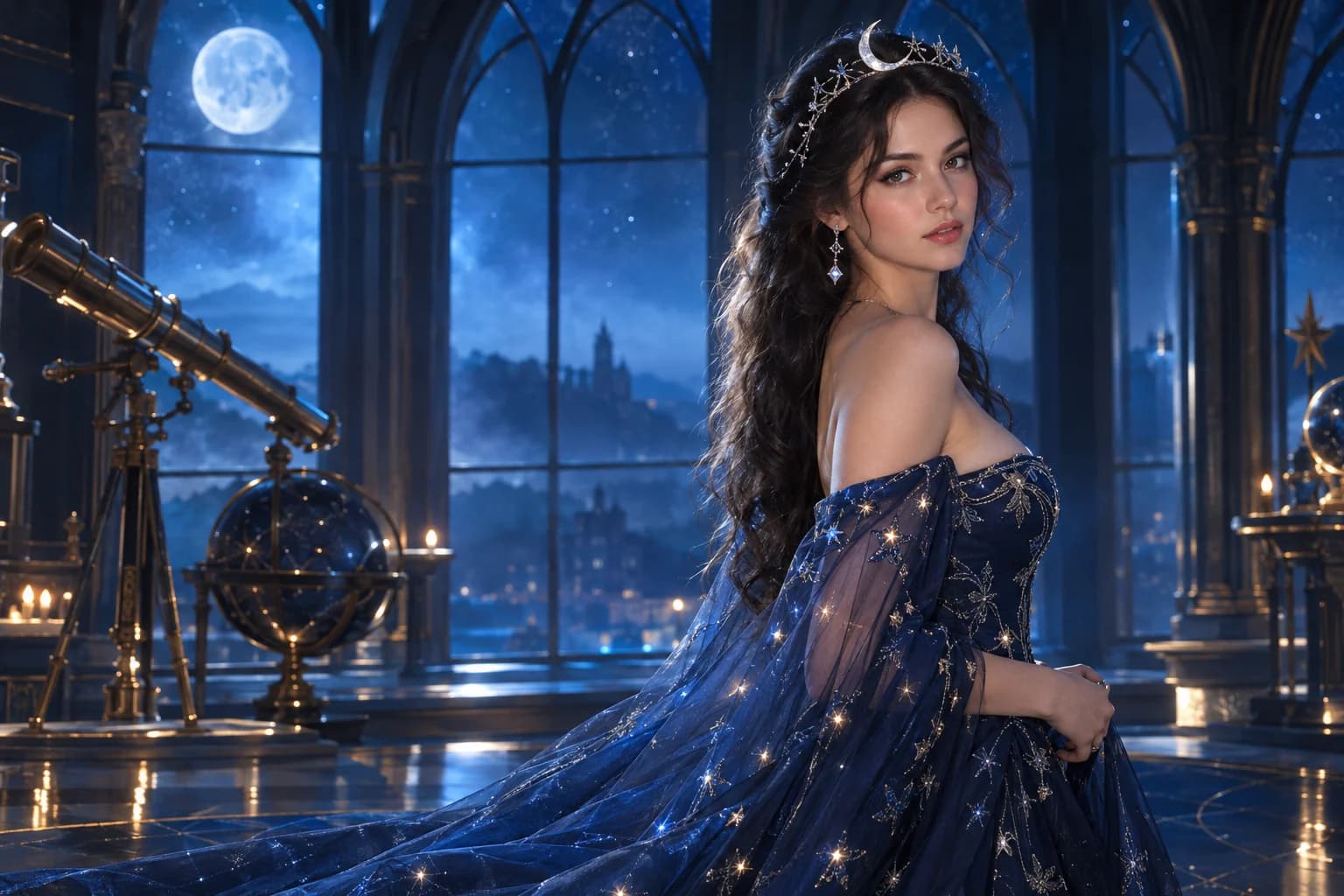
Adult in a midnight-blue cosmic princess gown inside a starry observatory

Cosmic princess

Midnight fabric, silver stars and a moonlit observatory.

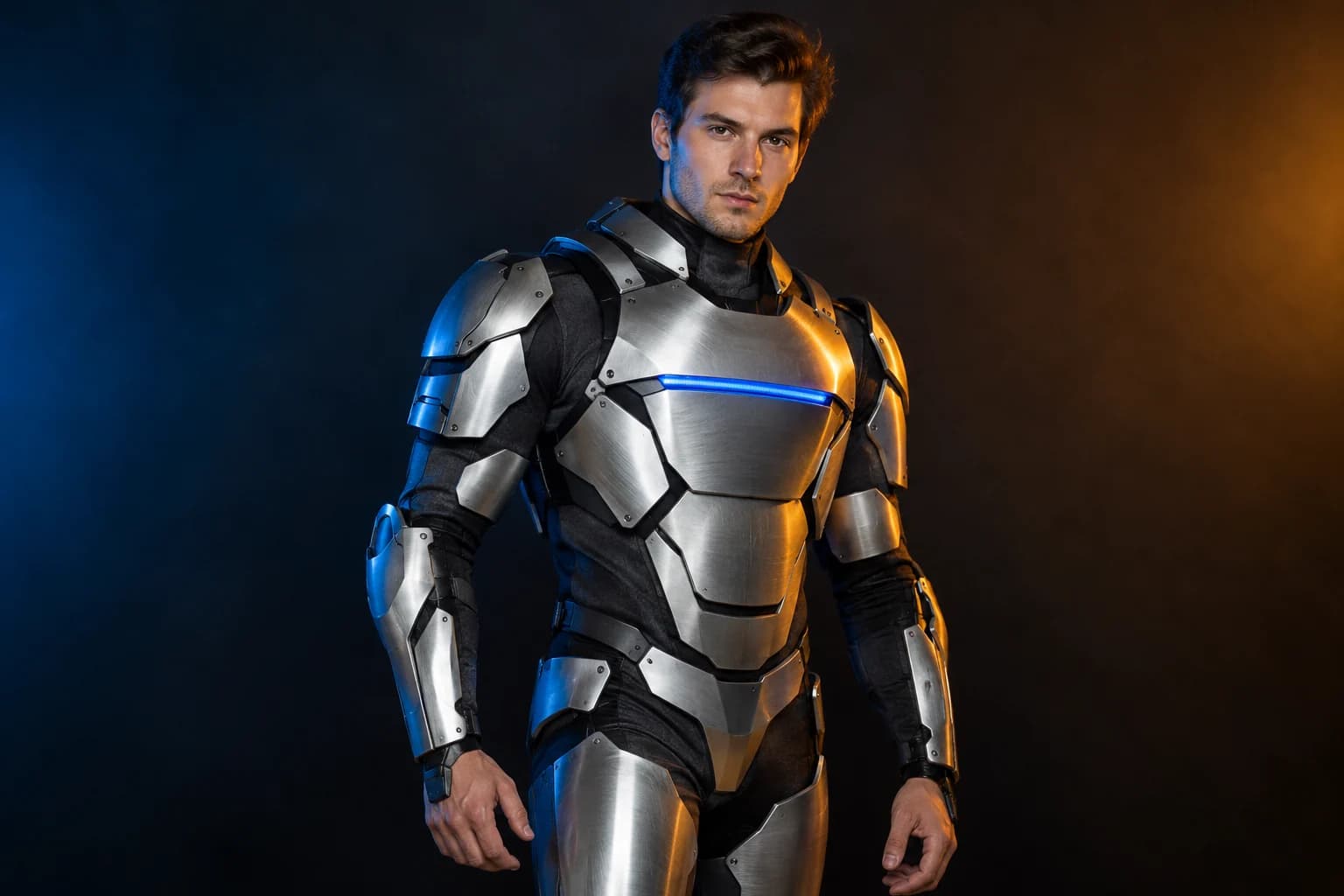
Adult wearing an original silver and charcoal robot costume in a studio

Robot costume

A real face inside a wearable armour costume, not a mechanical replacement.

Dog in a soft pumpkin costume sitting in a warm autumn studio

Pumpkin pet

Warm autumn light, soft costume fabric and the same pet underneath.

Two adults in coordinated cowboy and angel Halloween costumes at dusk

Cowboy and angel

Two coordinated costumes, two identities, one dusk scene.

Original empty liminal corridor with cream walls, worn carpet and a ceiling light

Backrooms video

A slow push through an empty corridor, with fog and a failing light.

A prompt is a checklist, not a mood board

  • Put the reference and identity requirement first.
  • Use one paragraph for costume and one for scene and light.
  • End with visible checks you can review, not vague quality claims.

The strongest recipes make decisions. They say what reference wins, which garment replaces the original and which scene supports the subject. A list of atmospheric words alone leaves the model to guess the important parts.

Keep a short version of each prompt next to its output. When a later run goes wrong, compare the wording before changing the model. That separates prompt problems from model limitations.

Halloween prompt FAQ

Can I copy these prompts into Gemini or another tool?

Yes. They are written as plain instructions. Some tools handle uploaded reference images differently, so keep the preservation and avoid clauses and adjust the wording to the tool's supported features.

Why do the prompts repeat identity instructions?

Image editors can drift when several visual changes compete. Repeating the face, pose and body requirements makes the invariant explicit and gives you a clear standard for reviewing the result.

Can I use a famous character name?

The library uses original descriptions to avoid copying protected character designs. You can describe a hero, mascot, witch or ghost archetype and specify the silhouette, materials and colours you want.

How should I change a prompt when the result is wrong?

Change one block. If the costume is right but the background is wrong, leave the costume paragraph alone. If identity drifts, remove secondary subjects and simplify the scene before increasing model quality.

Keep exploring

Costume generator

Preserve a real face while changing clothing, make-up and atmosphere.

Halloween photo editor

Relight, restyle and clean up a costume photo without replacing the person.

Halloween video generator

Short atmospheric clips built from one action, one camera move and controlled light.

Haunted unicorn

A mascot silhouette, one silver horn and a moonlit garden.

Midnight braids

Violet braids, silver details and a Victorian garden at night.

This page is operated by SeedVR2.net. It connects to live third-party model routes; the model, credit price and upload rules are shown again before a job starts. The example images on this page are AI-generated illustrations, not customer photos.

Live model routes

KIE · WaveSpeed · Replicate

SeedVR2

SeedVR2 is an independent AI upscaling workspace for image and video upscaling, clear job tracking, and delivery workflows.

Launched on FazierLaunched on FazierFeatured on ToolPilot.ai
Company
  • About
  • Blog
  • Tutorial
  • Support
Legal
  • Terms of Service
  • Privacy Policy
  • Refund Policy
  • Acceptable Use Policy
SeedVR2 resources
  • SeedVR2 model download (3B/7B)
  • SeedVR2 ComfyUI workflow
  • SeedVR2 Hugging Face models (3B/7B)
  • SeedVR2 GitHub repositories
  • SeedVR2 upscaler download (no app)
  • AI image upscaler online
  • AI video upscaler online
  • Best AI video upscaler compared
  • Video restoration for studios
  • Professional video delivery
  • Halloween AI costume and video tools

Get product updates

We'll email you once when a new feature or model launches. No spam.

SeedVR2 is an independent service that provides access to third-party AI models and workflows. We are not affiliated with, endorsed by, or sponsored by the model providers.

© 2026 SeedVR2 All Rights Reserved.