
Build a robot costume around a human face
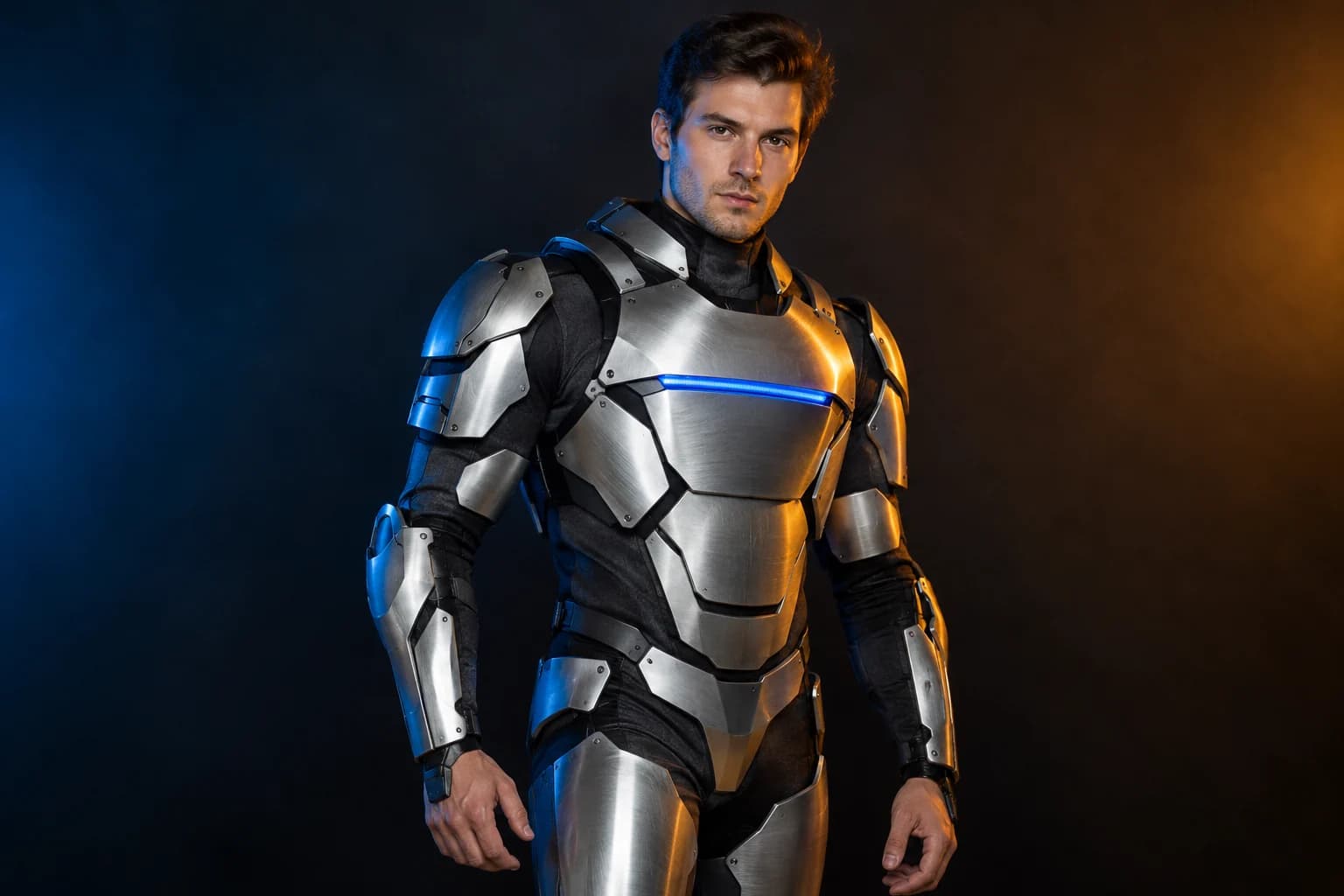
The useful version of this trend keeps the person visible inside a believable costume: armour panels, articulated shoulders, a little LED light and a human expression. The prompt tells the model not to turn the face into a robot head.
Halloween 2026 guide, checked October 20, 2026
- Starting model
- Nano Banana Pro
- A higher-detail KIE route for armour panels and studio lighting.
- Face rule
- Human and visible
- Do not replace the head with a helmet or robot shell.
- Lighting
- Blue and amber
- One cool edge and one warm fill keep the metal readable.
Live generator
Robot costume
The prompt is preloaded. Add your own photo, adjust the wording, and check the credit price before you run it.
The selector lists only models backed by a live route. KIE, WaveSpeed and Replicate models share the same workspace; the credit quote shown there is authoritative.
Choose a Halloween look
Make the costume wearable
A robot portrait fails when the model turns the person into a CGI machine. Keep the face, eyes and skin visible and frame the armour as clothing.
- 1
Keep the head uncovered
Ask for an open face area and a human expression. A helmet is a different brief.
- 2
Name the construction
Panels, shoulder pieces, seams, straps and LED indicators describe a costume that someone could wear.
- 3
Use a studio background
A simple set keeps attention on the materials and avoids a busy spaceship scene.
Prompt recipe
Wearable robot costume
A wearable costume study generated for this page.
Using the uploaded photo as the reference, transform the subject into an original futuristic Halloween robot costume portrait. Preserve the subject's recognizable human face, skin tone, head proportions, hairline and original pose. Create a realistic wearable costume with brushed-silver armour panels, charcoal fabric joints, one subtle blue LED strip across the chest and articulated shoulder pieces. The face must stay human, visible and uncovered. The outfit should look like a handmade premium costume photographed on a real person, not a fully mechanical character. Use dramatic blue and amber studio lighting, realistic metal reflections and natural skin detail. Keep the same number of people as the upload. Avoid a robot head, extra limbs, distorted hands, duplicated body parts, text, logos and watermarks.Choose a Halloween look
Every card opens a page with a tested prompt, an editable photo, and a named starting model. Swap the model in the workspace without losing your upload or prompt.
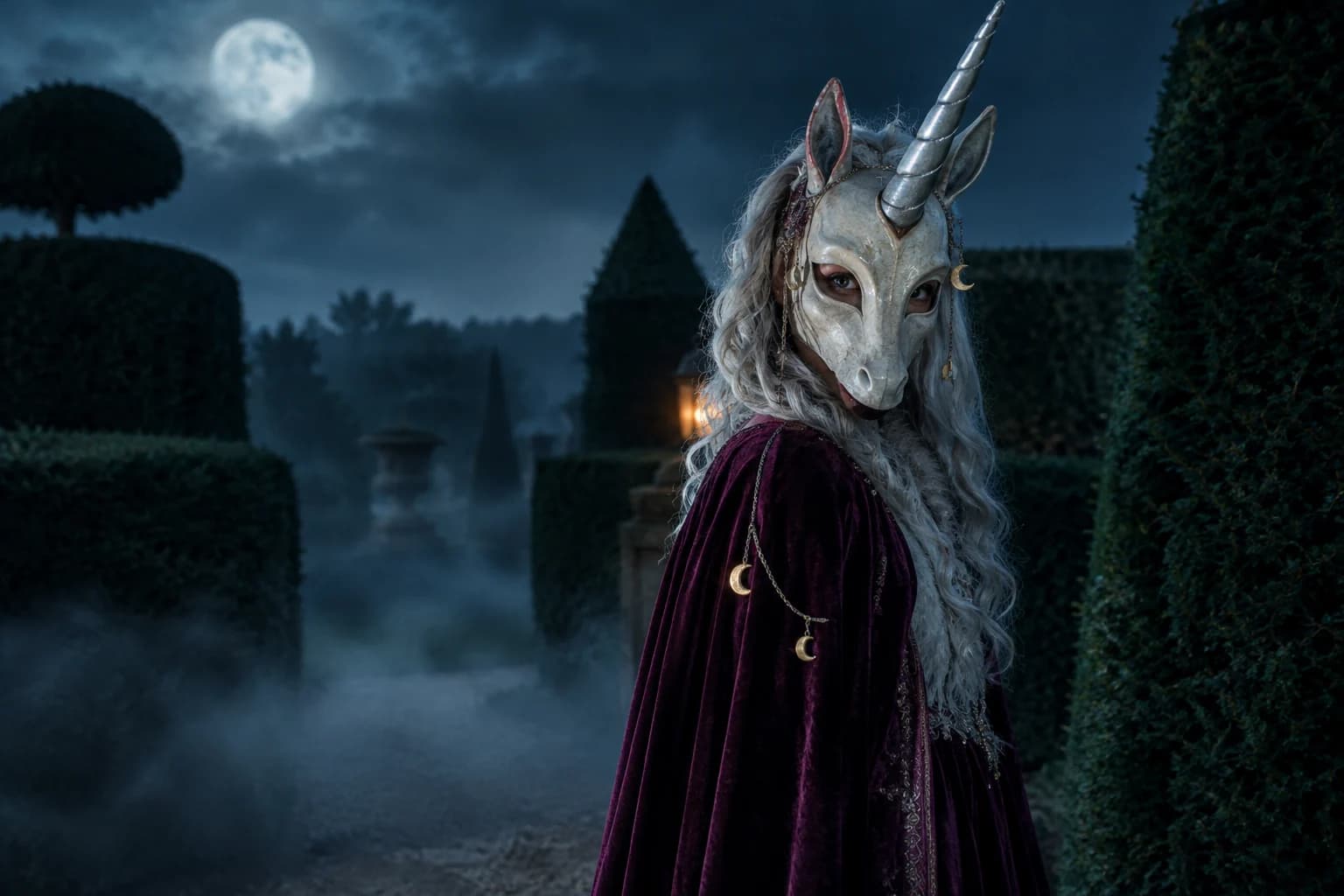
Haunted unicorn
A mascot silhouette, one silver horn and a moonlit garden.
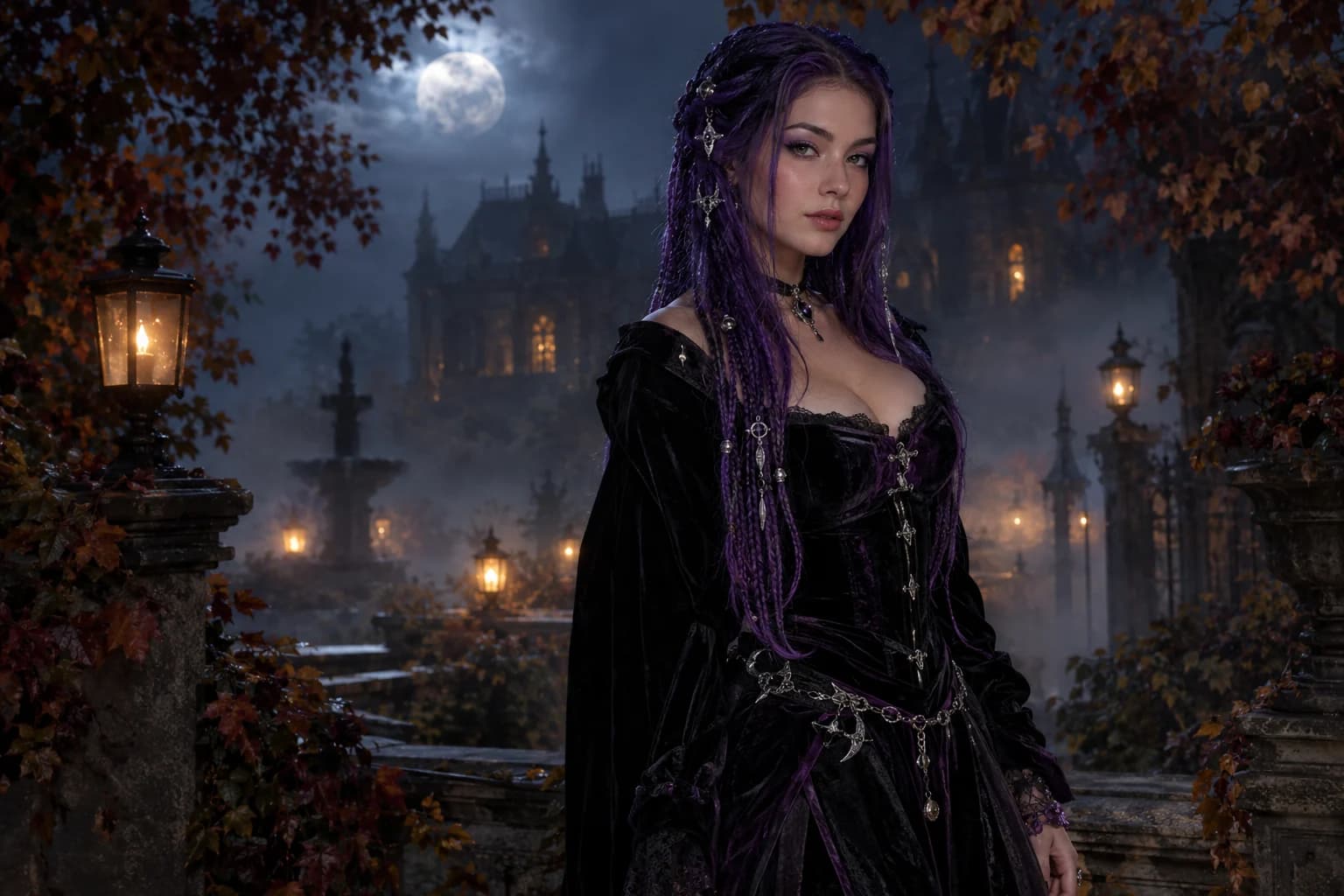
Midnight braids
Violet braids, silver details and a Victorian garden at night.
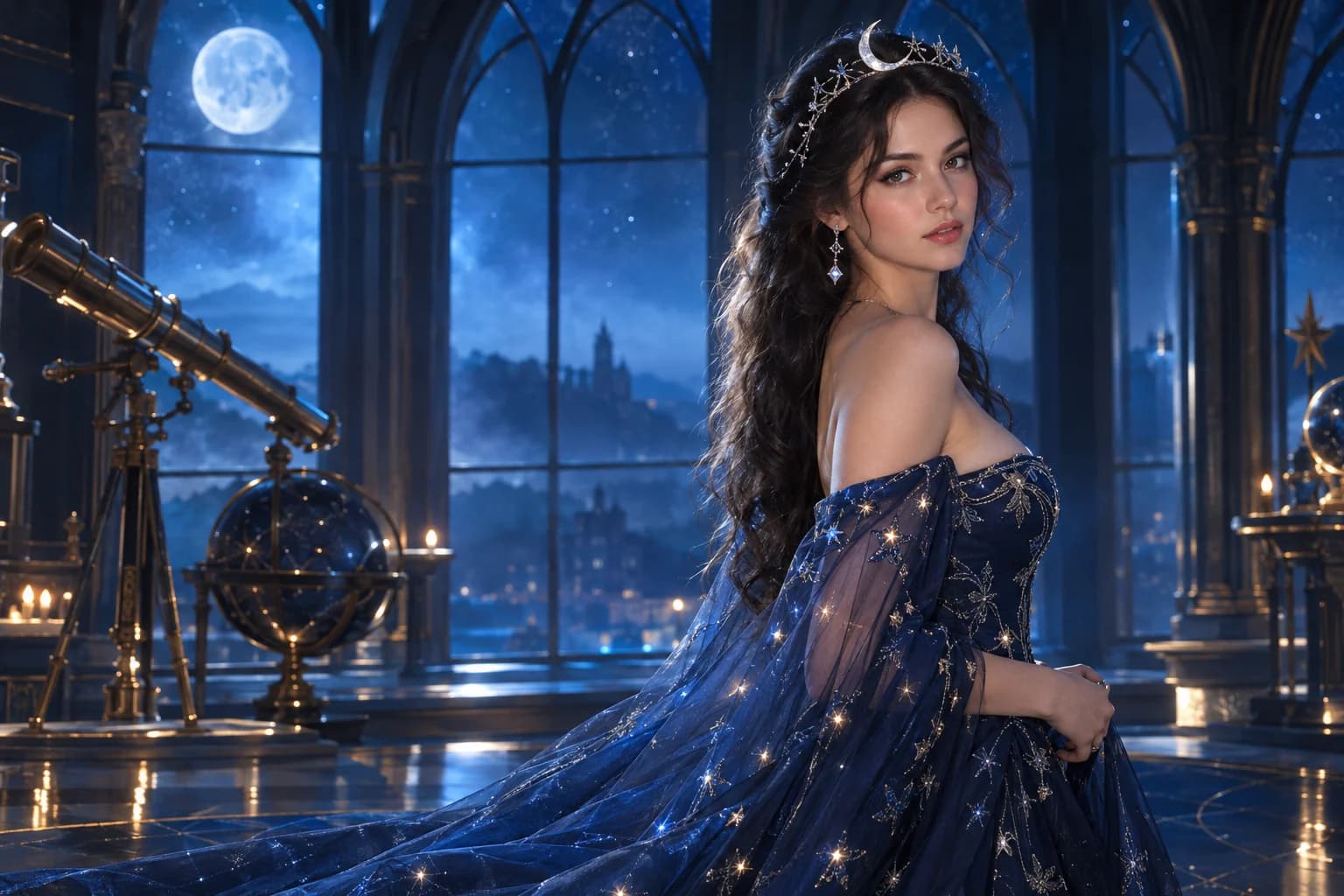
Cosmic princess
Midnight fabric, silver stars and a moonlit observatory.
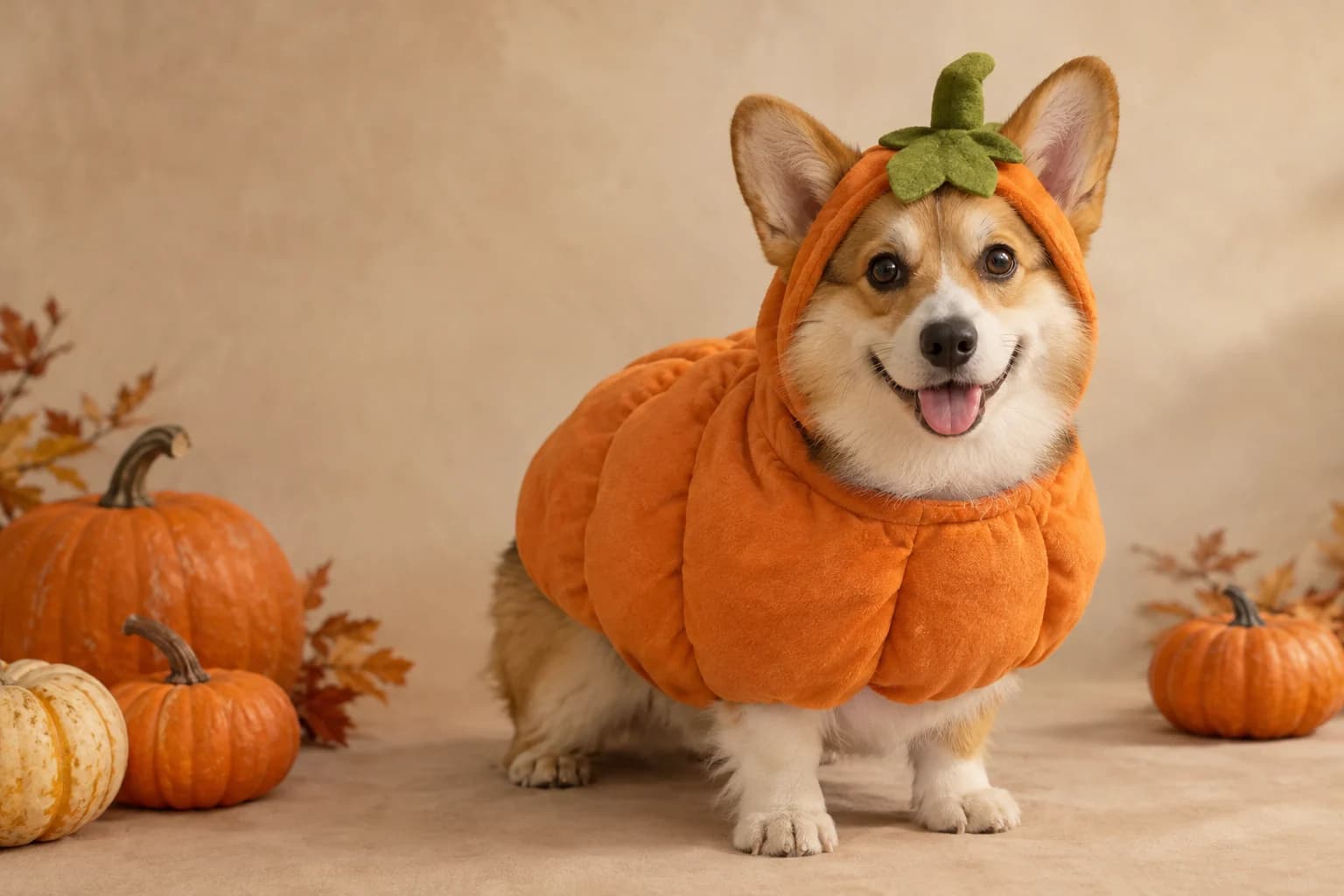
Pumpkin pet
Warm autumn light, soft costume fabric and the same pet underneath.
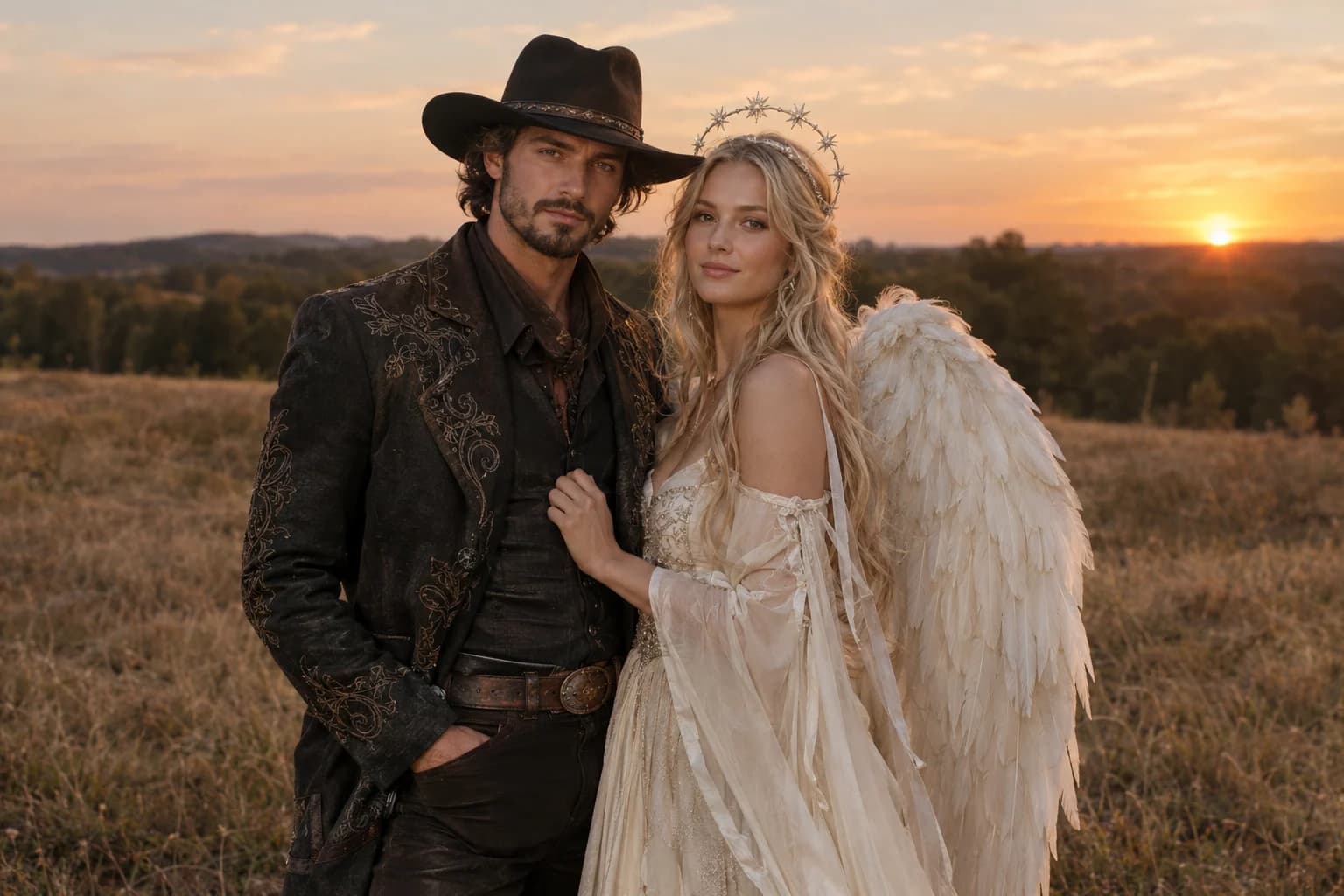
Cowboy and angel
Two coordinated costumes, two identities, one dusk scene.
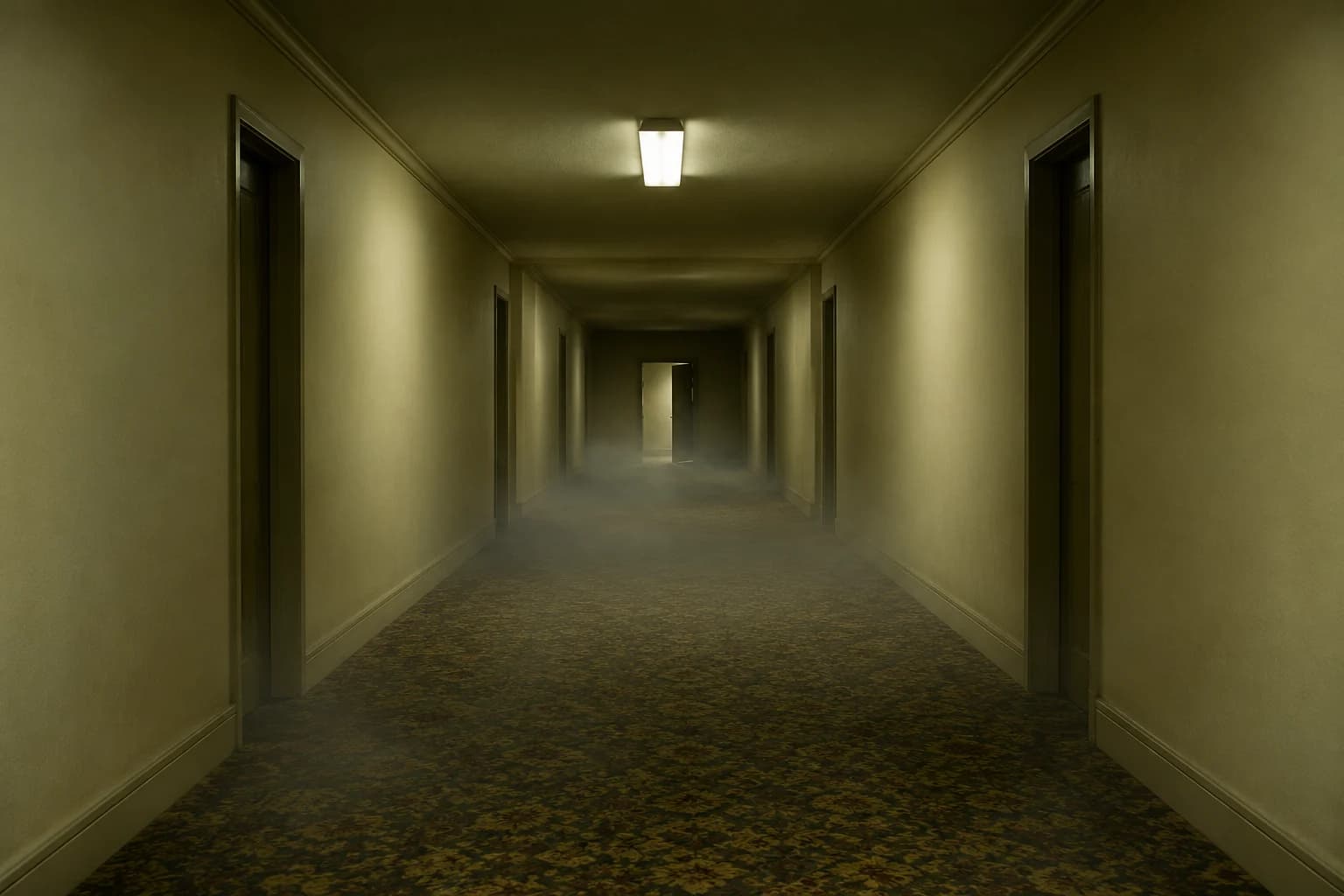
Backrooms video
A slow push through an empty corridor, with fog and a failing light.
The face rule is the whole brief
- Keep hair and face outside the costume shell.
- Use one LED accent, not lights everywhere.
- Check hands and shoulder joints at full resolution.
AI models like to complete a robot concept by removing the human face. Say early and clearly that the face remains visible, then reinforce it in the avoid clause. Do not describe an opaque helmet and expect the result to keep the original expression.
The material choices do most of the visual work. Brushed metal, matte fabric and a small LED accent look more like a wearable costume than an entire chrome exoskeleton.
Robot costume FAQ
Why does the prompt choose a higher-cost model?
The default is Nano Banana Pro because armour panels and studio reflections benefit from more detail. You can switch to a lower-cost model first and test the pose before paying for refinement.
Can I make a robot head instead?
Yes, but this page is intentionally written for a human face. For a full robot, start a new prompt and remove the identity-preservation clauses; do not expect a personal likeness.
Can the costume be colourful?
Yes. Keep one metallic base, one fabric base and one LED colour. Too many colours make the panels look painted rather than constructed.
Can I add a helmet I already own?
Use the photo-editor page and upload a clear reference of the helmet if the model accepts multiple images. Describe whether the face remains visible and keep the rest of the edit minimal.
Keep exploring
Costume generator
Preserve a real face while changing clothing, make-up and atmosphere.
Halloween photo editor
Relight, restyle and clean up a costume photo without replacing the person.
Halloween prompt library
Five copy-ready directions for images, pets, couples and video.
Midnight braids
Violet braids, silver details and a Victorian garden at night.