
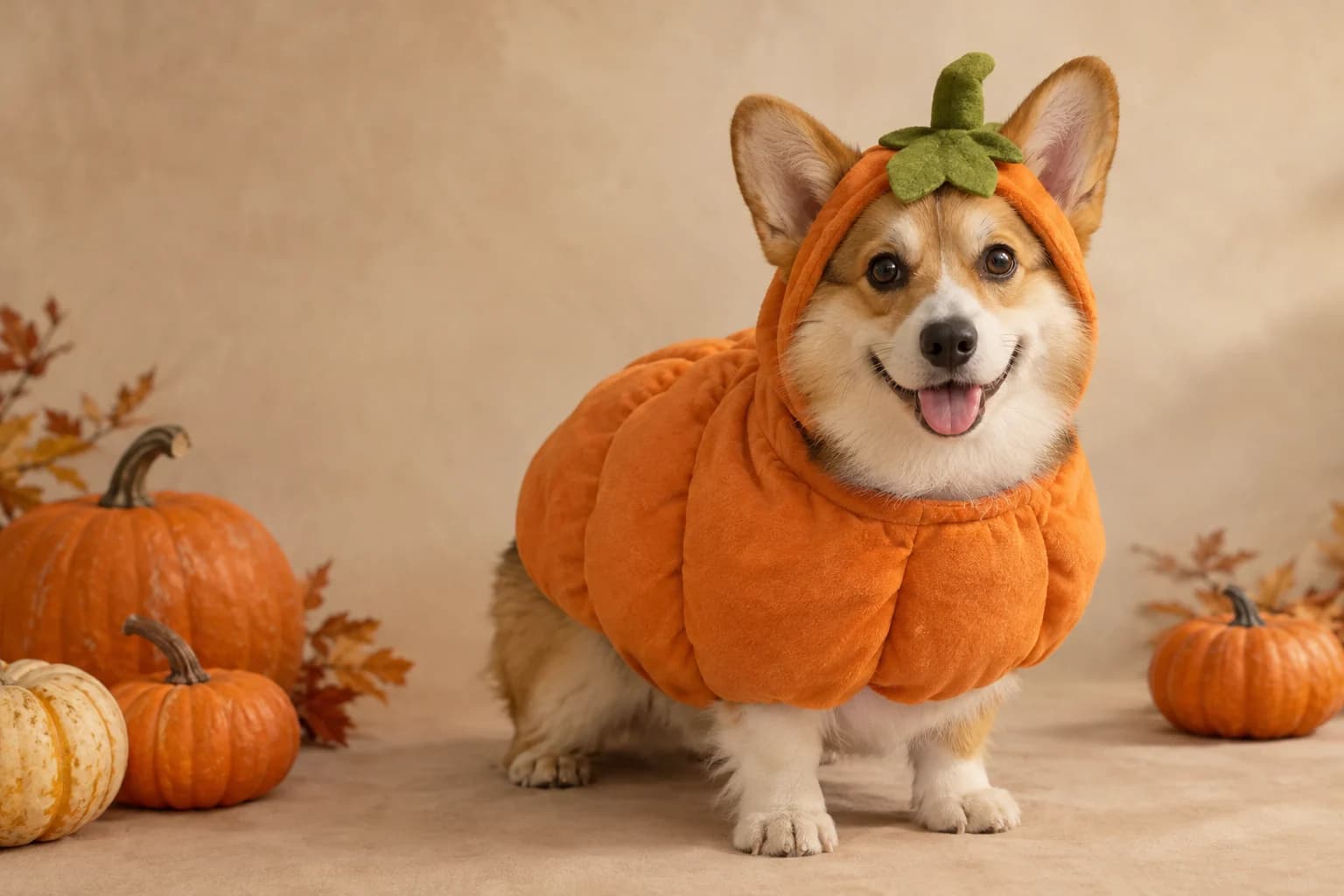
A pumpkin pet portrait that still looks like your pet
Protect the breed, fur colour, markings and face first. Then add a simple pumpkin costume, a warm studio and a few miniature pumpkins. The prompt avoids extra animals and paws because those are the details a pet owner notices first.
Halloween 2026 guide, checked October 20, 2026
- Identity
- Breed and markings
- Protect fur colour, eye colour and distinctive patches.
- Costume
- Soft pumpkin
- Keep the eyes and ears unobstructed.
- Scene
- Autumn studio
- Warm light, simple backdrop and a few small pumpkins.
Live generator
Pumpkin pet
The prompt is preloaded. Add your own photo, adjust the wording, and check the credit price before you run it.
The selector lists only models backed by a live route. KIE, WaveSpeed and Replicate models share the same workspace; the credit quote shown there is authoritative.
Choose a Halloween look
A pet edit starts with the animal, not the costume
The photo should remain a portrait of the same animal. Describe the distinguishing features before the costume and keep the setting simple.
- 1
Use an unobstructed photo
Show the face, eyes, ears and body clearly. Avoid heavy shadows or a second animal in the frame.
- 2
Describe the markings
Name the breed, base colour, patches, muzzle and eye colour before adding the costume.
- 3
Check paws and ears
Review the costume edges around the ears, eyes and paws. Regenerate if the pet's body changes.
Prompt recipe
Pumpkin pet studio
An original pet-costume study generated for this page.
Use the uploaded pet photo as the primary reference. Preserve the animal's original breed, fur colour, distinctive markings, eye colour, facial appearance and natural anatomy. Dress the pet in a soft pumpkin-inspired Halloween costume with a small green leaf accessory and a gently rounded orange body. Keep the costume fitted naturally, leave the eyes, nose and ears unobstructed and do not change the species. Place the pet in a cozy autumn photography studio with warm directional lighting, a muted cream backdrop and a few miniature pumpkins. Create a photorealistic professional pet portrait with realistic fur texture, natural shadows and attentive eyes. Keep exactly one animal. Avoid extra animals, unnatural paws, duplicated limbs, changed markings, text, logos and watermarks.Choose a Halloween look
Every card opens a page with a tested prompt, an editable photo, and a named starting model. Swap the model in the workspace without losing your upload or prompt.
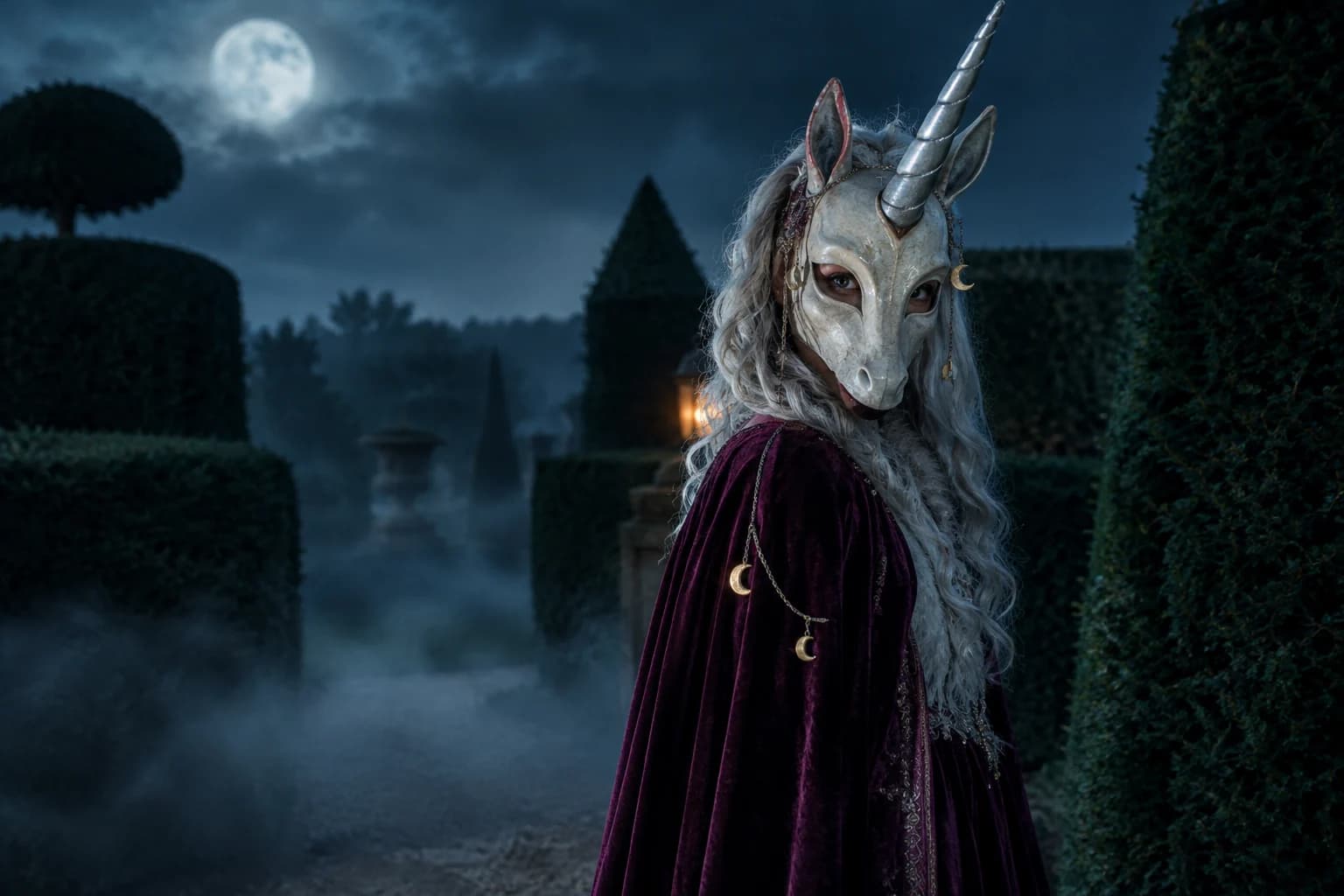
Haunted unicorn
A mascot silhouette, one silver horn and a moonlit garden.
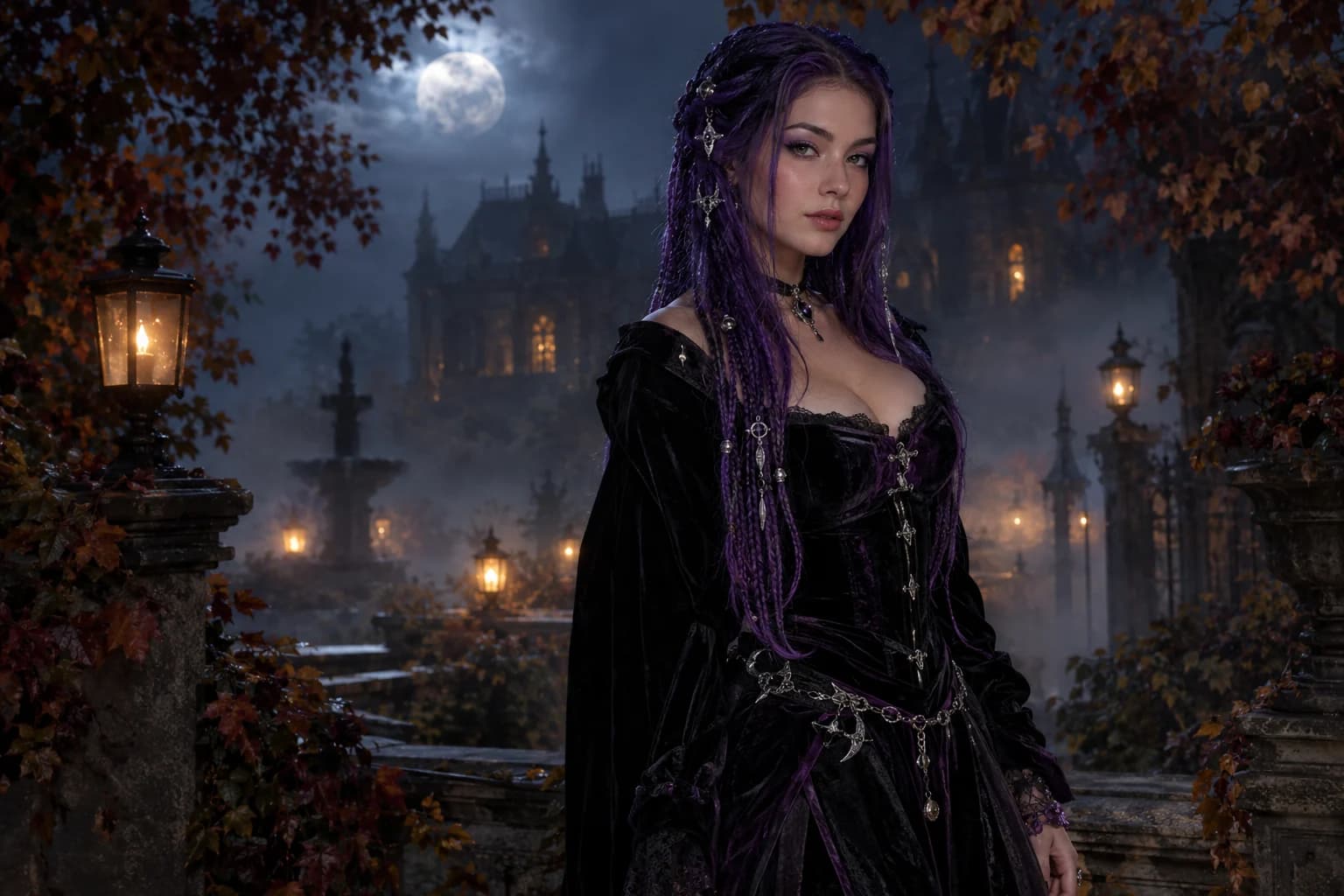
Midnight braids
Violet braids, silver details and a Victorian garden at night.
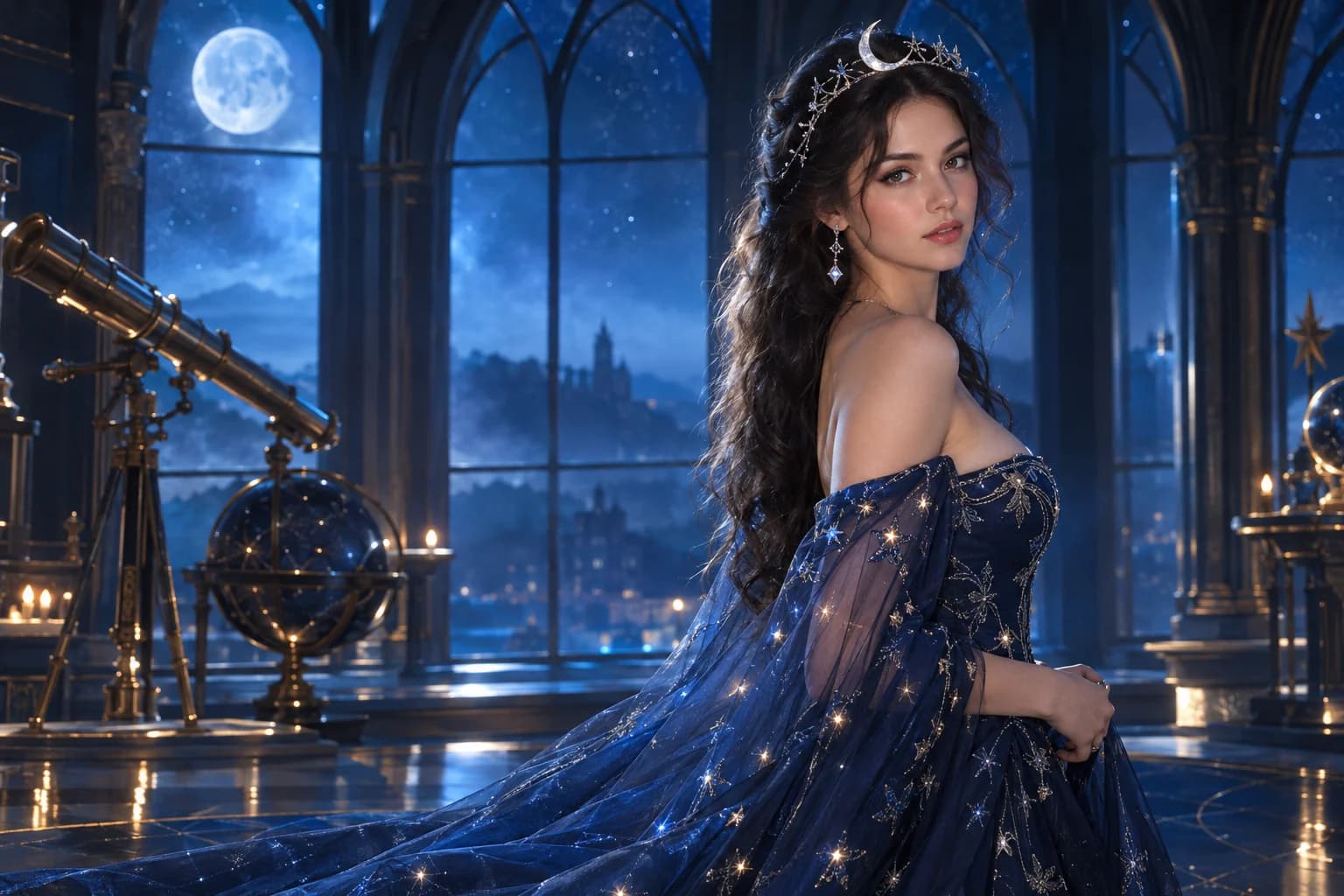
Cosmic princess
Midnight fabric, silver stars and a moonlit observatory.
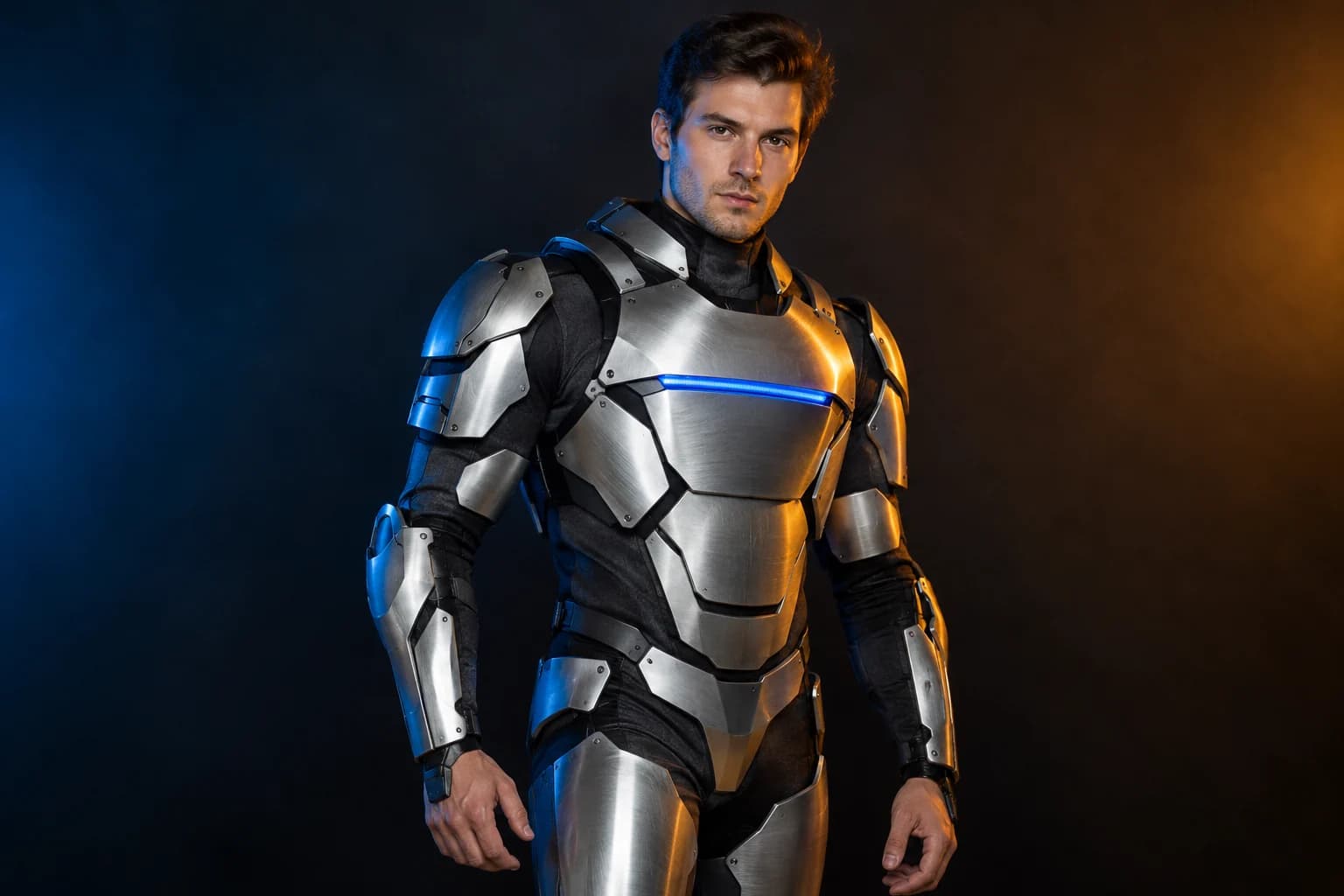
Robot costume
A real face inside a wearable armour costume, not a mechanical replacement.
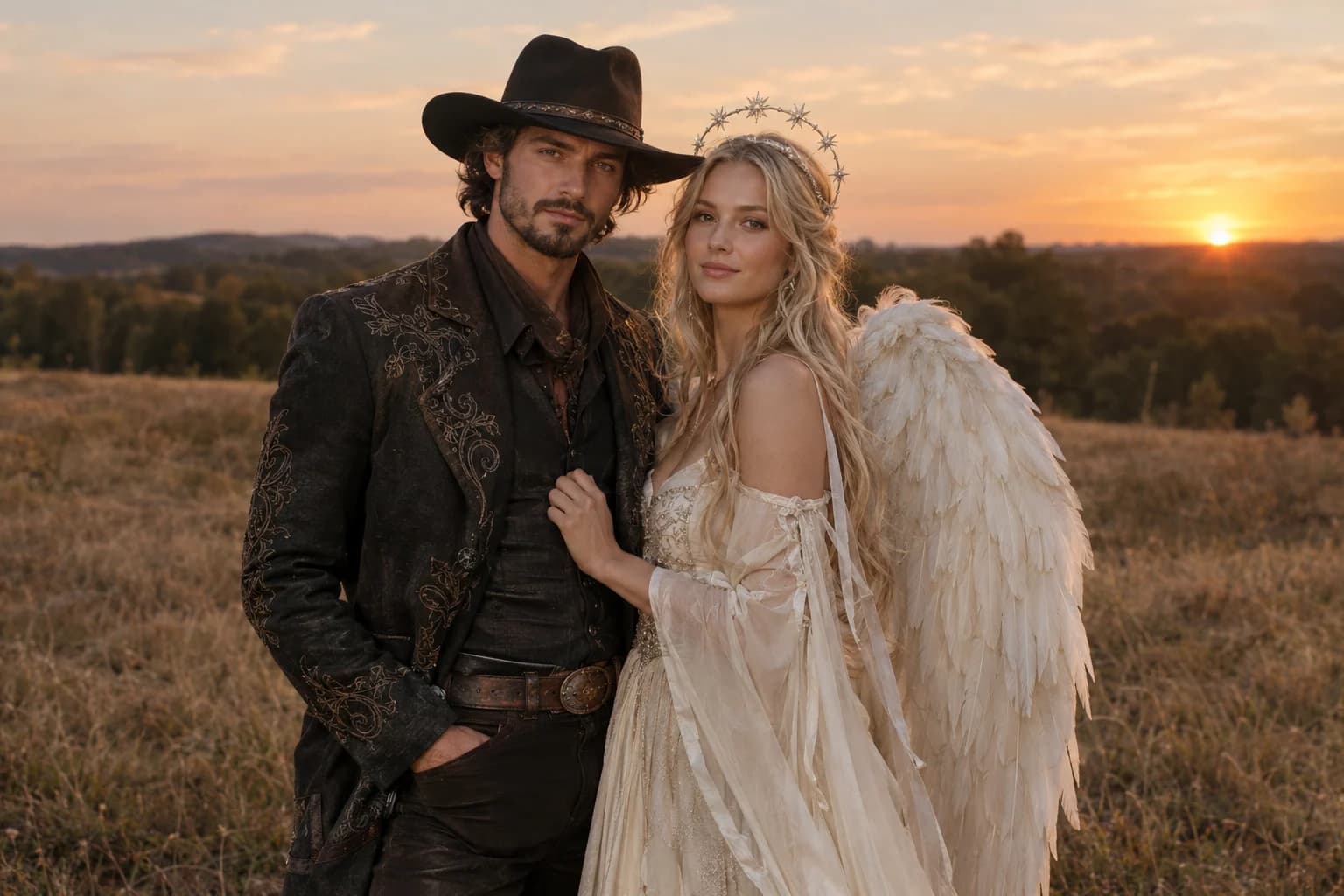
Cowboy and angel
Two coordinated costumes, two identities, one dusk scene.
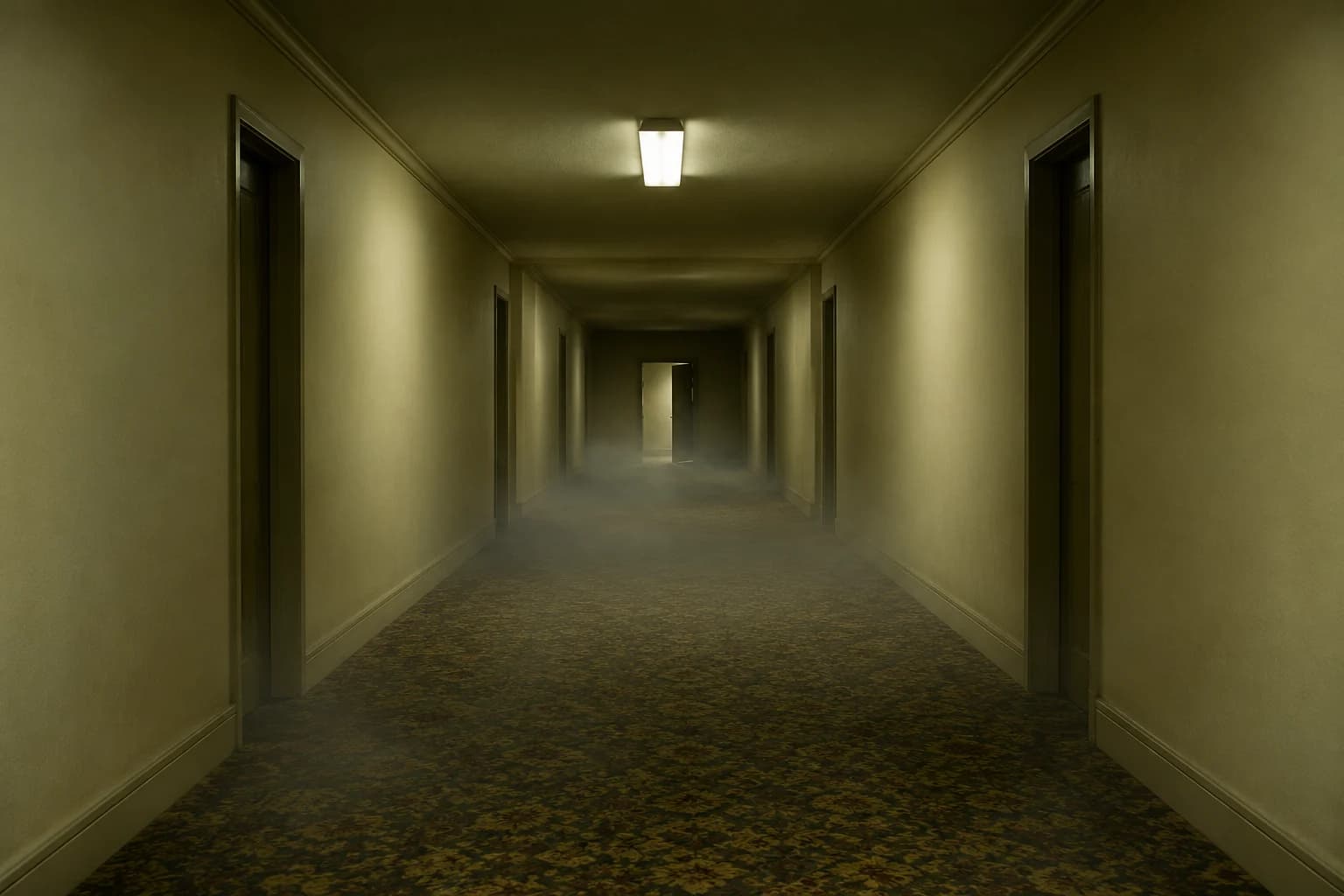
Backrooms video
A slow push through an empty corridor, with fog and a failing light.
Why pet photos need a stricter prompt
- Describe markings before the costume.
- Keep the eyes, nose and ears visible.
- Reject results with extra paws, even if the face looks good.
Pet identity is carried by fine markings, ear shape and eye colour. A generic 'cute dog in a pumpkin costume' prompt can produce a charming image of a different animal. The fixed reference and the explicit feature list keep the edit grounded.
Costume safety matters in the photograph too. Ask for an unobstructed face and natural movement. A costume that covers the eyes may look funny for a moment, but it makes the portrait harder to trust and easier for the model to distort.
Pumpkin pet FAQ
Can I use a cat photo instead of a dog?
Yes. Keep the same structure and name the species and breed in the first sentence. The costume and studio direction can stay the same.
Will the model keep my pet's exact markings?
The prompt asks it to, but the result is still a generation. Check the face, chest and paws against the source; if the markings drift, simplify the background and try a stronger model.
Can I add a second pet?
The current prompt explicitly asks for one animal because multi-pet edits often swap markings or add extra paws. For a group portrait, use separate source photos and describe each animal's position.
Does the costume have to be orange?
No. You can use a ghost, bat or autumn-leaf costume. Keep the soft fabric, visible face and one clear accessory so the character remains readable.
Keep exploring
Halloween photo editor
Relight, restyle and clean up a costume photo without replacing the person.
Halloween prompt library
Five copy-ready directions for images, pets, couples and video.
Haunted unicorn
A mascot silhouette, one silver horn and a moonlit garden.
Costume generator
Preserve a real face while changing clothing, make-up and atmosphere.