
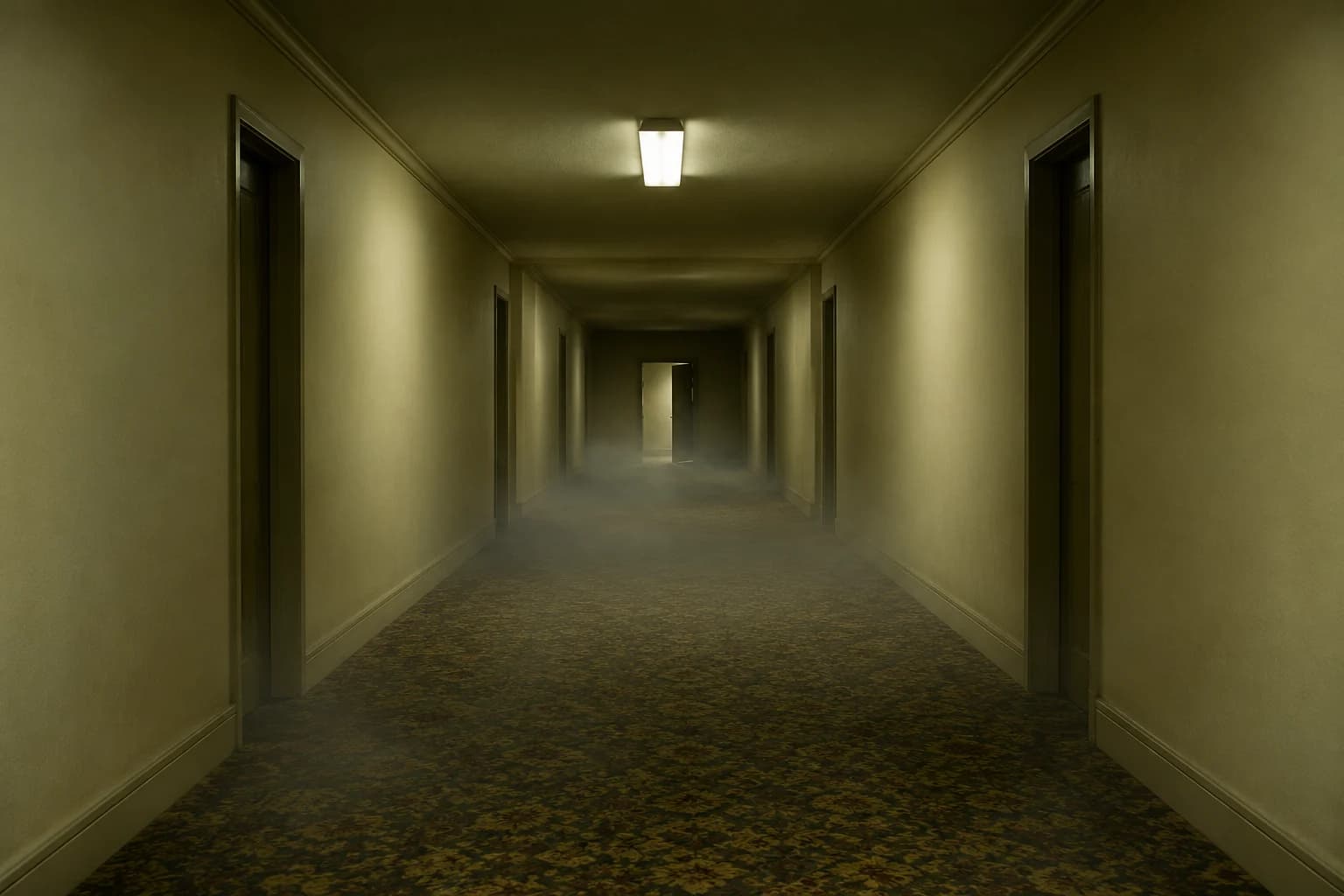
Turn a backrooms still into a five-second horror clip
The scare comes from architecture and timing, not a monster jumping into frame. Upload a hallway or room image, then animate a slow push, drifting fog and one failing light. Wan 2.5 Fast is selected first to keep the motion test affordable.
Halloween 2026 guide, checked October 20, 2026
- Starting model
- Wan 2.5 Fast
- A WaveSpeed image-to-video route for an affordable motion pass.
- Input
- One still
- Use a composition with a clear path for the camera.
- Motion
- Slow and stable
- One push-in and environmental movement beat fast action.
Live generator
Backrooms video
The prompt is preloaded. Add your own photo, adjust the wording, and check the credit price before you run it.
The selector lists only models backed by a live route. KIE, WaveSpeed and Replicate models share the same workspace; the credit quote shown there is authoritative.
Choose a Halloween look
Create tension with restraint
A liminal scene becomes uncanny when the camera moves as if it belongs there. Keep the architecture stable and let one small change carry the fear.
- 1
Start with a strong empty frame
Choose a still with a clear corridor, believable light and a natural vanishing point.
- 2
Animate one environmental detail
Fog, a flicker, a door edge or dust in the light is enough. Do not add a creature on the first pass.
- 3
Watch the whole clip
Check that walls and floor lines stay fixed. A single warped doorway makes the clip feel generated rather than filmed.
Prompt recipe
Backrooms hallway push-in
An original liminal-space study, generated for this page.
Use the provided image as the exact visual reference and starting composition. Create a continuous five-second cinematic shot inside an original empty liminal corridor with cream walls, worn patterned carpet and a low ceiling. Keep the architecture, perspective and lighting consistent with the reference. The camera moves forward slowly and smoothly along the centre line. A thin layer of fog crawls along the floor, and one ceiling light flickers once without changing colour temperature. Keep the corridor empty. Maintain realistic motion, stable walls and a natural perspective. Do not add people, creatures, sudden cuts, camera shake, text, logos or watermarks.Choose a Halloween look
Every card opens a page with a tested prompt, an editable photo, and a named starting model. Swap the model in the workspace without losing your upload or prompt.
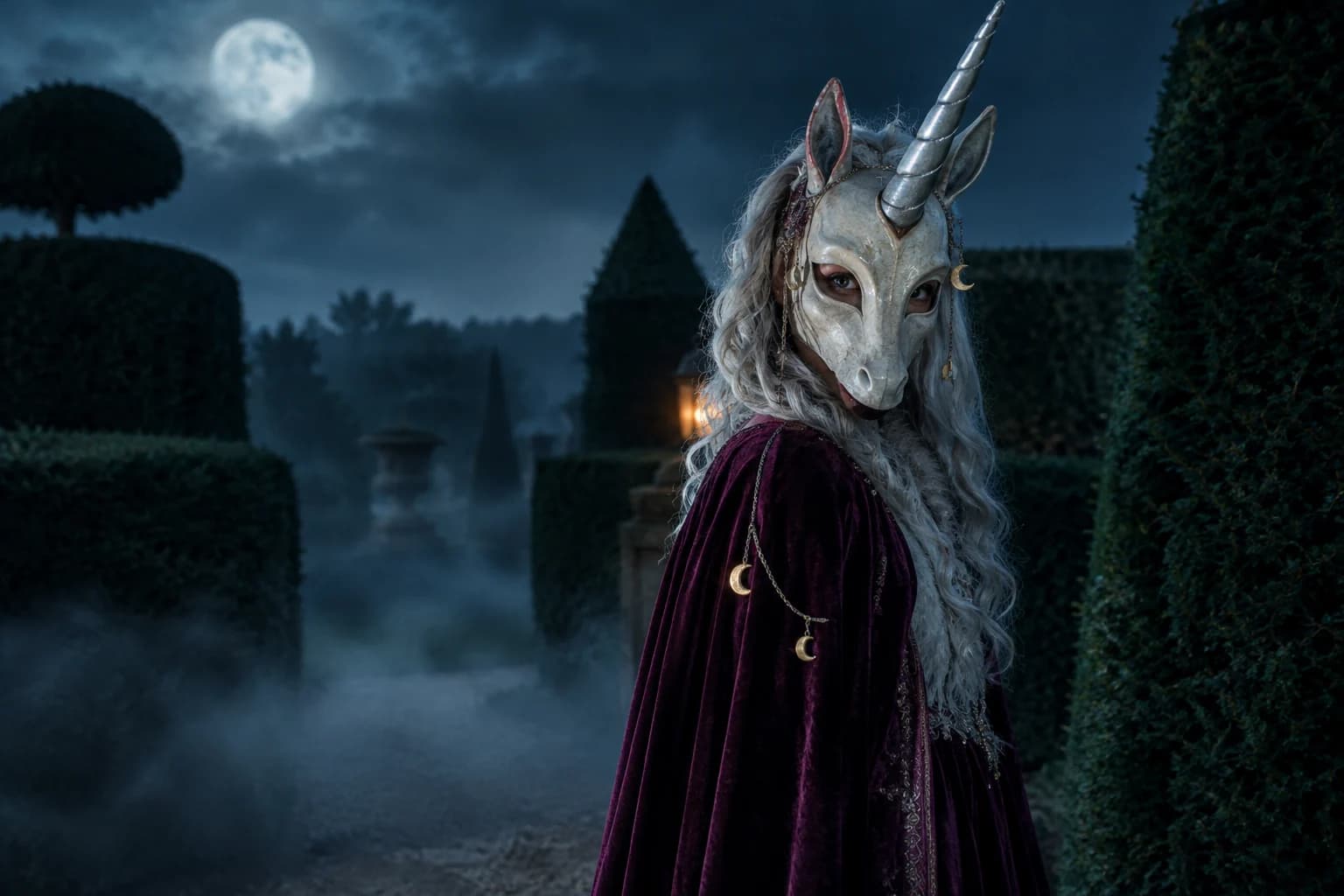
Haunted unicorn
A mascot silhouette, one silver horn and a moonlit garden.
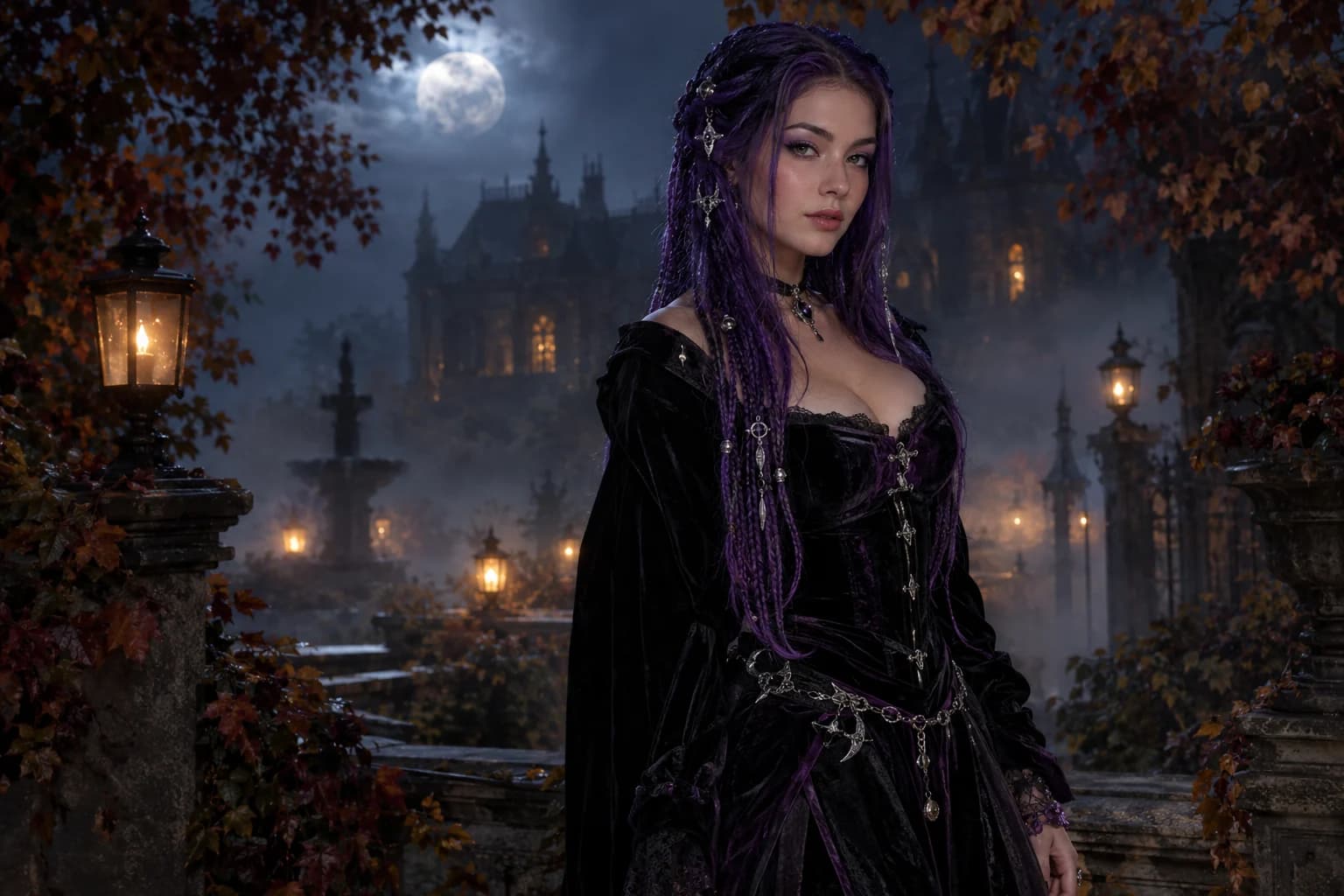
Midnight braids
Violet braids, silver details and a Victorian garden at night.
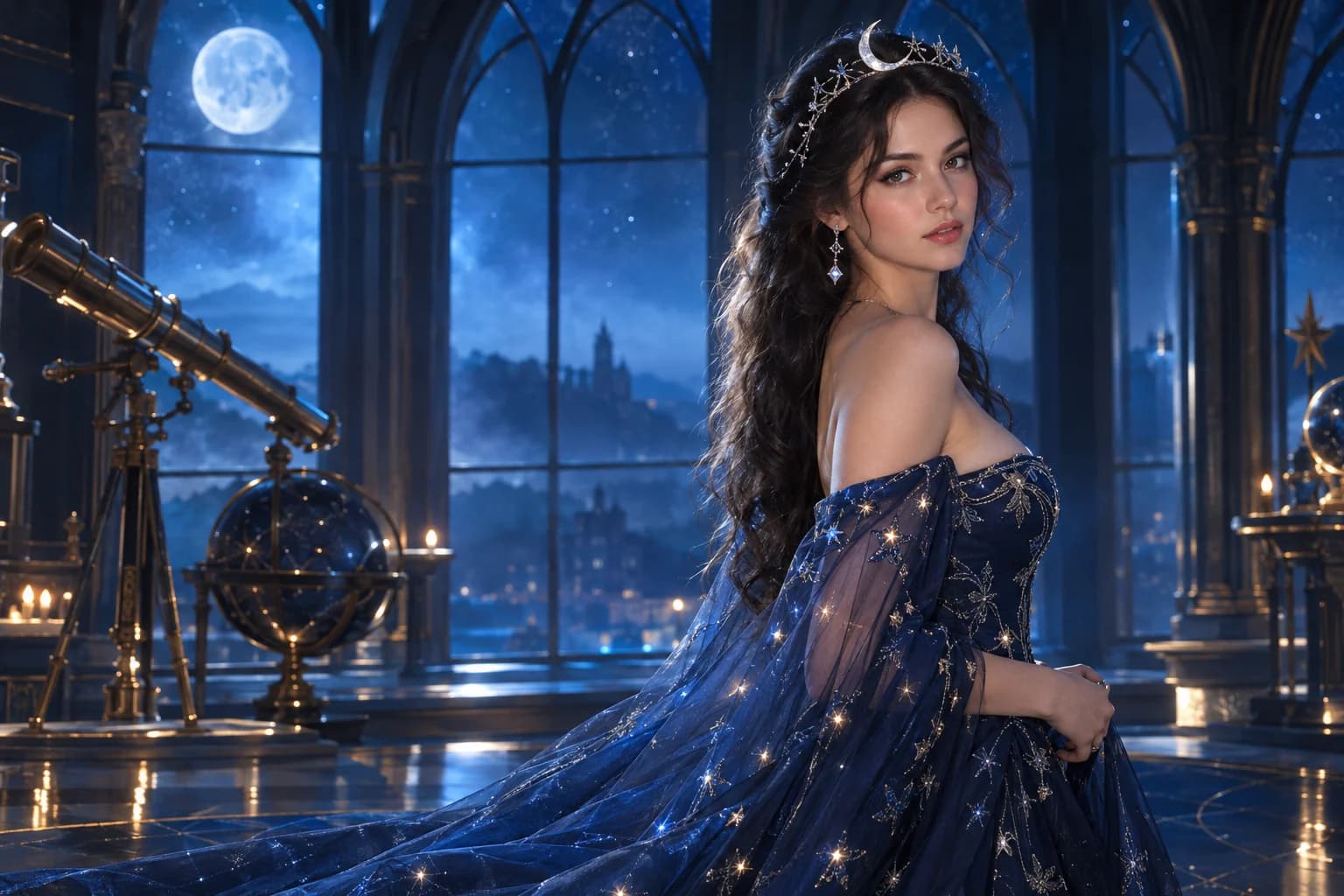
Cosmic princess
Midnight fabric, silver stars and a moonlit observatory.
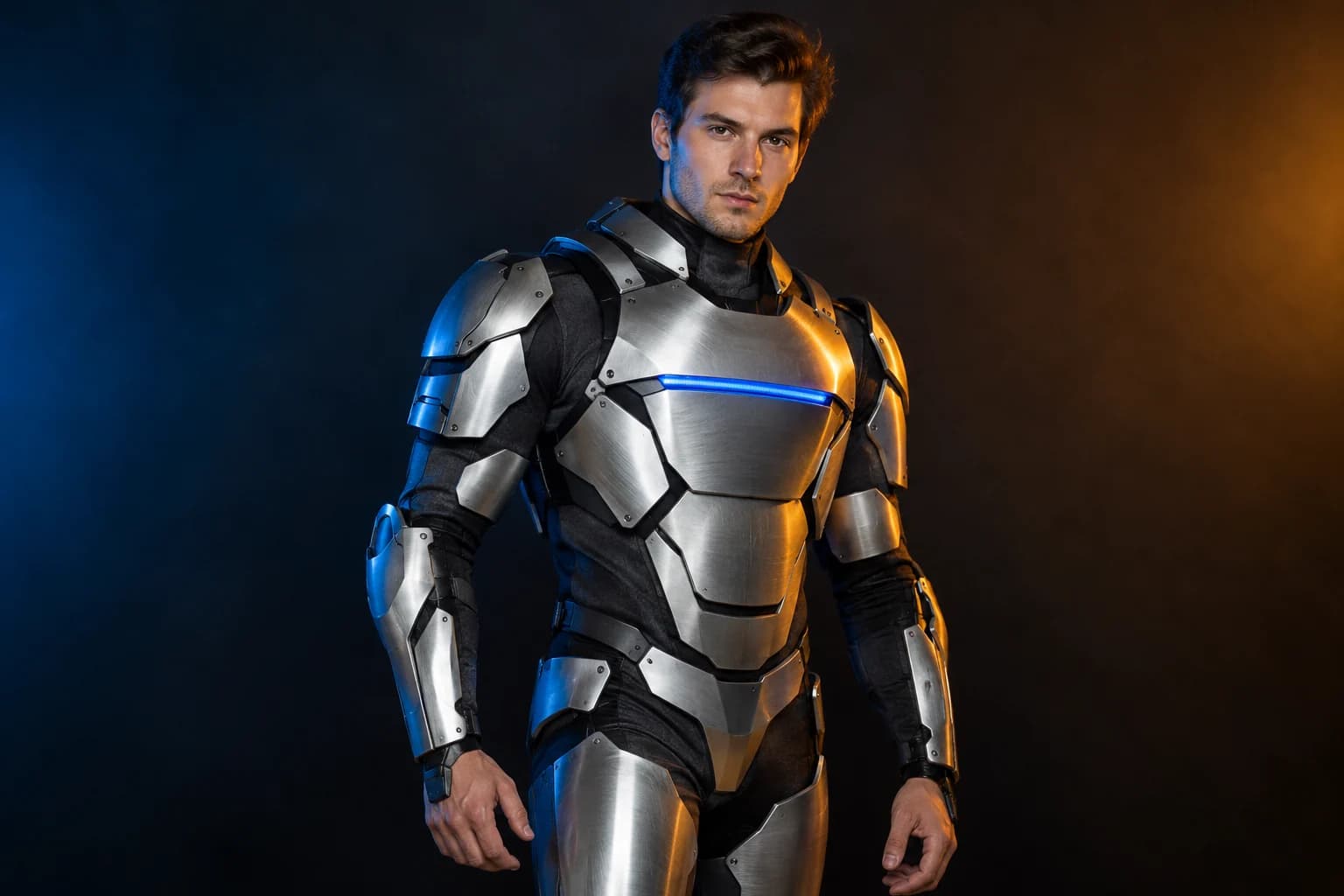
Robot costume
A real face inside a wearable armour costume, not a mechanical replacement.

Pumpkin pet
Warm autumn light, soft costume fabric and the same pet underneath.
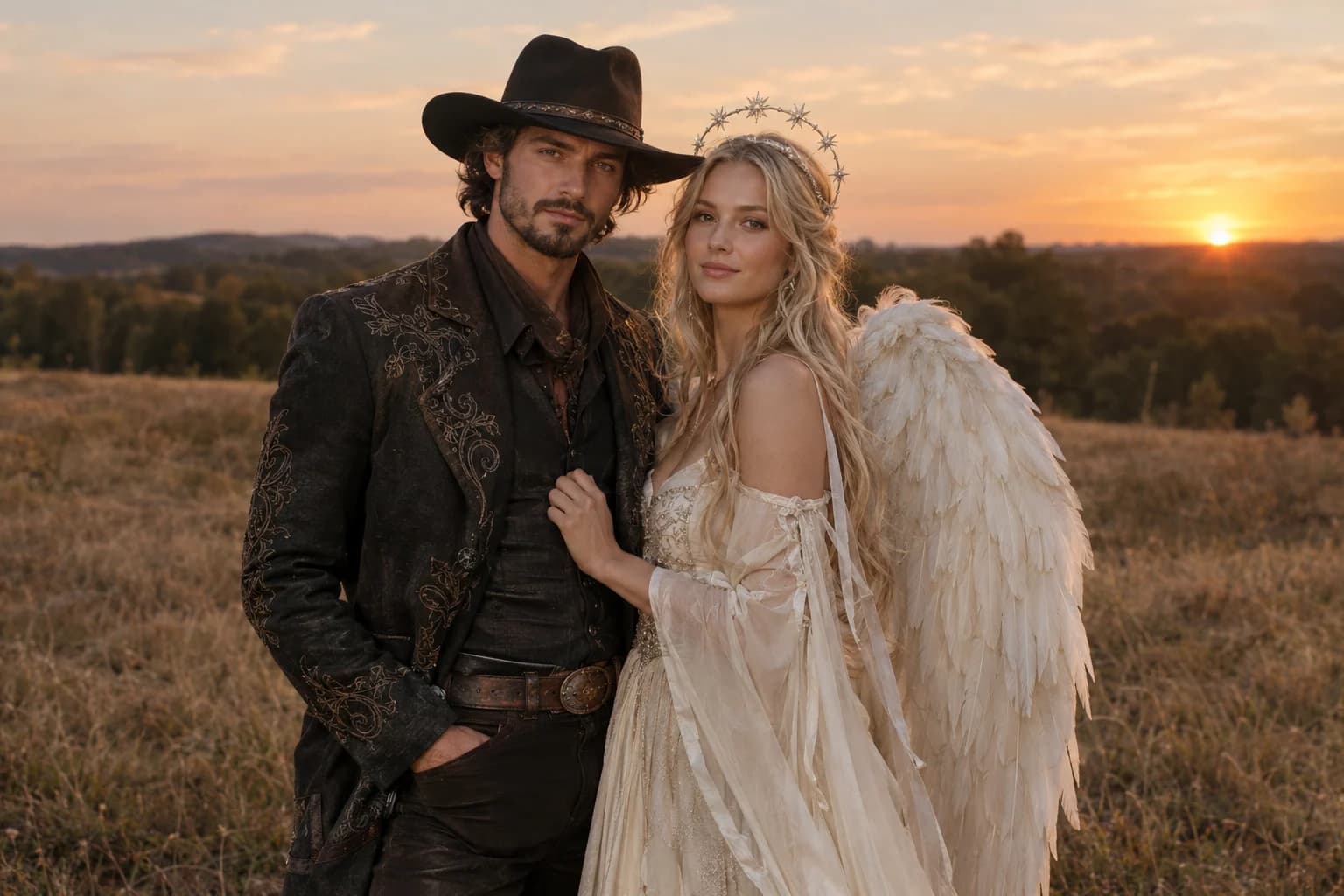
Cowboy and angel
Two coordinated costumes, two identities, one dusk scene.
The monster is usually the next clip
- Start empty; add a figure only after the room holds.
- Keep one perspective and one light change.
- Check floor lines, doors and wall corners at normal speed.
The first animation should prove that the room can move without warping. A slow push and one flicker are easy to review. Once that works, a second version can add a distant silhouette or a door opening.
Keep the original still. If the camera drifts or the floor pattern melts, return to the still and remove the extra movement from the prompt rather than spending on another long render.
Backrooms video FAQ
Do I need to upload an image?
Yes. This page uses an image-to-video route because the starting composition is the main creative decision. The still anchors the architecture while the model adds motion.
Can I add a creature?
You can, but test the empty room first. A stable corridor with one convincing environmental change often feels more unsettling than a fast monster reveal.
Why choose Wan 2.5 Fast?
It is the lower-cost WaveSpeed starting point for a short image-to-video test. Kling, Seedance and other image-to-video models remain available in the selector for a second comparison.
Can I make the clip longer?
Check the duration options and credit quote in the workspace. Start with five seconds, because a longer clip multiplies cost and gives the model more time to drift.
Keep exploring
Halloween video generator
Short atmospheric clips built from one action, one camera move and controlled light.
Halloween prompt library
Five copy-ready directions for images, pets, couples and video.
Haunted unicorn
A mascot silhouette, one silver horn and a moonlit garden.
Robot costume
A real face inside a wearable armour costume, not a mechanical replacement.