
Generate a five-second Halloween scene
Describe one action and one atmosphere, then let a text-to-video model carry the motion. This page starts on Wan 2.5 Fast through WaveSpeed; Kling, Seedance and Veo routes are available in the selector when the first composition needs more time or detail.
Halloween 2026 guide, checked October 20, 2026
- Starting model
- Wan 2.5 Fast
- A lower-cost WaveSpeed text-to-video route for a first motion test.
- Other routes
- Kling, Seedance, Veo
- KIE-backed options for cinematic motion or stronger scene interpretation.
- Length
- Five seconds first
- Test one shot before spending on a longer render.
Live generator
Halloween video generator
The prompt is preloaded. Add your own photo, adjust the wording, and check the credit price before you run it.
The selector lists only models backed by a live route. KIE, WaveSpeed and Replicate models share the same workspace; the credit quote shown there is authoritative.
Choose a Halloween look
Write one shot the model can finish
A short clip has limited time for story. Choose one subject, one action and one camera move, then keep the lighting consistent.
- 1
Name the subject and action
A hooded figure turns toward the camera. A lantern swings once. A curtain lifts in the wind. Keep it physical.
- 2
Set the camera
Use a slow push-in, a locked tripod shot or a gentle handheld drift. Avoid several camera moves in five seconds.
- 3
Compare models only after one works
Keep the same prompt and switch models when you want a different interpretation, not when the prompt is still vague.
Prompt recipe
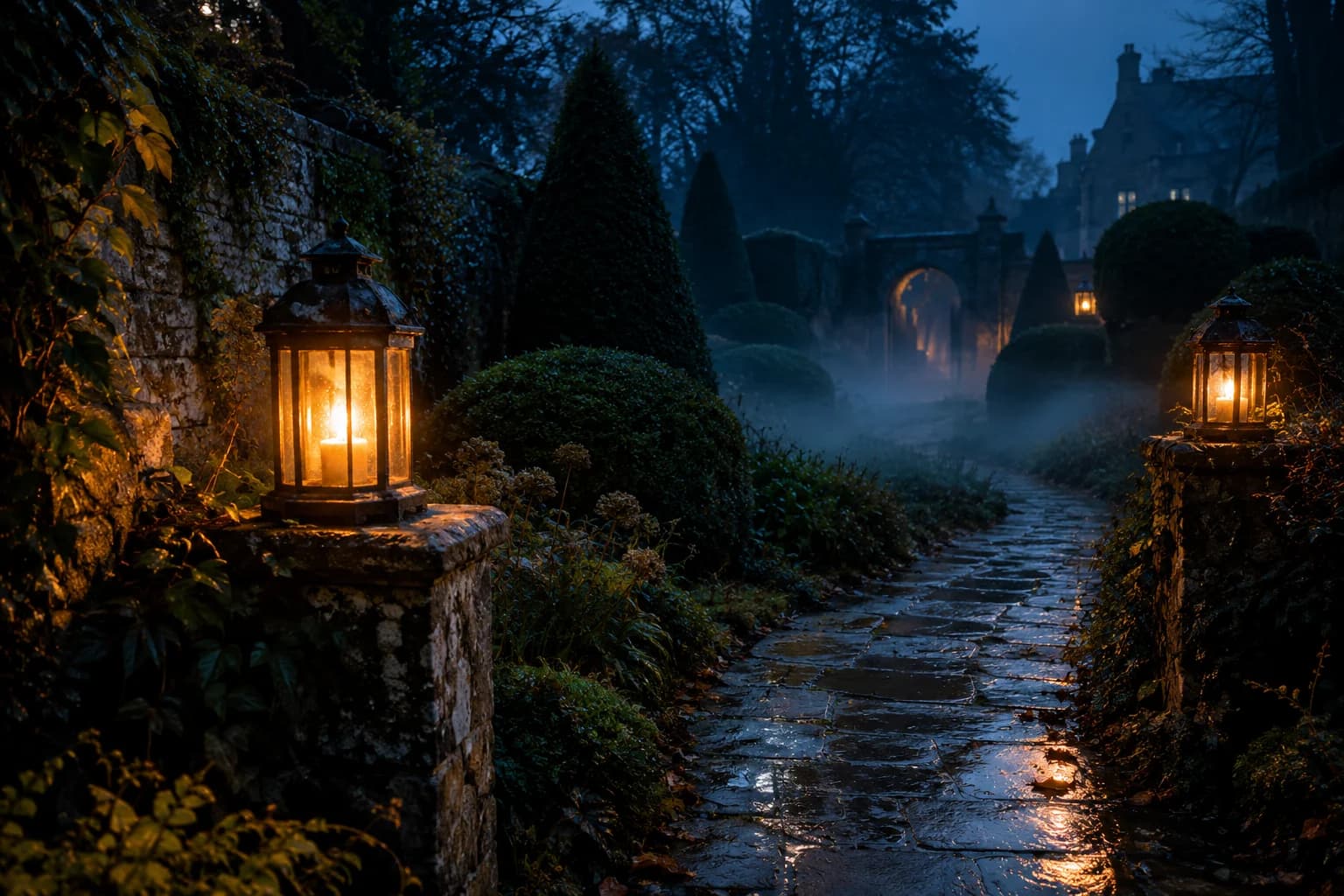
Lantern path, five seconds
A five-second motion study starts from a still like this one.
Create a continuous five-second cinematic Halloween shot. A lone adult figure in a dark hooded coat walks slowly away from the camera along a narrow garden path. Two weathered lanterns sway gently on either side. Thin fog drifts across the wet stones. The camera follows with a slow, smooth push-in and stays behind the figure. Use warm amber practical lights against deep blue evening shadows, realistic cloth movement, stable anatomy and natural motion. Keep the scene grounded and photorealistic. No cuts, no additional people, no sudden hand or face close-up, no text, no logo and no watermark.Choose a Halloween look
Every card opens a page with a tested prompt, an editable photo, and a named starting model. Swap the model in the workspace without losing your upload or prompt.
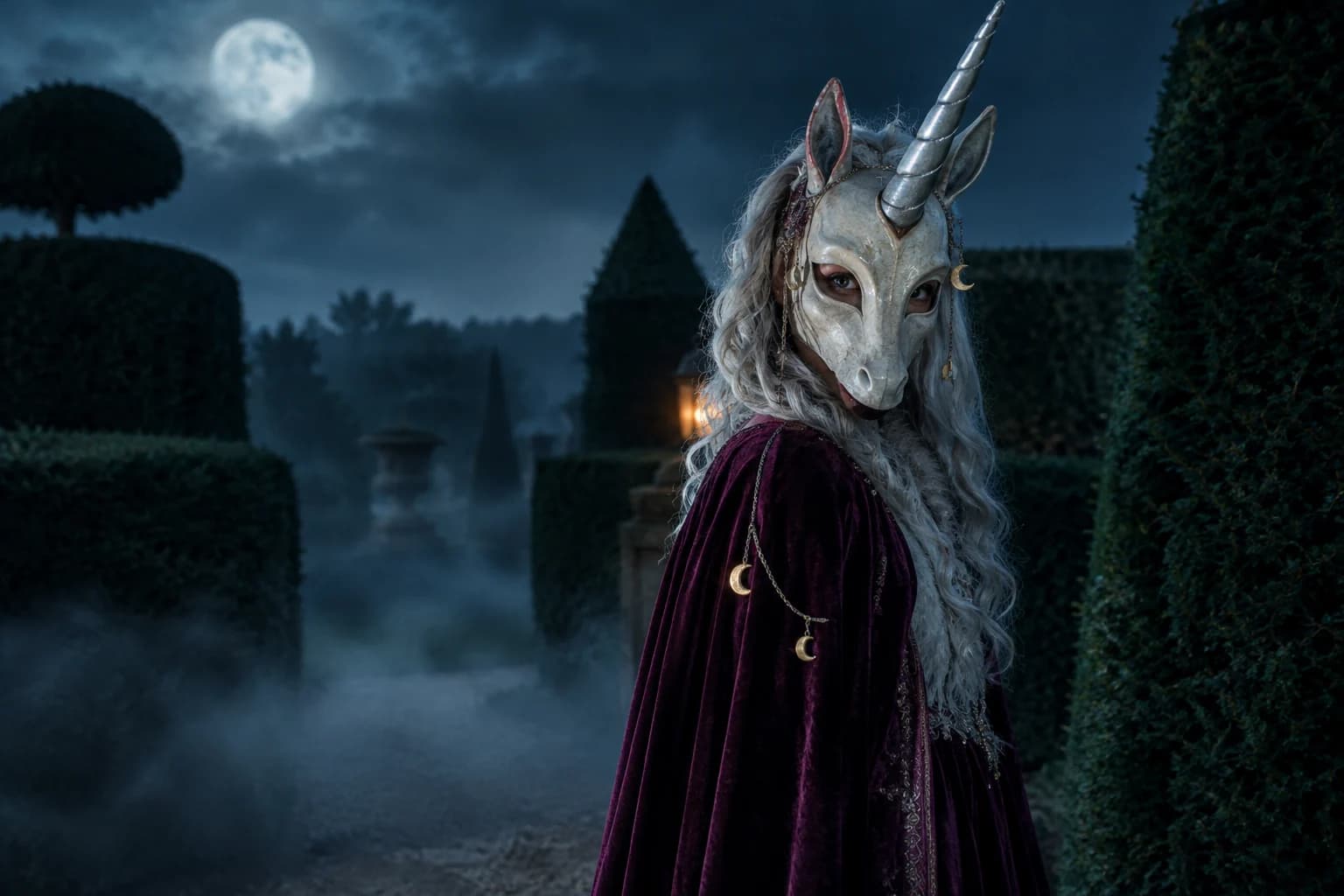
Haunted unicorn
A mascot silhouette, one silver horn and a moonlit garden.
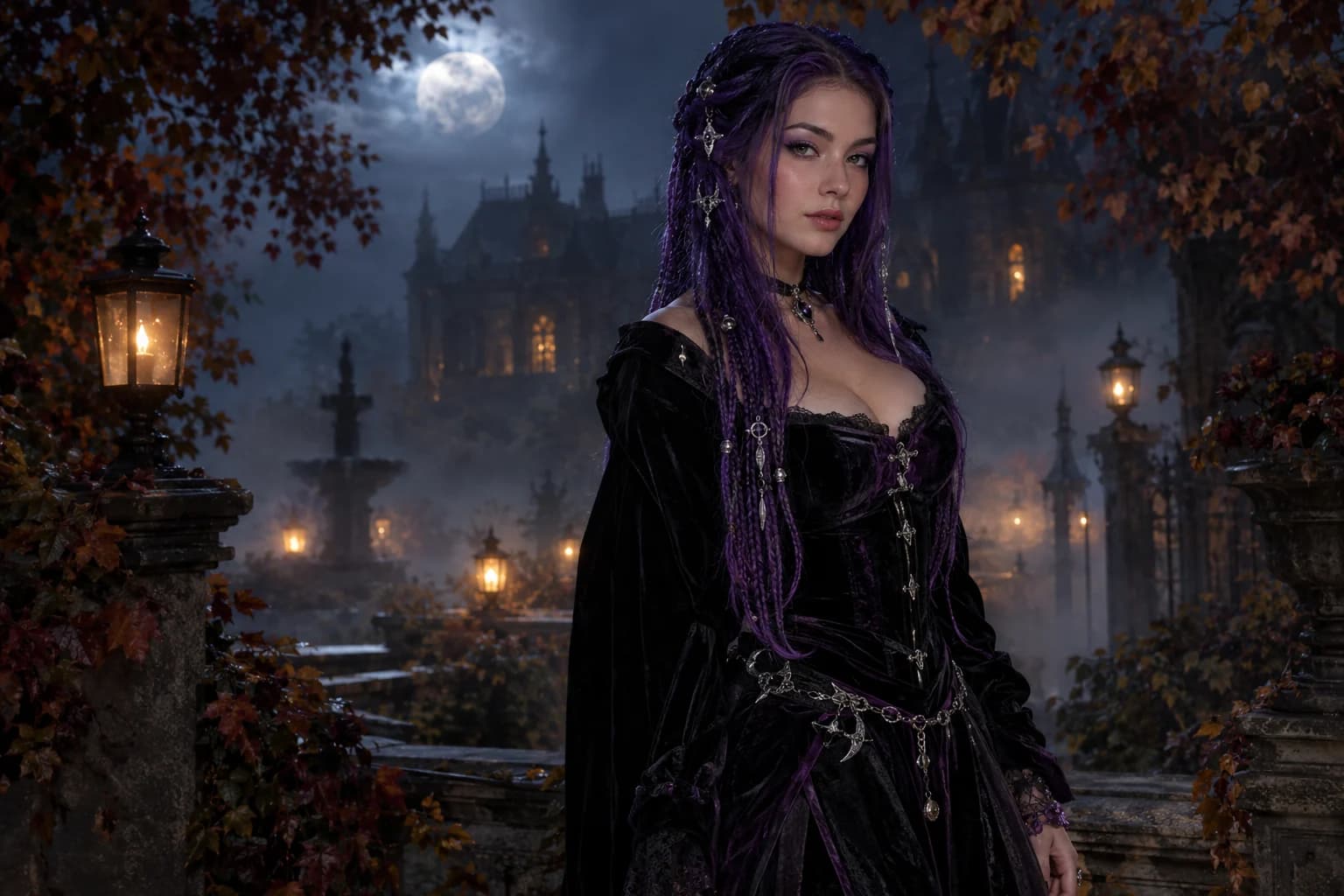
Midnight braids
Violet braids, silver details and a Victorian garden at night.
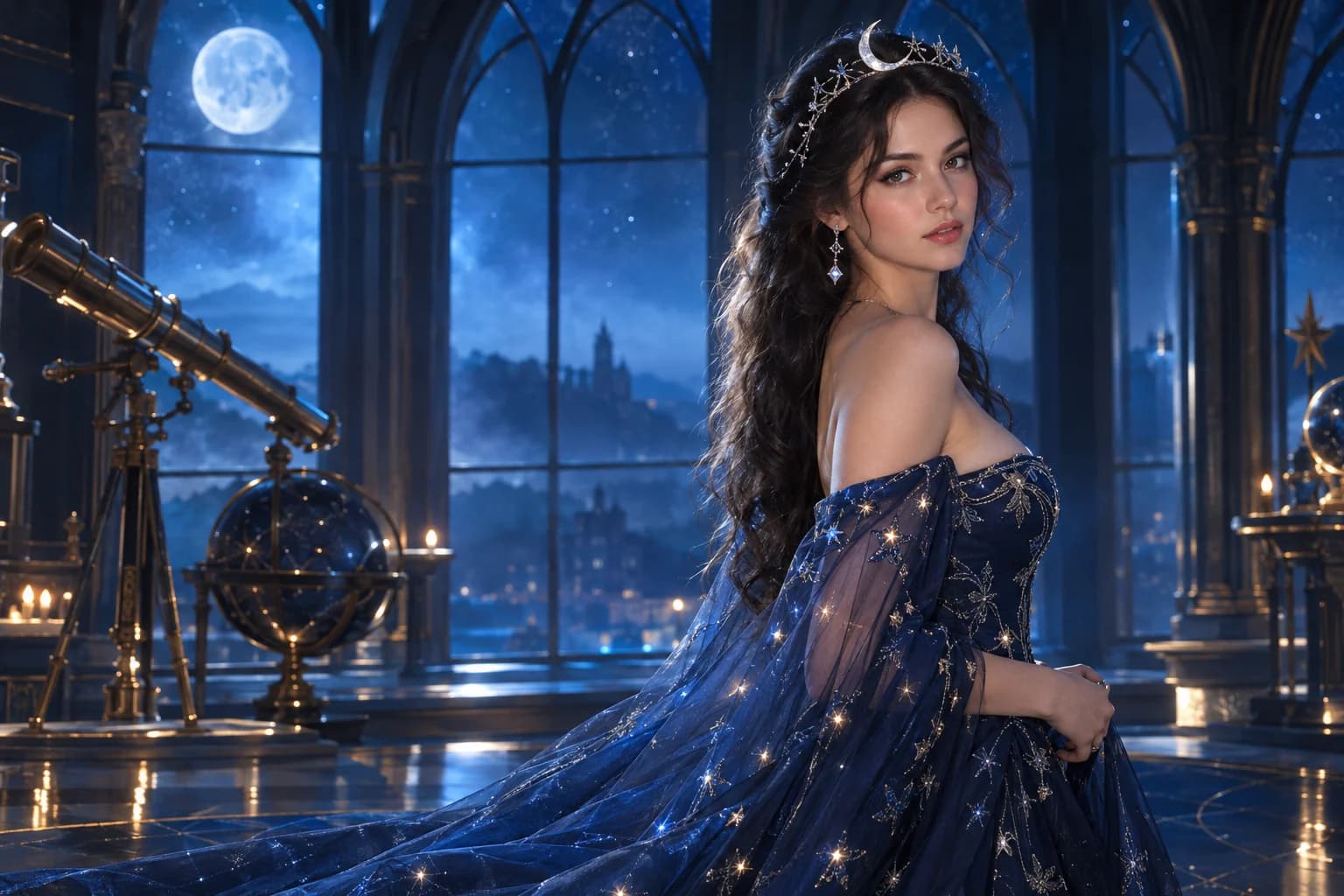
Cosmic princess
Midnight fabric, silver stars and a moonlit observatory.
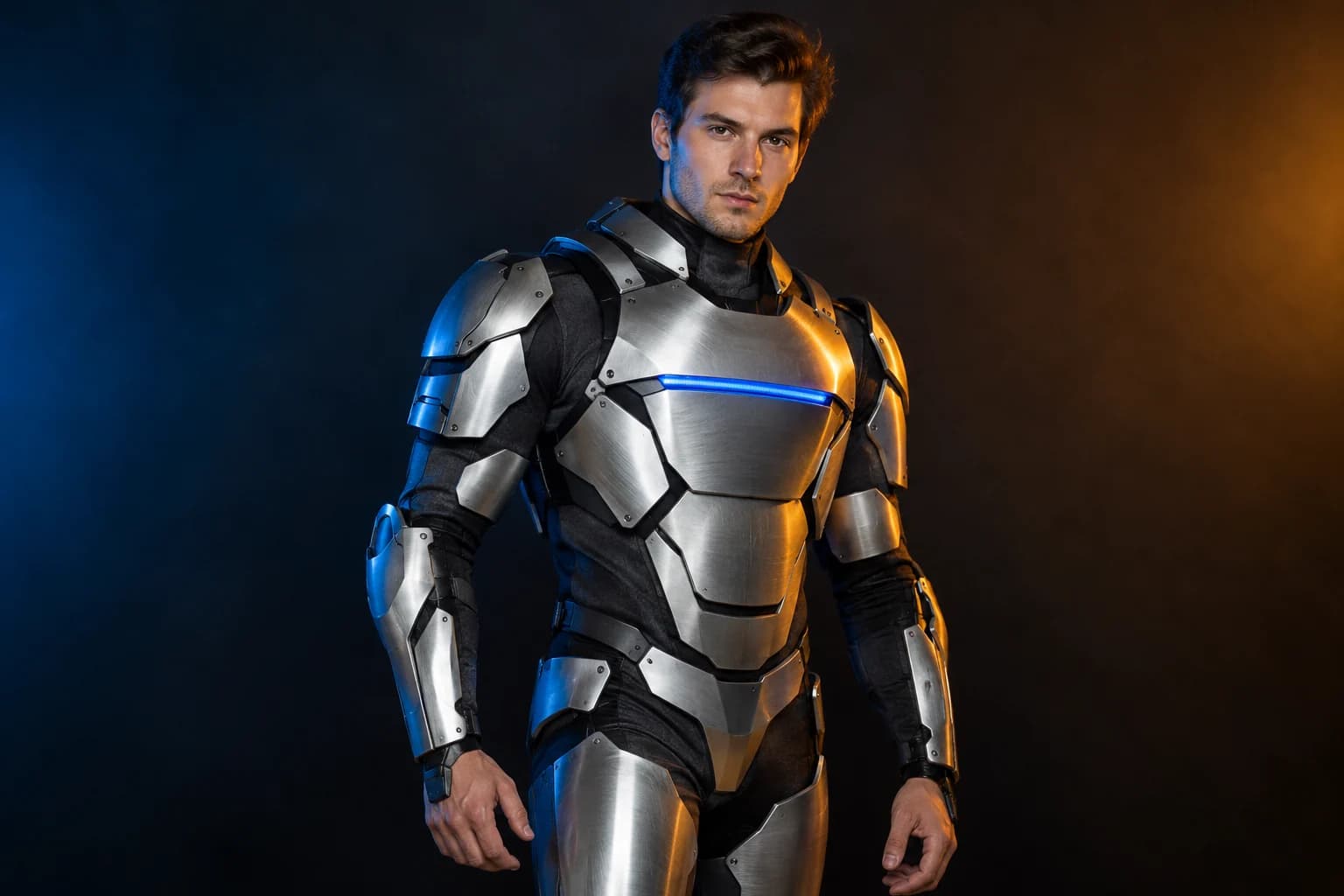
Robot costume
A real face inside a wearable armour costume, not a mechanical replacement.

Pumpkin pet
Warm autumn light, soft costume fabric and the same pet underneath.
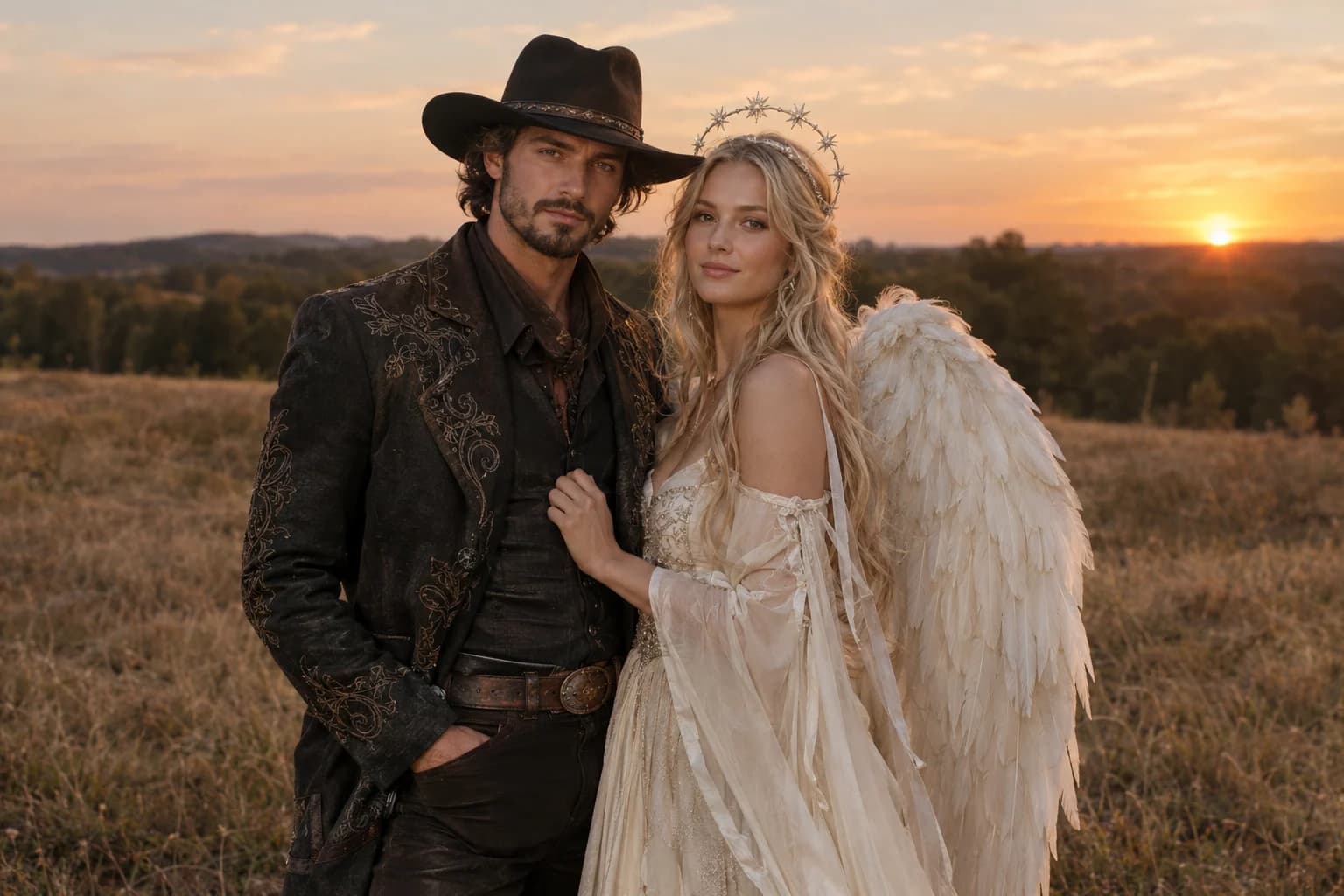
Cowboy and angel
Two coordinated costumes, two identities, one dusk scene.
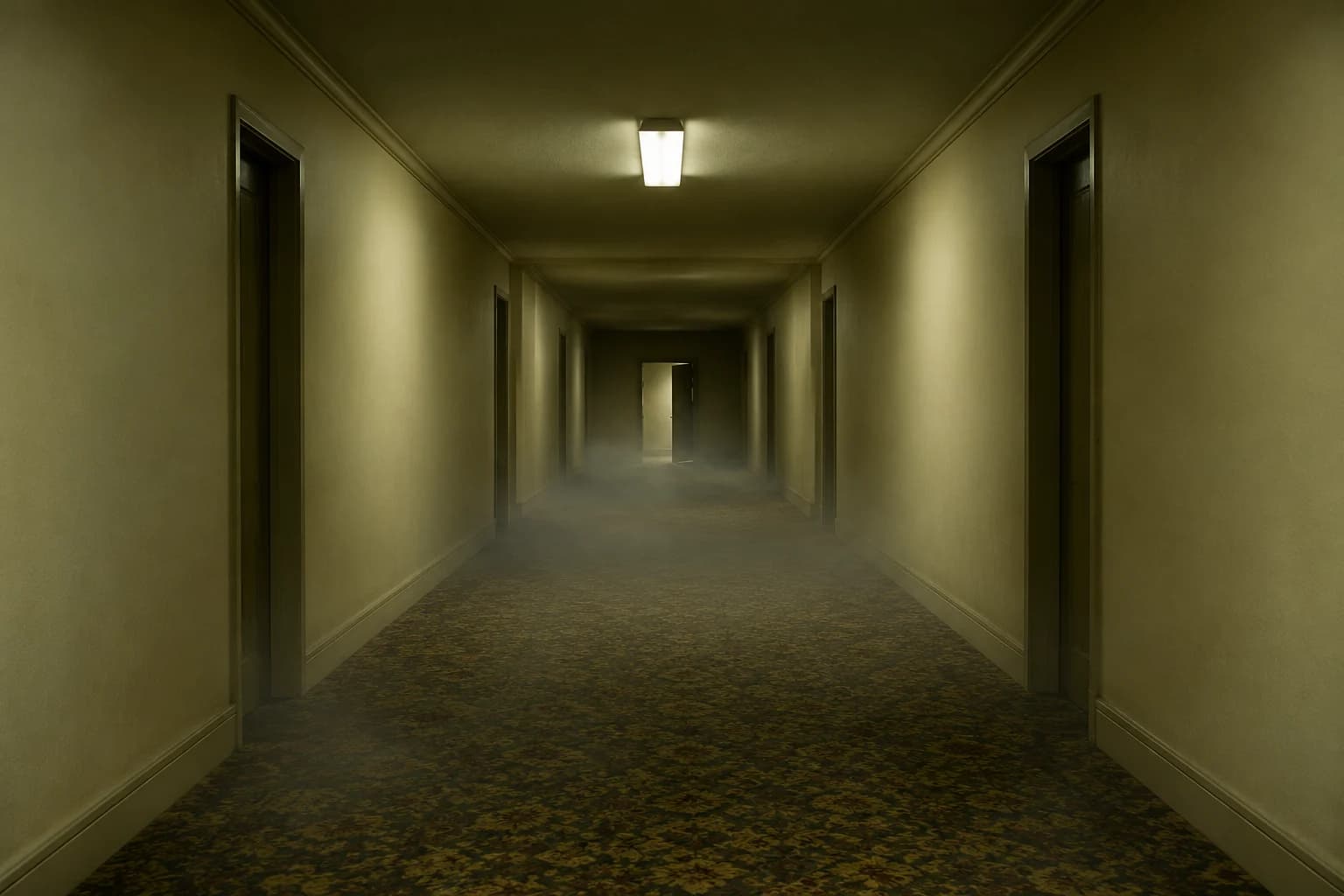
Backrooms video
A slow push through an empty corridor, with fog and a failing light.
The first version should move less
- One subject, one action, one camera move.
- Avoid fast running, complex hands and scene changes.
- Review at normal speed before inspecting a paused frame.
Five seconds is long enough to reveal unstable hands, flickering light or a face that changes between frames. Start with a back view, a locked camera or one simple gesture because those choices put less pressure on identity and anatomy.
If you already have a still, use the image-to-video route instead. Animate This Look keeps the costume and composition fixed while adding fog, a head turn or a slow camera push.
Halloween video generator FAQ
Is this text-to-video or image-to-video?
This page opens a text-to-video model, so the prompt creates the scene. The backrooms page and the main image-to-video route start from an uploaded still instead.
Which video model keeps identity best?
Identity is easier to preserve when you start from a clear still and use an image-to-video model. Text-to-video models reinvent the subject from the description, so claiming a guaranteed likeness would be misleading.
Why start with Wan 2.5 Fast?
It is a lower-cost WaveSpeed route that is useful for checking a composition and camera move. Switch to Kling, Seedance or Veo when the shot works and you want a different quality or interpretation.
What happens if a clip fails?
The workspace reports a failed run and shows the retry controls. The published refund policy explains how confirmed provider failures are handled; a run that never starts is not charged.
Keep exploring
Backrooms video
A slow push through an empty corridor, with fog and a failing light.
Costume generator
Preserve a real face while changing clothing, make-up and atmosphere.
Halloween prompt library
Five copy-ready directions for images, pets, couples and video.
Midnight braids
Violet braids, silver details and a Victorian garden at night.